

Baki Hanma: Blood Arena Game – Overview – Download – Free – PC – Specs – Screenshots – Installation Guide
Type of game: Action-Fighting
PC Release Date: September 11, 2025
Developer/Publishers: Purple Tree S R L, Purple Play LLC
Baki Hanma: Blood Arena (1.72 GB) delivers intense hand-to-hand combat inspired by the brutal fighting style of the Baki universe. Featuring fast-paced battles, powerful character moves, and challenging arena duels, the game captures the raw strength and skill of martial arts combat. With its aggressive gameplay, sharp animations, and adrenaline-filled encounters, Baki Hanma: Blood Arena offers a thrilling experience for fans of action fighting games and the iconic Baki series on PC.
Before downloading make sure that your PC meets minimum system requirements.
Minimum System Requirements
- OS: Windows 10
- Processor: Intel Core i3 M380
- RAM: 3 GB
- Hard Disk: 2 GB available space
- Graphics Card: Radeon HD 7850 or Geforce GTX 660 2 GB or higher
- DirectX: Version 11
Screenshots
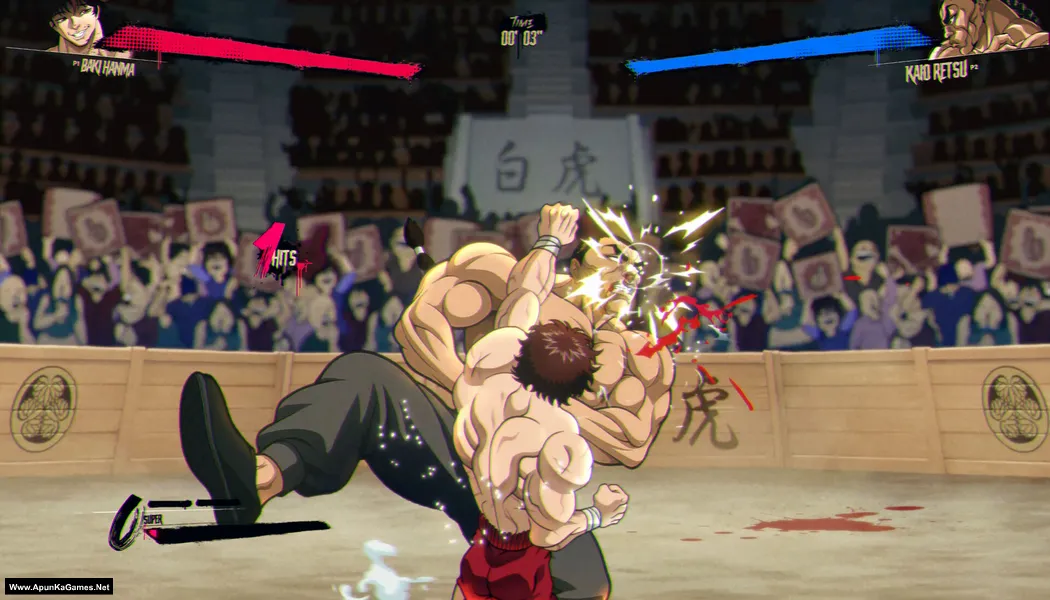
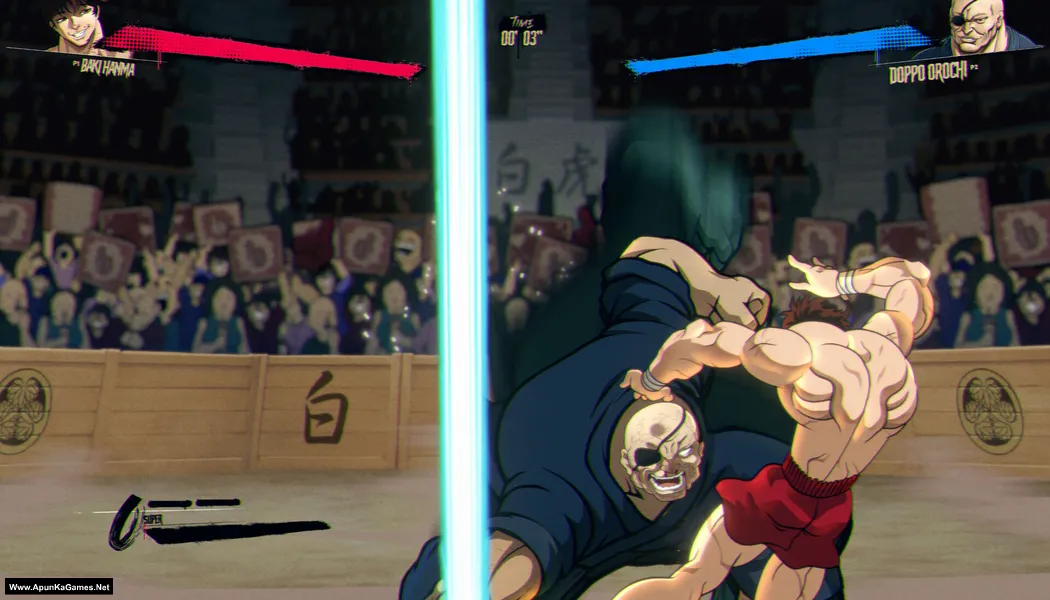
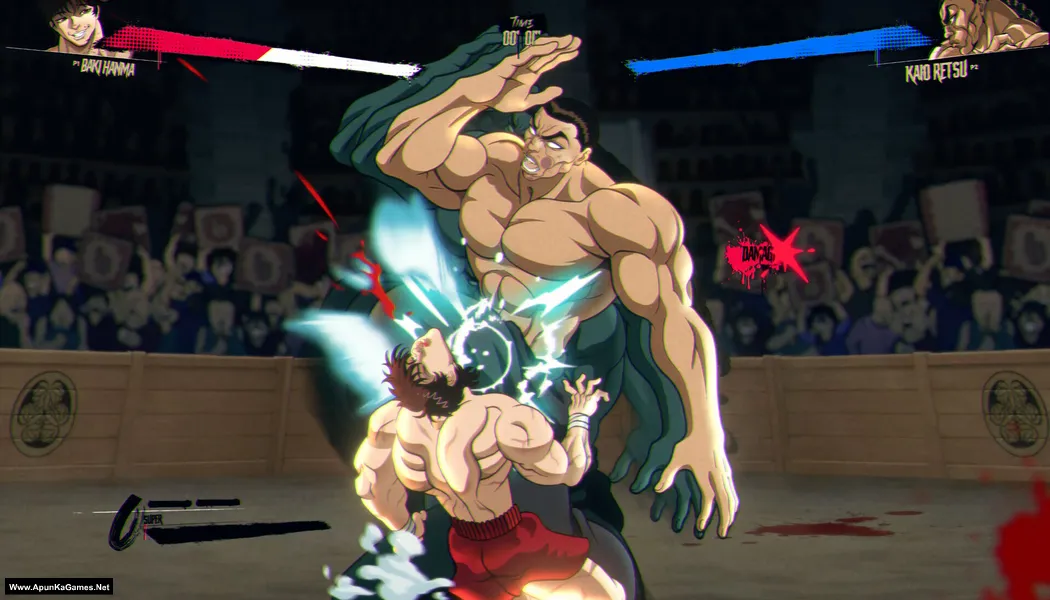
How to Install?
- Extract the file using Winrar. (Download Winrar)
- Open “Baki Hanma Blood Arena” >> “Game” folder.
- Then double click on “BakiHanmaBloodArena” icon to play the game. Done!
How to Download?
If your don’t know how to Download this game, just Click Here!
Baki Hanma: Blood Arena Download
Click Here to Download This Game
Game Size: 1.72 GB
Password: www.apunkagames.net or apunkagames

game does nor run once said unityplayer.dll missing got it and added it but the game just opens and keeps loading
Brother, this is a pre-installed setup, and we checked the game again—it’s working fine on our side without errors. Please download and install the latest Microsoft Visual C++ Redistributable and update your graphics drivers. If you’re getting a missing DLL error, check whether Windows Security has quarantined any game files. Only restore files if you trust the source. Then extract the game again and try running it. If it still keeps loading, share your PC specs and we’ll check further.
We checked the game again, and this setup is 100% working. Please follow the instructions step by step. Before extracting and installing the game, temporarily disable your antivirus, as it may block or quarantine required DLL files.
01. Extract the file using Winrar.
02. Open “Baki Hanma Blood Arena” >> “Game” folder.
03. Then double click on “BakiHanmaBloodArena.exe” to play the game. Done!
Note: This setup has been tested on Windows 10. Also, make sure the latest Microsoft Visual C++ Redistributable packages are installed.