
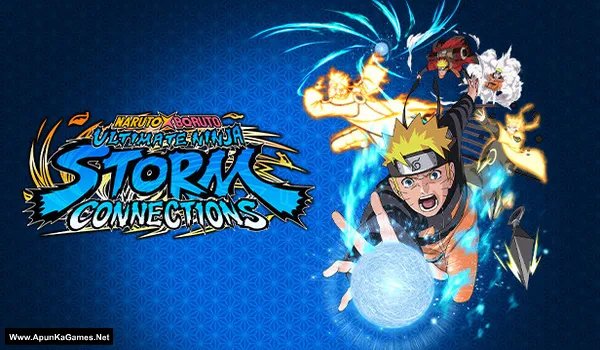
Naruto X Boruto: Ultimate Ninja Storm Connections + All DLCs Game – Overview – Download – Free – PC – Specs – Screenshots – Installation Guide
Type of game: Action-adventure, Fighting
PC Release Date: November 17, 2023
Developer/Publishers: CyberConnect2 Co., Ltd., Bandai Namco Entertainment
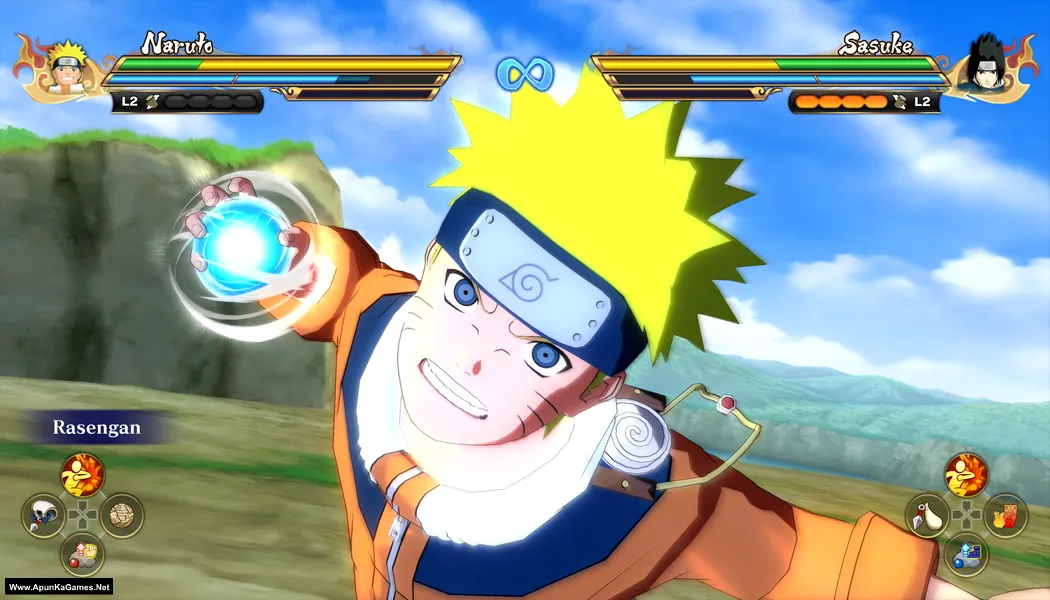
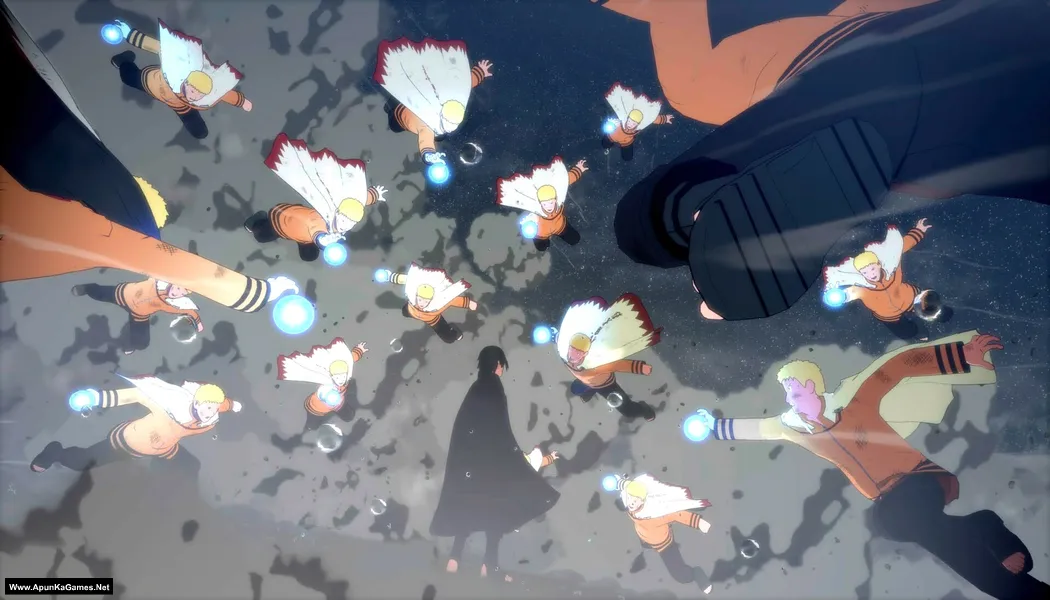
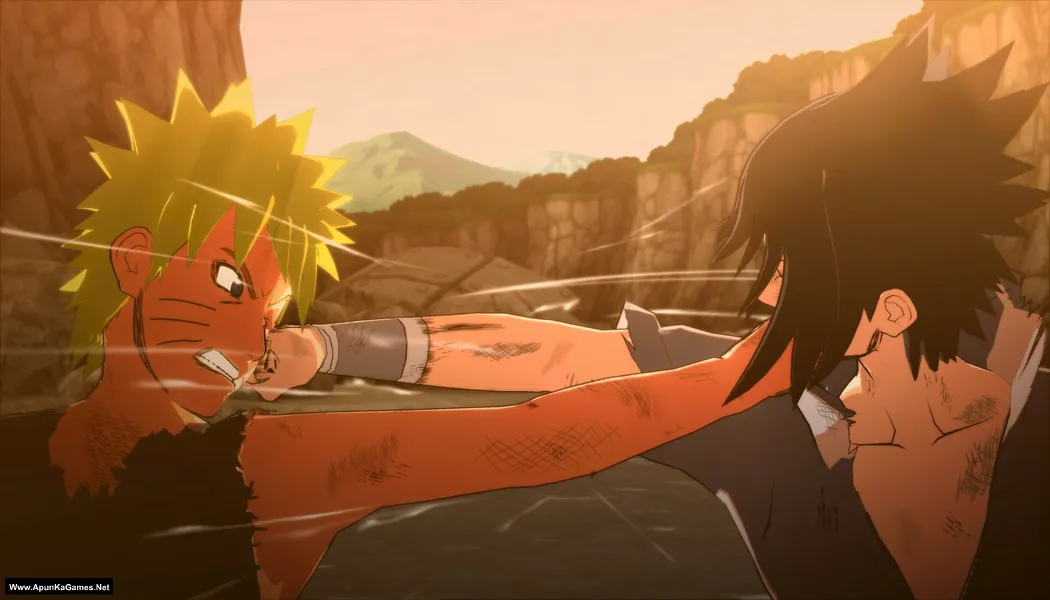
Naruto X Boruto: Ultimate Ninja Storm Connections (28 GB) is a fast-paced anime fighting game where players experience the legendary stories of Naruto and Boruto while battling with the largest roster in the Storm series. Master spectacular ninja techniques, unleash powerful Ultimate Jutsu, compete in cinematic battles, and explore original story content with all available DLCs included. Featuring stunning anime visuals, online and offline multiplayer, dynamic combat, and fan-favorite characters, Naruto X Boruto: Ultimate Ninja Storm Connections + All DLCs delivers the ultimate ninja fighting experience for PC players.
Before downloading make sure that your PC meets minimum system requirements.
Minimum System Requirements
- OS: Windows 10/11 (64‑bit)
- Processor: Intel Core i7-8700 / AMD Ryzen 7 2700X
- RAM: 8 GB
- Hard Disk: 30 GB available space
- Graphics Card: Nvidia GeForce GTX 660 Ti / Radeon R9 270X / Intel Arc A380
- Network: Broadband Internet connection
- DirectX: Version 11
Screenshots
How to Install?
- Extract the file using Winrar. (Download Winrar)
- Open “Naruto X Boruto: Ultimate Ninja Storm Connections” folder, double click on “Setup” and install it.
- After installation complete, go to the folder where you extract the game.
- Open “RUNE” folder, copy all files and paste it where you install the game.
- Then double click on “Game” icon to play the game. Done!
How to Download?
If your don’t know how to Download this game, just Click Here!
Naruto X Boruto: Ultimate Ninja Storm Connections Download
Click Here to Download This Game
Game Size: 28 GB
Password: www.apunkagames.net or apunkagames

Yes yes yes yes… You guys are amazing… All that’s left is Street fighter 6 and Hinokami chronicles 2 please admin I’ve been waiting donkey years for these 2
Noted, bro! 😊 As soon as the cracked version becomes available, we will try our best to add these games. Many sites have uploaded them on Hypervision, but we don’t upload Hypervision versions. We prefer to upload proper and working releases. Please stay tuned and thanks for your patience and support. ❤️
i think i am the first person to comment but if it works i will be so glad thanks bro for support
You’re welcome, brother! 😊 I hope it works perfectly for you. Let me know how it goes, and if you run into any issues, I’ll be happy to help. Enjoy the game! 🎮
Can you tell me Which version of game is this
(v1.60 + All DLCs)
Bro I have a question,do cracked games downloaded from this site allow online gameplay,like playing against other players online?Or the price of downloading a cracked game is no participation in online gameplay.LOL!!!!!!!!!
Bro 😂❤️ Usually, cracked games do not support official online multiplayer because they can’t connect properly to the game’s official servers or require a legitimate license. Some games may support LAN or local multiplayer, and a few may have unofficial online workarounds, but it depends on the specific game. Naruto X Boruto: Ultimate Ninja Storm Connections specifically: the cracked PC version generally won’t support official online multiplayer against other players. Offline/local modes should still be available 🎮❤️
is the voice dub fixed to english?
Why is it when I want to change the settings in the options, the game force close/glitch out?
Brother, this could be caused by a graphics driver issue or corrupted configuration files. Please update your graphics drivers, install the latest DirectX and Microsoft Visual C++ Redistributables, and try running the game as administrator. Also, avoid changing multiple settings at once. If the issue continues, share your CPU, GPU, RAM, and Windows version so we can guide you further.
my DirectX were already latest version DirectX 12, and i just installed the latest graphic drivers, and Visual C++ and run the game on administrator as you said, but the problem is still there it still force close. Also tried to change single setting on option and still the same
AMD Ryzen 5 5600G with Radeon Graphics
16 GB DDR4
Win 11
Brother, your Ryzen 5 5600G and 16 GB RAM should be enough to run the game, but you’re using integrated Radeon graphics rather than a dedicated GPU. This may be causing the game to crash, especially at higher graphics settings.
Please try lowering the resolution and graphics settings. Also, make sure Windows is using the AMD Radeon graphics driver. If the issue continues, send us a screenshot of the crash and let us know whether the game closes during startup or after you enter the gameplay. We’ll check further, brother!
the game itself is playable. it only force close when i accept changes in settings, even when im not changing anything and click accept it still fc, also the resolution selection is just blank could that mean something? and how do you send screenshot here?
Brother Some players reported that the game crashes when accepting settings, and the problem may be related to the monitor’s resolution or refresh rate.
Try this workaround: temporarily change your Windows display resolution to another supported resolution, then launch the game and try accepting the settings again. If possible, connect your PC to a TV or another monitor and test it. If it works, save your game settings and make a backup of the config.ini file in the game folder.
This may fix the issue, brother. Let me know whether it works.