
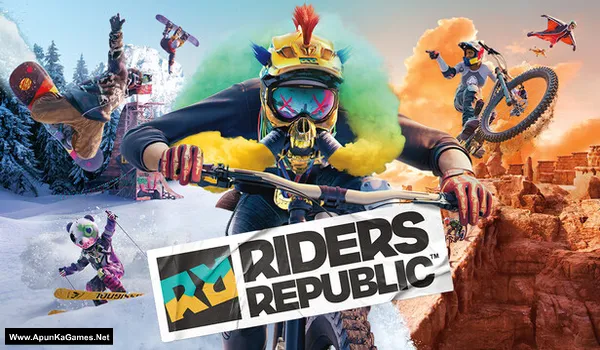
Riders Republic v1.26.0 + DLCs Game – Overview – Free Download – PC – Specs – Screenshots – Free
Type of game: Sports, Racing
PC Release Date: June 8, 2023
Developer/Publishers: Ubisoft Annecy, Ubisoft
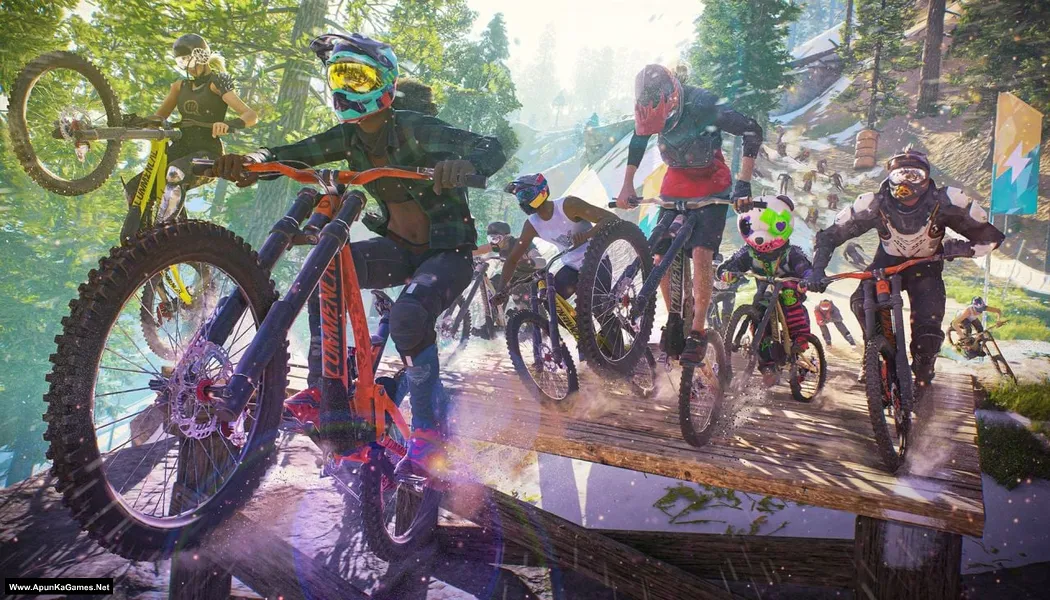
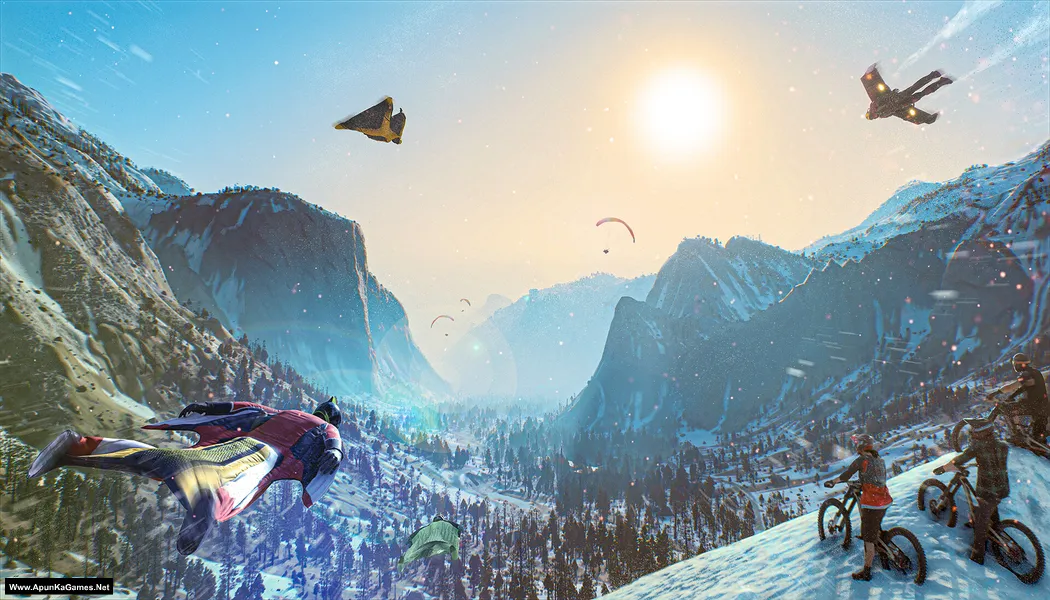
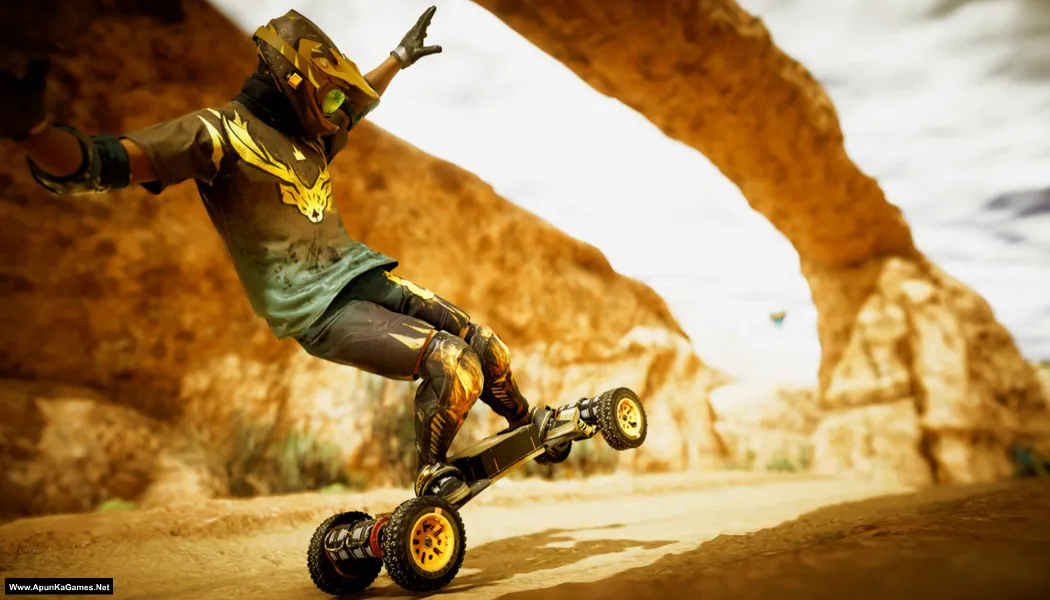
Riders Republic (23.4 GB) is an Sports video game. Developed and published by Ubisoft Annecy, Ubisoft. It was released on June 8, 2023 for Windows. Riders Republic is an open-world extreme sports game where players ride bikes, skis, snowboards, and wingsuits across massive national park environments. The game plus DLCs adds new events, gear, and challenges that expand the adventure and multiplayer competitions. Explore huge landscapes, compete in chaotic races, and master tricks in fast-paced gameplay. It’s a thrilling PC game download for fans of action-packed sports simulation and online multiplayer gameplay.
Before downloading make sure that your PC meets minimum system requirements.
Minimum System Requirements
- OS: Windows 10 (64-bit only)
- Processor: Intel i5-4460 / AMD Ryzen 5 1400
- RAM: 8 GB
- Hard Disk: 30 GB available space
- Graphics Card: Nvidia GeForce GTX 970 (4GB) / AMD RX 470 (4 GB)
- DirectX: Version 12
Screenshots
How to Install?
- Extract the file using Winrar. (Download Winrar)
- Open “Riders Republic” folder, double click on “setup” and install it.
- Once the installation is 100% complete, go to the desktop.
- Then launch the game from the desktop “Game” icon to start playing. Done!
How to Download?
If your don’t know how to Download this game, just Click Here!
Game Size: 23.4 GB
Password: www.apunkagames.net or apunkagames

Brother thanks for the game 🥳
My pleasure. 😊
Part 2 not availabe for download please fix
Brother, part 2 link is fine. Just cancel all active IDM downloads and then click on part 7 to start downloading. TheFileLocker server doesn’t support multiple downloads, so it may show a “not found” error. If you try downloading several parts at once from TheFileLocker, the next ones may fail because the download limit has already been reached.
Hey admin plz upload I.G.I.-2: Covert Strike its my favorite game plz!!!!!!
Already uploaded on our website! Click here to Download I.G.I.-2: Covert Strike
Can you plz add F1 22 and f1 23
Noted! we will add it as soon as we can!
Not Found
The requested URL was not found on this server.
All links are working fine from our side you should download one by one to avoid errors.
This is full version of the game or zen mod only please clearify…
Full Version Cracked.
Bro I download and install but game display coming and closing…
Brother, Riders Republic v1.26.0 (Offline Zen Mode Only) may close on startup due to compatibility issues or missing components. Please install the latest Microsoft Visual C++ Redistributables and DirectX Runtime, update your graphics drivers, and try running the game again. If it still closes, send us your PC specifications so we can investigate further. 🎮
We checked the game again, and this setup is 100% working. Please follow the instructions step by step. Before extracting and installing the game, temporarily disable your antivirus, as it may block or quarantine required DLL files.
Download all parts and paste them into one new folder.
01. Extract the file using Winrar part 1 and automatically all parts will extracted.
02. Open “Train Sim World 2 + 39 DLCs” folder, run the “setup.exe” and click on the bottom line.
03. Then press “UP” arrow key from your keyboard to unlock the setup to continue the installation.
04. After installation complete, go to the folder where you install the game.
05. Then launch the game from the desktop “Play Riders Republic” icon or in-game “RidersRepublic.exe” to start playing. Done!
Note: This setup has been tested on Windows 10. Also, make sure the latest Microsoft Visual C++ Redistributable packages are installed.