
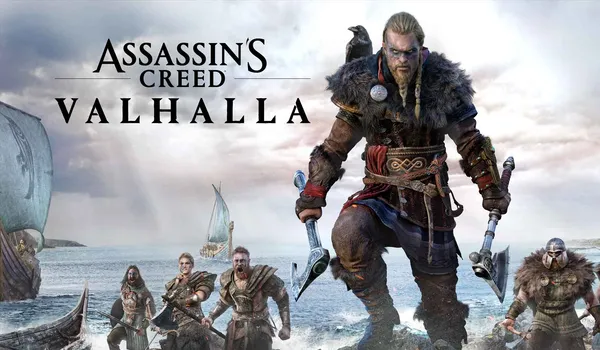
 Assassin’s Creed Valhalla – Overview – Free Download – PC – Specs – Screenshots – Installation Video
Type of game: Action, Adventure, Open World
PC Release Date: November 10, 2020
Developer/Publishers: Ubisoft Montreal, Ubisoft Milan/Ubisoft
Assassin’s Creed Valhalla (56.7 GB) is an Action, Adventure, Open World video game. Developed and published by Ubisoft Montreal, Ubisoft Milan/Ubisoft. It was released on November 10, 2020 for Windows. Build your own Viking Legend. Become Eivor, a Viking raider raised to be a fearless warrior, and lead your clan from icy desolation in Norway to a new home amid the lush farmlands of ninth-century England.
Before downloading make sure that your PC meets minimum system requirements.
Minimum System Requirements
- OS: Windows 10 (64-bit versions only)
- Processor: Intel i5-4460 / 3.2 Ghz or AMD Ryzen 3 1200 / 3.1 Ghz
- RAM: 8 GB
- Hard Disk: 60 GB available space
- Graphics Card: NVIDIA GeForce GTX 960 (4 GB) or AMD Radeon R9 380
- DirectX: Version 12
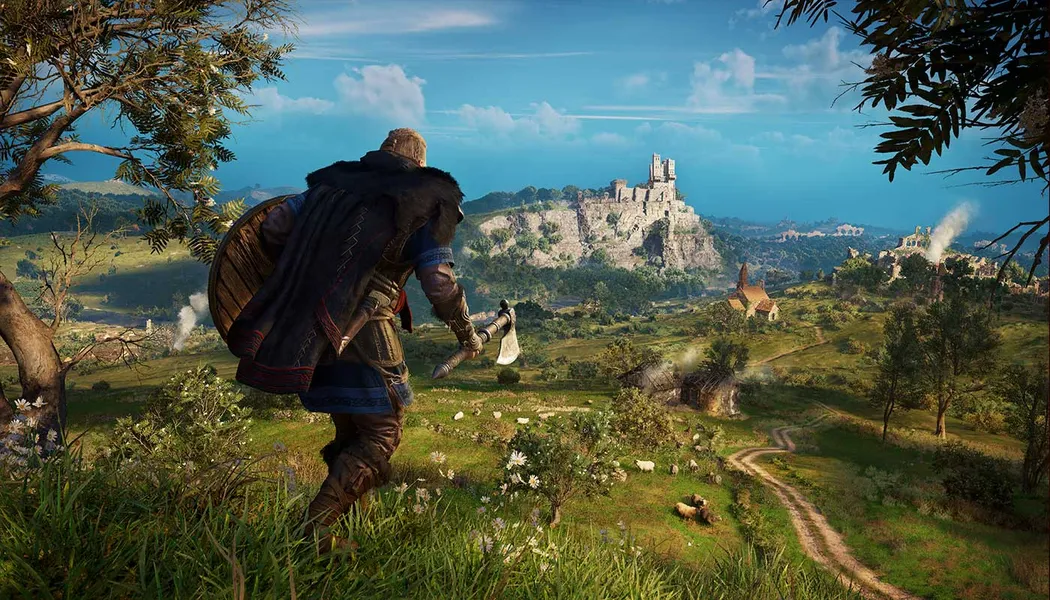
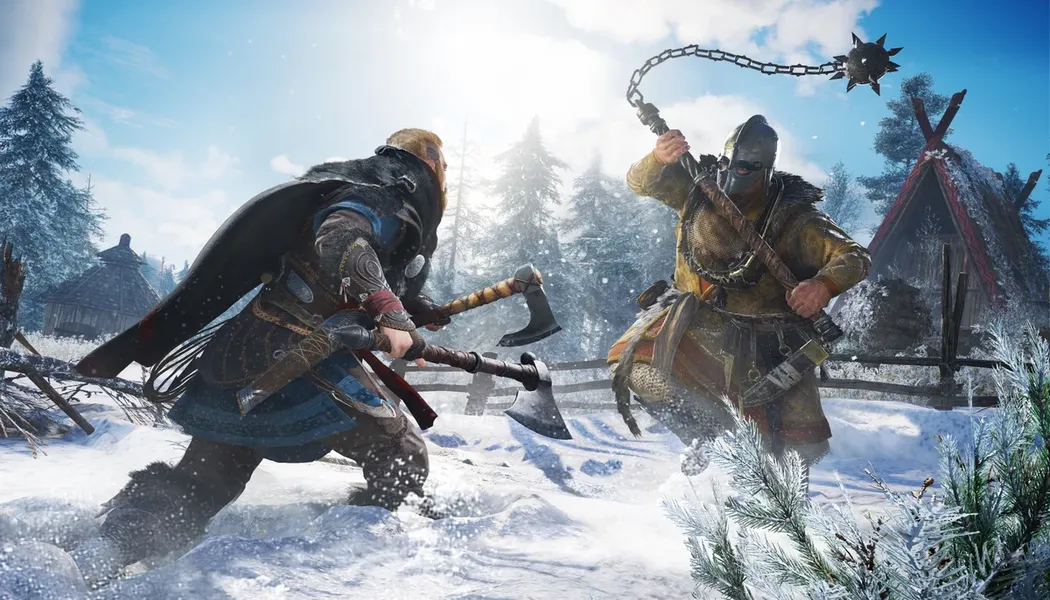
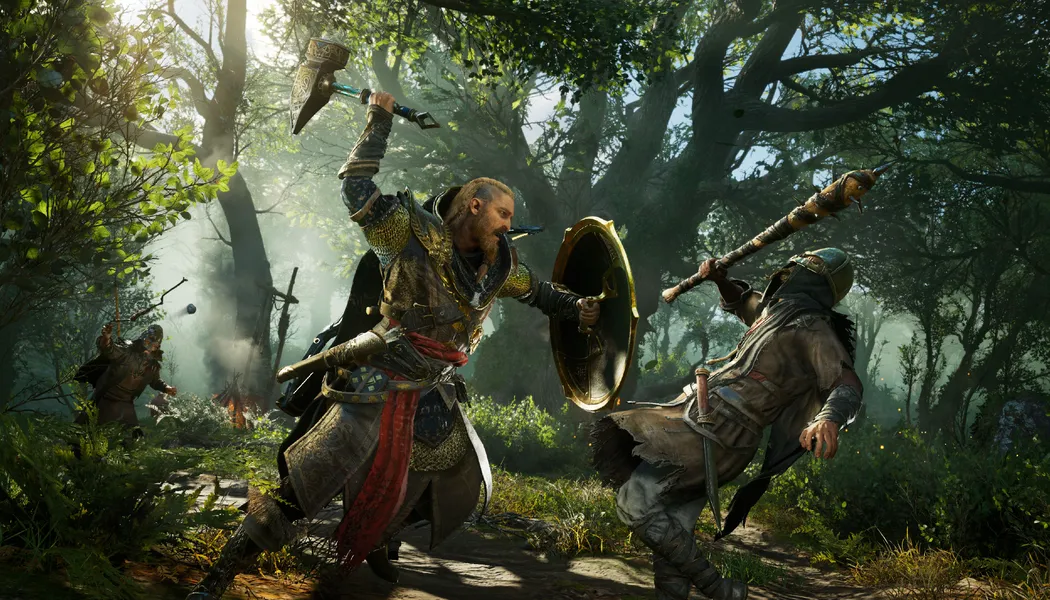
Screenshots
How to Install?
- Extract the file using Winrar. (Download Winrar)
- Open “Assassin’s Creed Valhalla” folder, double click on “Setup” and install it.
- After installation complete, go to the folder where you extract the game.
- Open “EMPRESS” folder, copy all files and paste it where you install the game.
- Then double click on “Game” icon to play the game. Done!
How to Download?
If your don’t know how to Download this game, just Click Here!
Assassin’s Creed Valhalla Download
Click Here to Download This Game
Game Size: 56.7 GB
Password: www.apunkagames.net or apunkagames

Super I expected this?
Please upload GTA V latest version
Yes exactly i have downloaded 2 times to make sure that my some part corrupted but thats not the reason the reason is that OS system which is for win 7 when i tried to play on win 10 itzz saying that check the software publisher …i have tried all possible wag to fix it but no result….itzzz request admin @apunkagames plzzz upload so we also enjoy the game?????????????….
.
.
.
I have lots of expectation and trust from u r website plzz dont break it??
is this work on windows 11 22000 os version?
Hello sir
Assassin creed valhallah ke part 4 me bhi part 3 ki file upload hui hai plz fix ti
got any solution?
yep u must join windows insider program and click dev channel and that its u can play valhalla now “if u use w11 okay”
No
Thank you so much bro for the game u really won my heart bless you
cool
your website really awesome
tamil (Sri lanka Tamil)
it worked?I downloaded and setup and copied cracked files but it is not opening
u use windows 10 or 11?
Same problem with me I downloaded 3 times
But didn’t worked game is not opening pls fix it I can’t wait.
Windows 11
if u use window 11 , u must open setting>windows update>windows insider program>choose dev channel>and update it> thats its now u can run the valhalla.
because the windows 11 22000 OS now is cant to open valhalla, its open if u update to 224000 OS , CMIIW
Please upload in 900 mb or 2 gb parts.
Make a video how to install Assassin’s creed Valhalla
It is not opening on windows 11
yeah, it will open if the windows 11 update to os 24000 soon
Will it work on windows 10?
yup work in w10
Super
Bro stop playing cracked huh? the original gives way more fps! if ur rlly having a problem buy it then and enjoy multiplayer as well. ?
If we could buy why would we come to a site for pirated games??
No it work on update via dev channel.i prefer windows 10
Part 3 is not uploaded, instead of part 3 part 4 is uploaded. Fix it soon. A person already complained about it but you people aren’t taking any actions. Do you guys even know how much frustration does it create after downloading all parts with mobile data and then finding out part is missing/corrupt. All the happiness suddenly goes away.
Part 3 is not uploaded, instead of part 3 part 4 is uploaded. Fix it soon. A person already complained about it but you people aren’t taking any actions. Do you guys even know how much frustration does it create after downloading all parts with mobile data and then finding out part is missing/corrupt. All the happiness suddenly goes away.
Please upload Valhalla in parts
Please upload God of War PC
My system 4gb ram this game supported?
no
CODE execution cant process bcoz EMP.dll was not found.. pls help sir
disable antivirus and install again. add the game to antivirus exclusion list.
Still error occur on EMP.dll I try to install it again with my anti virus disable but still I am having an error, please help I want to play this game so badly
part 4 and 3 are bugged and website is also crashing on fin al landing page fix it
Downloading is not working for any game
After selecting new game, game is crashed… Pls help
I have win 11 dev insider program still the same error
hi, what update is it?
Not downloading…it says site temporarily down
what is game version ?
Download speed is very slow
bro please upload Assassin’s Creed mirage.
Can you tell me the version of it?is it got all the dlcs???
Please Upload Part 3 p
After all process even copy files where download ed the game and even turn ed off antivirus software…. The doesn’t open everything done smoothly but while clicking on game icon to play just buffering on mouse arrow and doesn’t opening the game and don’t even showing anything why it’s happening.
After installation is finished, did you paste the crack files which is in “EMPRESS” folder directory to the installation folder. Then click on game icon and run as administrator it will work 100%. This is 100% working Empress setup!
its not working am facing the same issue ……after opening the EMPRESS folder i directly copy pasted the folder. it didnt work. After some time I copy paste the whole folder but still nothing
It’s 100% working setup.. we will make video of this setup how to install in week or soon!
Part 12 is not found
All parts are working fine… you just need to download all parts one by one. wait 1st part to finish then start 2nd download. At one time 1 part. Thefilelocker can’t support multiple download so you have to download one by one!
Make a video on installation plz
Sure we will make and upload it as soon as we can.
I have installed assassin creed valhalla properly step by step as you said to Install but.. it’s is not opening and not ever launching what should I do i have uses soo much data and time to download this games please apunkagames give me any solution plz!!!
Brother, the EMPRESS setup is working. Please try reinstalling the game by following the instructions carefully. Before reinstalling, make sure your PC meets the game’s system requirements and that all required Redistributables are installed. Also, check that your antivirus hasn’t quarantined any game files. After installation is complete, copy the files from the EMPRESS folder into the game’s installation folder and replace the existing files when prompted.
Please follow the instructions step by step. Before extracting and installing the game, temporarily disable your antivirus, as it may block or quarantine required DLL files.
Download all parts and paste them into one new folder.
01. Extract the file using Winrar part 1 and automatically all parts will extracted.
02. Open “Assassin’s Creed Valhalla” folder, double click on “Setup” and install it.
03. After installation complete, go to the folder where you extract the game.
04. Open “EMPRESS” folder, copy all files and paste it where you install the game. (Click Replace)
05. Then double click on “Game” .exe to play the game. Done!
Note: Make sure the latest Microsoft Visual C++ Redistributable packages are installed.