
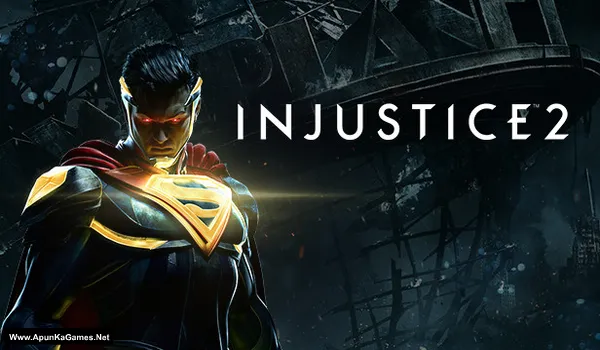
Injustice 2 Game – Overview – Free Download – Screenshots – Specs – PC – Free
Type of game: Action, Fighting
PC Release Date: December 1, 2017
Developer/Publishers: NetherRealm Studios, QLOC, WB Games
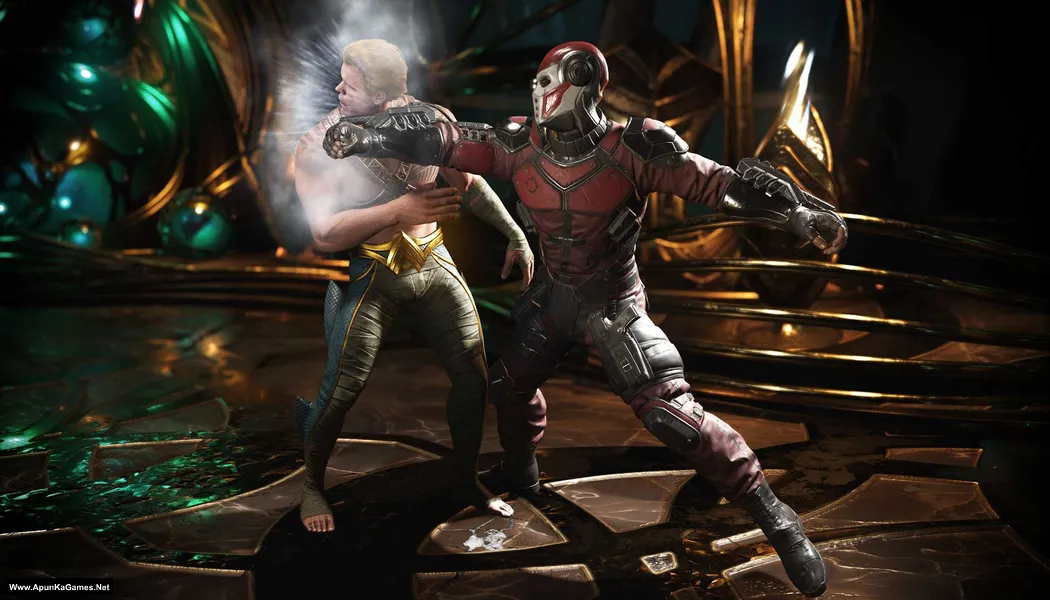
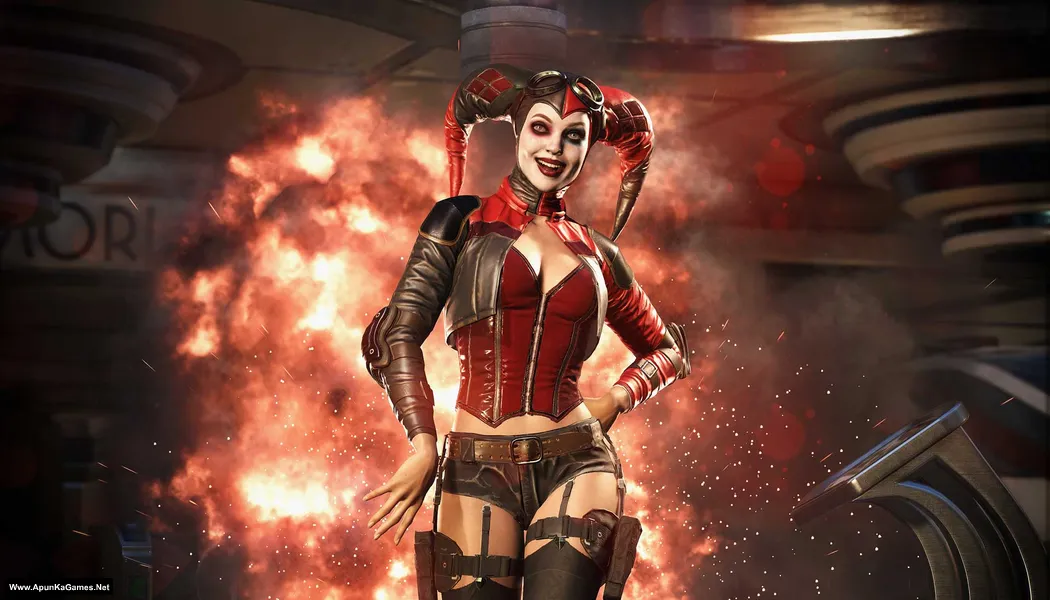
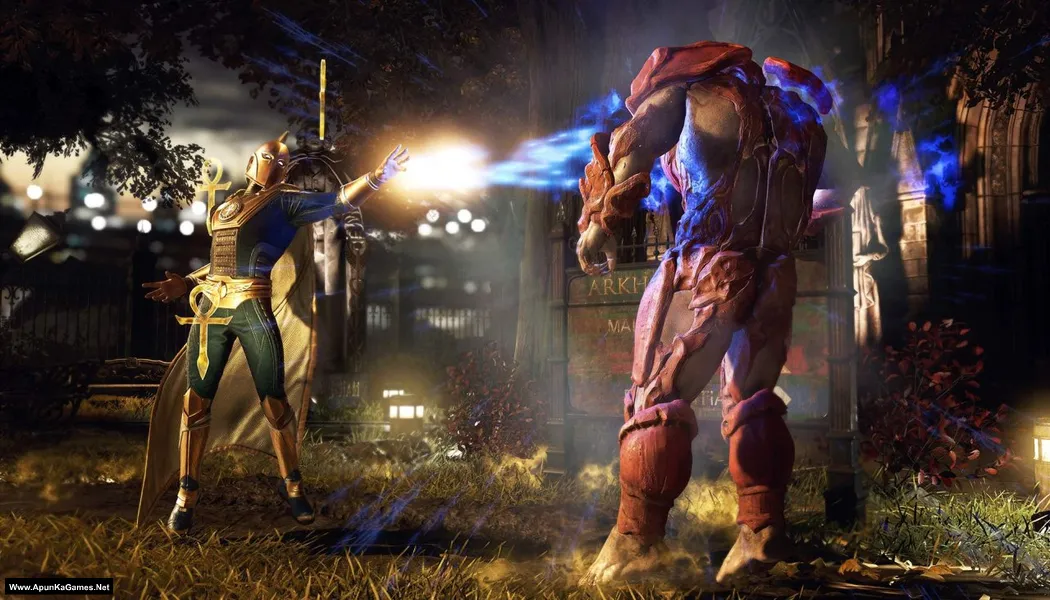
Injustice 2 (37.5 GB) is a Fighting video game. Developed and published by NetherRealm Studios, QLOC, WB Games. It was released on December 1, 2017 for Windows. Injustice 2 delivers intense DC superhero battles with a cinematic story and fast-paced fighting. Customize iconic heroes and villains while mastering powerful combos. Smooth gameplay and dramatic arenas create a thrilling combat experience.
Before downloading make sure that your PC meets minimum system requirements.
Minimum System Requirements
- OS: Windows 7/10 (64-Bit)
- Processor: Intel Core i5-750, 2.66 GHz / AMD Phenom II X4 965, 3.4 GHz or AMD Ryzen™ 3 1200, 3.1 GHz
- RAM: 4 GB
- Hard Drive: 52 GB available space
- Video Card: NVIDIA GeForce GTX 670 or NVIDIA® GeForce GTX 1050 / AMD Radeon™ HD 7950
- Network: Broadband Internet connection
- DirectX: Version 11
Screenshots
How to Install?
- Extract the file using Winrar. (Download Winrar)
- Open “Injustice 2” folder, double click on “Setup” and install it.
- After installation complete, go to the folder where you extract the game.
- Open “Fix” >> “Variant 2 – for old gen CPUs” folder, copy files and paste it you install the game.
- Then double click on “Injustice2” icon to play the game. Done!
How to Download?
If your don’t know how to Download this game, just Click Here!
Injustice 2 Download
Click Here to Download This Game
Game Size: 37.5 GB
Password: www.apunkagames.net or apunkagames

please Refresh the links
Link updated… you can download the game now. Thanks for reporting broken link!
hi it gives me this error on launch ( failed to start denuvo. error code:2148204812 )
is there a way to fix
Error 2148204812 in Injustice 2 is usually a Windows certificate/protection-driver issue. Restart PC, run as admin, disable antivirus temporarily, install VC++ x64/x86, install DirectX June 2010, and reinstall the game.
Refresh the links, the lower parts are refusing to download (generate recaptcha)
Brother, the download links are working fine; the issue is with the CAPTCHA verification. Please download the parts one by one. If the CAPTCHA doesn’t work or asks you to scan a QR code, go back and open the download link again. The image CAPTCHA should appear again, asking you to select images such as mountains, crosswalks, or cars.
The download is quite slow unlike other games
Brother, our main server was recently deleted, and we’re still recovering the older setups. Due to heavy server traffic, downloads may be slower than usual, especially in the evening. Please try downloading during off-peak hours. Thanks for your patience!