
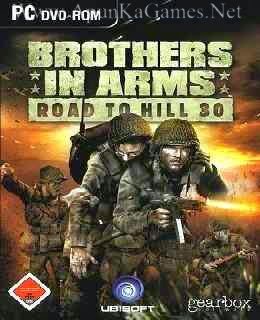
Also Known as: Brothers in Arms: Road to Hill 30 (Video Game), PC Highly Compressed, Free
Minimum System Requirements
- OS: Windows 2000/XP
- CPU: Pentium 3 @ 1 GHz or Equivalent Processor
- RAM: 512 MB
- Hard Drive: 5 GB Free
- Video Memory: 32 MB (GeForce 4 MX is NOT Supported)
- Sound Card: DirectX Compatible
- DirectX: 9.0c
- Keyboard & Mouse
- DVD Rom Drive
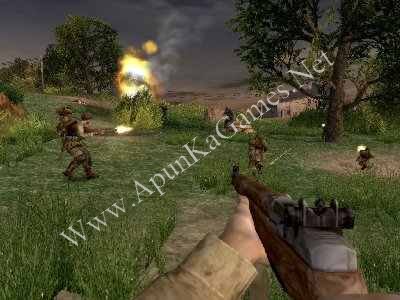
Screenshots


How to Install?
- Extract the file using Winrar. (Download Winrar)
- Open “BIA – Road to Hill 30” >> “Game” >> “System” folder
- Then double click on “bia” icon to play the game. Done!
How to Download?
If your don’t know how to Download this game, just Click Here!
Brothers in Arms: Road to Hill 30 Free Download
Click Here to Download This Game
Game Size: 570 MB
Password: www.apunkagames.net or apunkagames

Is this game in English or Spanish plz tell me
Brother, it’s a pre-installed game, and it’s in English language.
We checked the game again, and this setup is 100% working. Please follow the instructions step by step. Before extracting and installing the game, temporarily disable your antivirus, as it may block or quarantine required DLL files. Also, make sure the latest Microsoft Visual C++ Redistributable packages are installed.
1. Extract the file using WinRAR. (Download WinRAR.)
2. Open **“BIA – Road to Hill 30” → “Game” → “System”** folder.
3. Double-click **“bia.exe”** to play the game. Done!
**Note:** This setup has been tested on Windows 10 and is in English.