
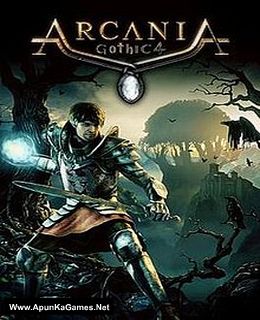
Arcania Gothic 4 Game – Overview – Free Download – PC – Compressed – Specs – Screenshots – Free
Type of game: Action, RPG
PC Release Date: October 14, 2010
Developer/Publishers: Spellbound Entertainment/JoWooD Entertainment,Nordic Games
Arcania Gothic 4 (7.8 GB) is an action, role playing video game. Developed and published by Spellbound Entertainment/JoWooD Entertainment,Nordic Games. It was released on October 14, 2010 for Windows. In comparison to the predecessors, the game mechanic was simplified. For instance, there are only three spells available (but upgradable). Also, the character can only interact with “named” characters, those who have a name.
Before downloading make sure that your PC meets minimum system requirements.
Minimum System Requirements
- OS: Windows XP/Vista/7
- Processor: Intel Core 2 Duo / 2.8 GHz / AMD Athlon II X2 / 2.8 GHz
- RAM: 2 GB
- Hard Drive: 9 GB available space
- Video Card: GeForce 8800 GTX
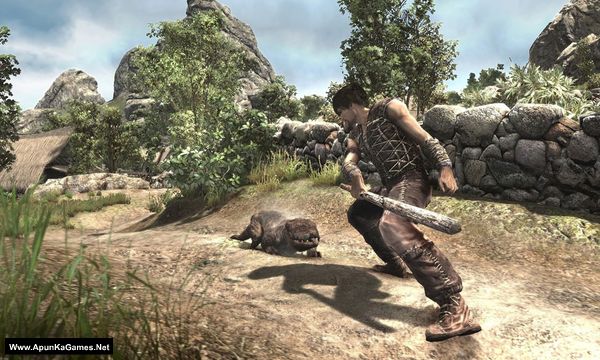
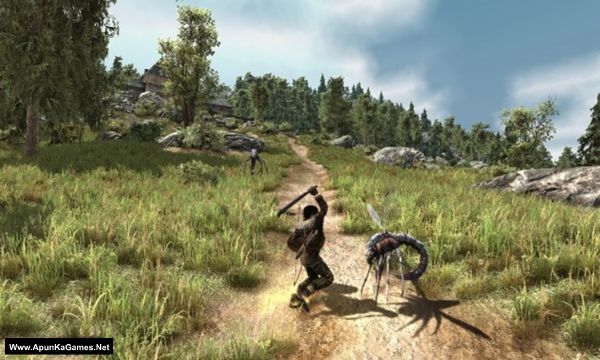
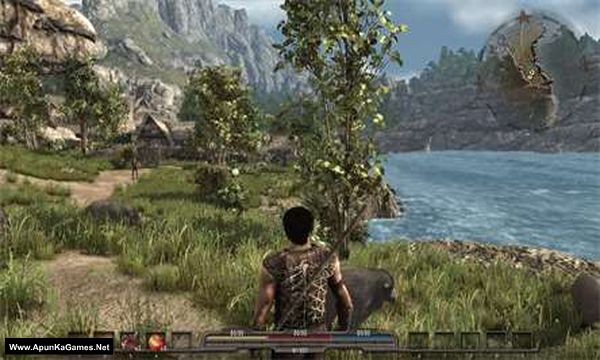
Screenshots
How to Install?
- Extract the file using Winrar. (Download Winrar)
- Open “Arcania Gothic 4” folder, double click on “Setup” and install it.
- After installation complete, go to the folder where you extract the game.
- Open “Crack” folder, copy all files and paste it where you install the game.
- Then double click on “Arcania” icon to play the game. Done!
How to Download?
If your don’t know how to Download this game, just Click Here!
Game Size: 7.8 GB
Password: www.apunkagames.net or apunkagames

download not working pls fix
Did not work
Yes.
Not working when we open the games it’s showing error
We checked the game again, and this setup is 100% working. Please follow the instructions step by step. Before extracting and installing the game, temporarily disable your antivirus, as it may block or quarantine required DLL files. Also, make sure the latest Microsoft Visual C++ Redistributable packages are installed.
Download all parts and paste them into one new folder.
01. Extract the file using Winrar part 1 and automatically all parts will extracted.
02. Open “Arcania Gothic 4” folder, double click on “Setup” and install it.
03. After installation complete, go to the folder where you extract the game.
04. Open “Crack” folder, copy all files and paste it where you install the game. (Click Replace)
05. Then double click on “Arcania.exe” to play the game. Done!
Note: Tested on Windows 10 and available in English. Copy and replace the Crack folder files in the game directory, and install NVIDIA PhysX System Software.
Even after following all required steps including turning off anti virus game is showing error when I open it, I think there is a problem with game file and I downloaded from 5 gb parts pls fix it.
Brother, please share a screenshot or detail of the error you’re getting when opening the game. Since you downloaded it in 5 GB parts, make sure all parts were downloaded completely and placed in the same folder. Extract only Part 1, and it will automatically extract the remaining parts. If any part is corrupted, delete and download that part again. Also, share your CPU, GPU, and RAM specifications so we can investigate the issue. We’ll also check the setup from our side and update you.