
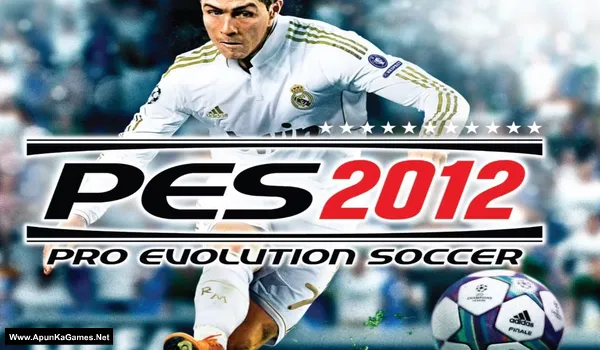
Pro Evolution Soccer 2012 Game – Overview – Free Download – PC – Specs – Screenshots – Installation Video
Type of game: Sports/Simulation
PC Release Date: September 27, 2011
Developer/Publishers: Konami, PES Productions/Konami Digital Entertainment
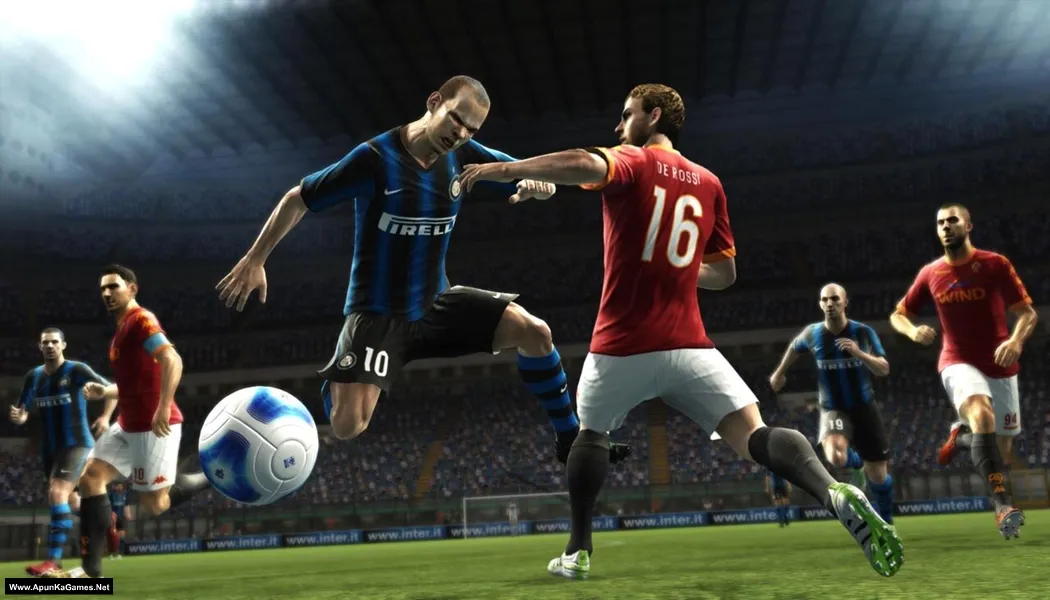
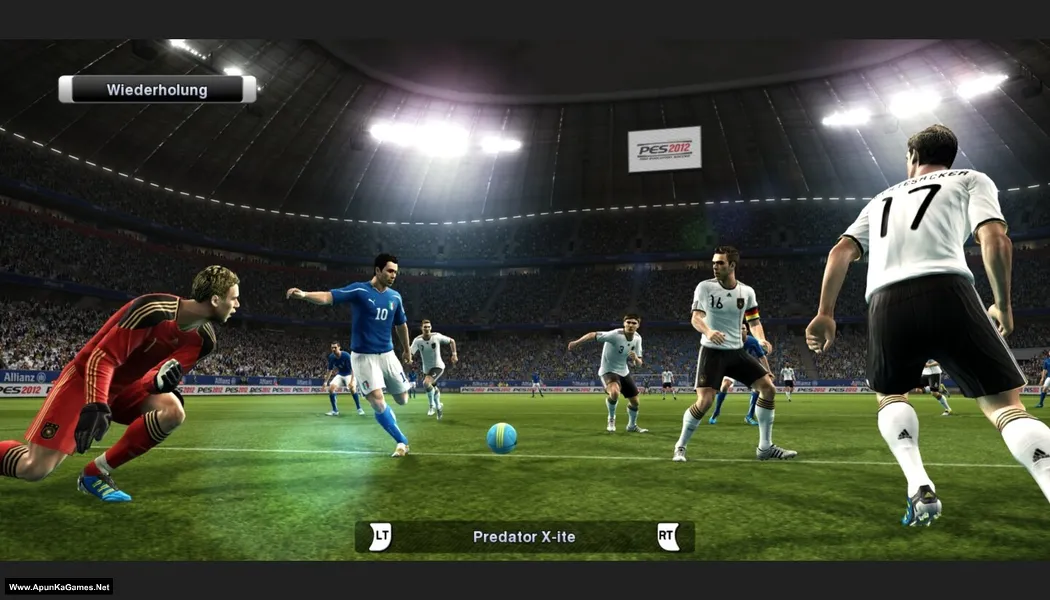
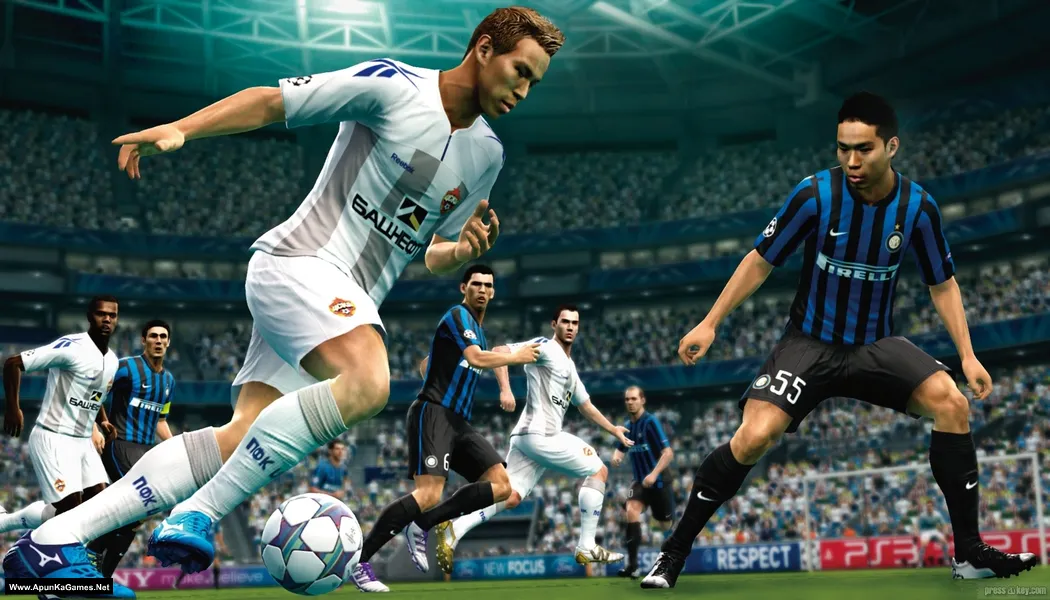
Pro Evolution Soccer 2012 (1.67 GB) is a football simulation developed and published by Konami. The game improves gameplay with enhanced AI, better player movement, and more tactical control on the field. Players can enjoy realistic passing, dribbling, and shooting mechanics while competing in modes like Master League, Become a Legend, and various tournaments. With licensed teams, stadiums, and smooth gameplay mechanics, PES 2012 delivers an engaging and strategic football experience for sports fans.
Before downloading make sure that your PC meets minimum system requirements.
Minimum System Requirements
- OS: Windows XP/Vista/7
- Processor: Intel Pentium 4 @ 2.4 GHz / AMD Athlon XP 2500+
- RAM: 1 GB
- Hard Drive: 6 GB
- Video Card: nVidia GeForce 6600 / ATI Radeon X1300 (256 MB)
- Sound Card: DirectX Compatible
- DirectX: 9.0c
Screenshots
How to Install?
- Extract the file using Winrar. (Download Winrar)
- Open “PES 2012” folder, double click on “Setup” and install it.
- After installation complete, go to the folder where you install the game.
- Open folder, double click on “pes2012” icon to play the game. Done!
How to Download?
If your don’t know how to Download this game, just Click Here!
Game Size: 1.67 GB
Password: www.apunkagames.net or apunkagames

It says the file is damaged or wasn’t installed correctly…
try fileslocker link
d3dx9_30.dll was not found
ive re installed again and again
Brother, this error occurs because the required DirectX file is missing. Reinstalling the game again and again may not fix it. Please download and install DirectX End-User Runtimes (June 2010) from the official Microsoft website or You can download the All in One Runtime package using the link provided. Just download and install it—it fixes most DLL-related errors.
Click here to download redistributable packages After downloading, extract the files, open the extracted folder, run DXSETUP.exe, and complete the installation. Restart your PC and try launching PES 2012 again.