

Just Volleyball Game – Overview – Download – Free – PC – Specs – Screenshots – Installation Guide
Type of game: Sports
PC Release Date: November 16, 2026
Developer/Publishers: temkosoft
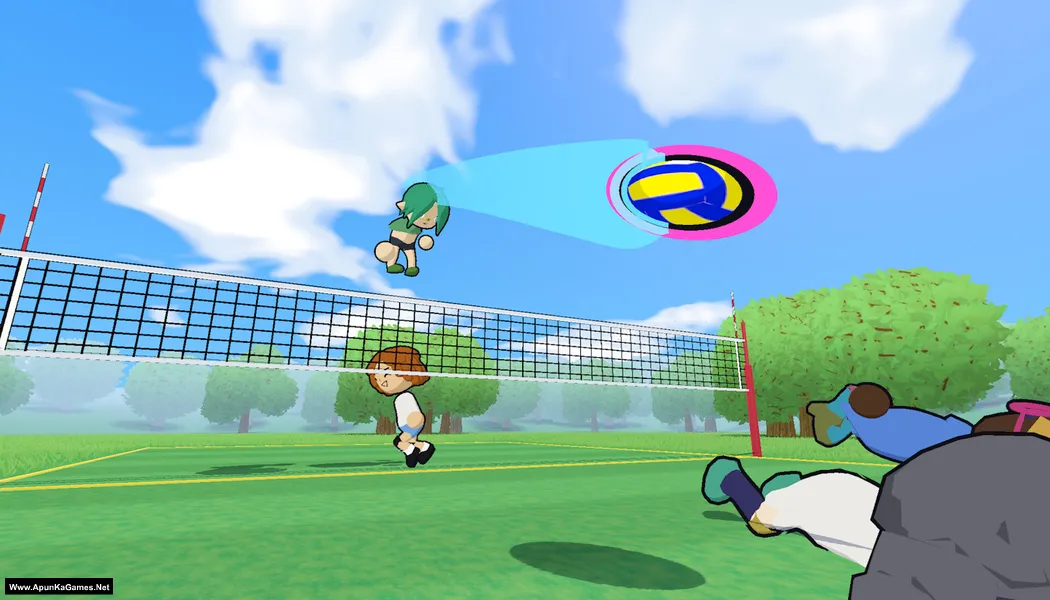
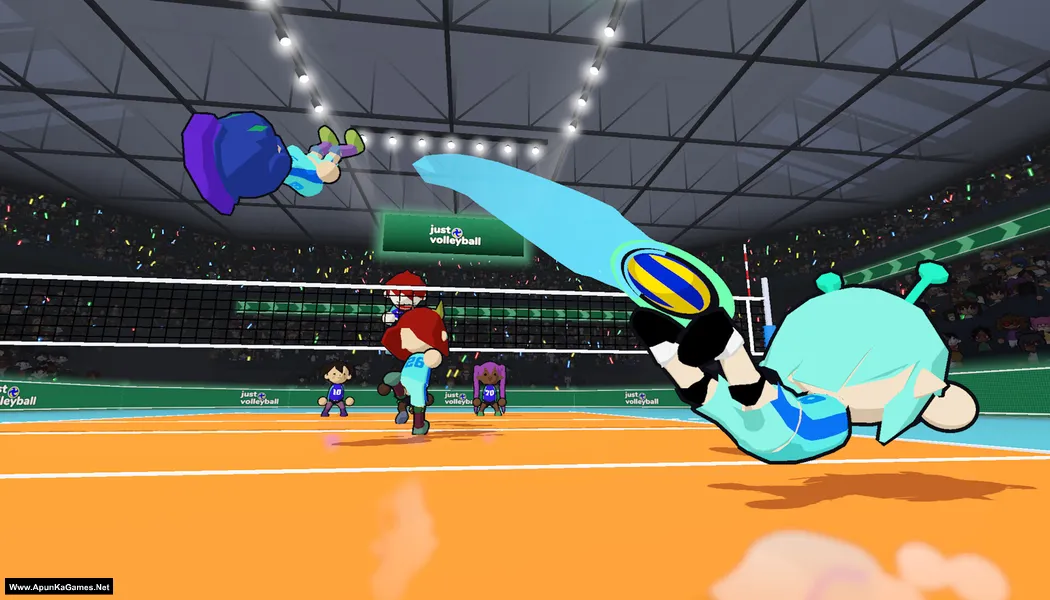
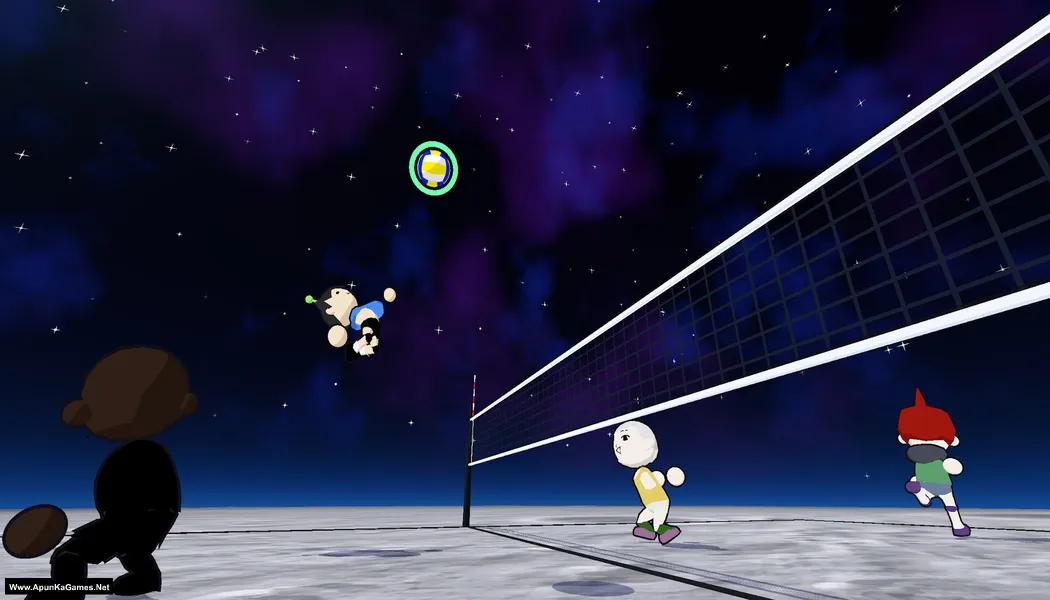
Just Volleyball (185 MB) is an arcade-style sports game that delivers a fast-paced volleyball experience with simple controls and skill-based gameplay. Play solo against bots or compete with other players in online and local matches. Choose from different team formats, including 1v1, 2v2, 3v3, and full 6v6 games. Use manual movement and cursor-based aiming to control every action on the court. Customize your character, practice your skills, socialize in open gym sessions, and replay your best moments.
Before downloading make sure that your PC meets minimum system requirements.
Minimum System Requirements
- OS: Windows 10/11 (64‑bit)
- Processor: Intel Core i5-7600 or equivalent
- RAM: 8 GB
- Hard Disk: 500 MB available space
- Graphics Card: Intel HD Graphics 630 or equivalent (OpenGL 3.3)
- Network: Broadband Internet connection
- DirectX: Version 11
Screenshots
How to Install?
- Extract the file using Winrar. (Download Winrar)
- Open “Just Volleyball” >> “Game” folder.
- Then double click on “volleyball.exe” to play the game. Done!
How to Download?
If your don’t know how to Download this game, just Click Here!
Just Volleyball Download
Click Here to Download This Game
Game Size: 185 MB
Password: www.apunkagames.net or apunkagames
