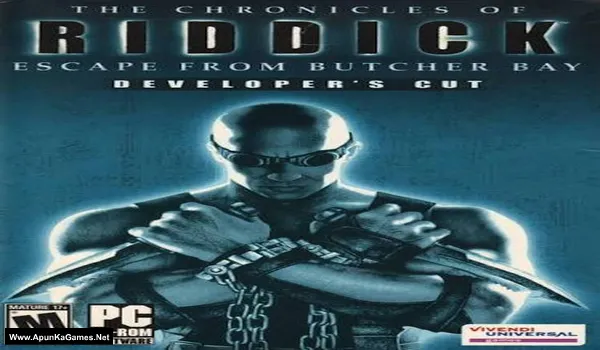
The Chronicles of Riddick: Escape from Butcher Bay – Developer’s Cut Game – Overview – Download – Free – PC – Specs – Screenshots – Installation Guide
Type of game: First-person shooter, Stealth
PC Release Date: December 8, 2004
Developer/Publishers: Starbreeze Studios, Tigon Studios, Vivendi Universal Games
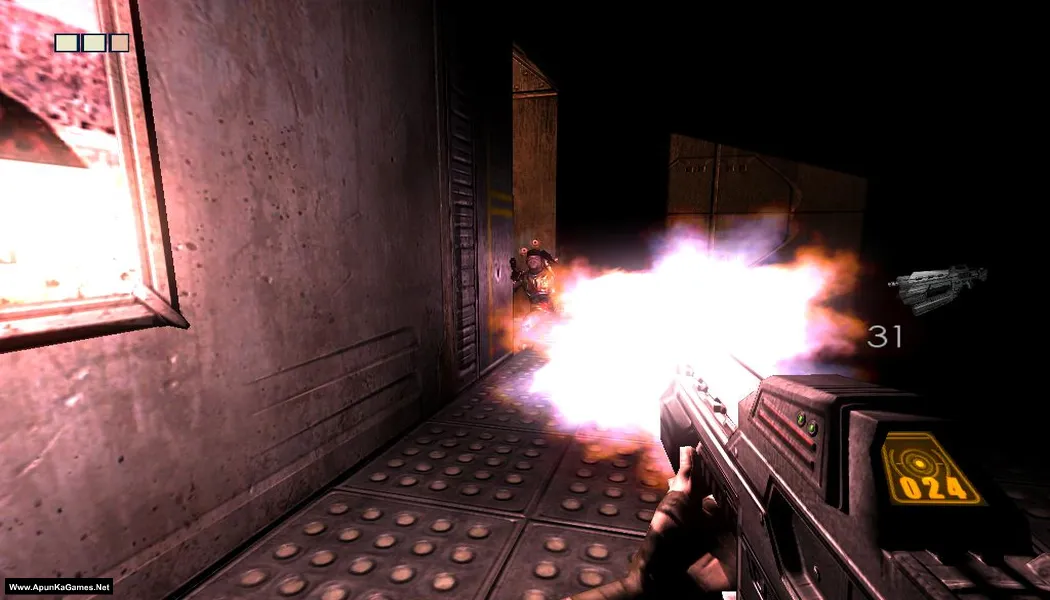
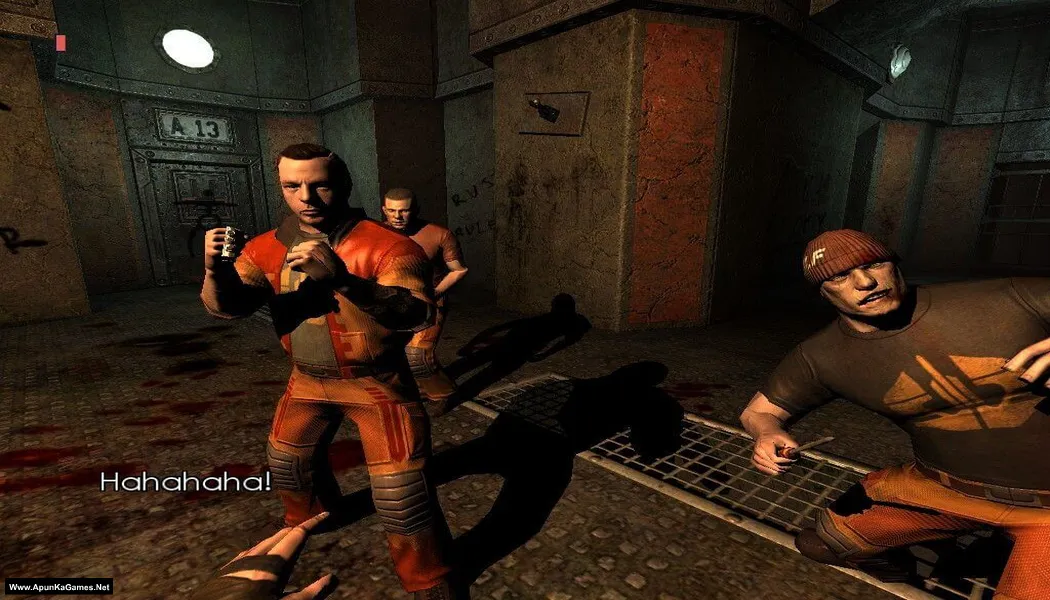
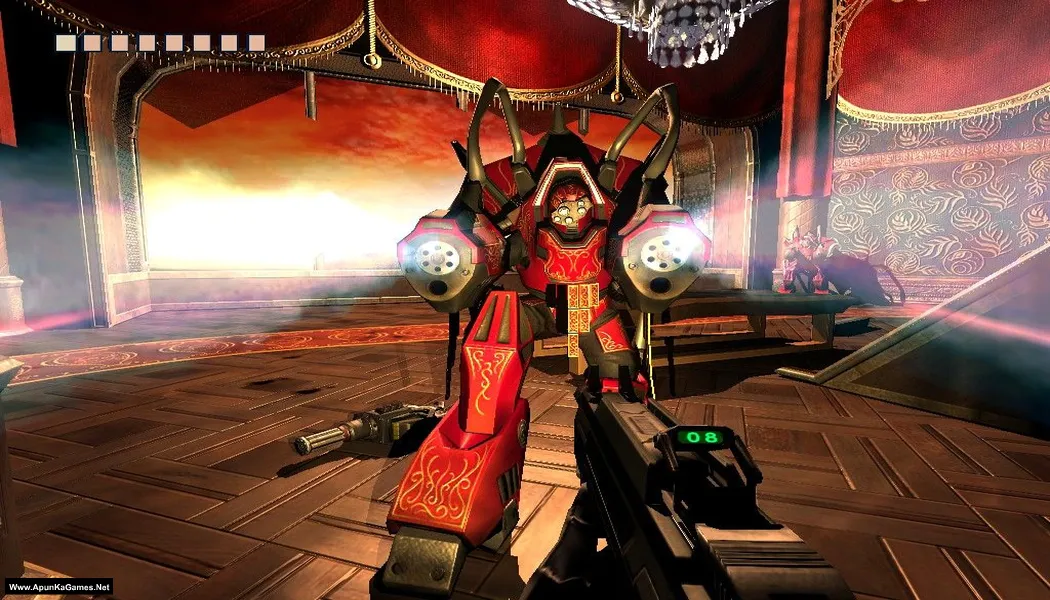
The Chronicles of Riddick: Escape from Butcher Bay – Developer’s Cut (3.12 GB) is a first-person action adventure featuring stealth, shooting, and melee combat. Play as Richard B. Riddick and attempt to escape from a heavily guarded prison. Explore prison facilities, interact with inmates, complete missions, fight enemies, sneak past guards, and use weapons and special night vision abilities to survive dangerous encounters throughout your escape.
Type of game: First-person shooter, Stealth
PC Release Date: December 8, 2004
Developer/Publishers: Starbreeze Studios, Tigon Studios, Vivendi Universal Games
The Chronicles of Riddick: Escape from Butcher Bay – Developer’s Cut (3.12 GB) is a first-person action adventure featuring stealth, shooting, and melee combat. Play as Richard B. Riddick and attempt to escape from a heavily guarded prison. Explore prison facilities, interact with inmates, complete missions, fight enemies, sneak past guards, and use weapons and special night vision abilities to survive dangerous encounters throughout your escape.
Before downloading make sure that your PC meets minimum system requirements.
Minimum System Requirements
- OS: Windows 2000/XP
- Processor: Intel Pentium 4 (1.8 GHz) or AMD Athlon XP equivalent
- RAM: 256 MB
- Hard Disk: 3.7 GB available space
- Graphics Card: 64 MB DirectX 9.0 compatible GPU (GeForce 3 / Radeon 8500 or higher).
- DirectX: Version 9.0
Screenshots
How to Install?
- Extract the file using Winrar. (Download Winrar)
- Open “Chronicles of Riddick – EFBB The Developer’s Cut” folder, double click on “Setup” and install it.
- After installation complete, go to the folder where you extract the game.
- Open “HOODLUM” folder, copy all files and paste it where you install the game.
- Go to “system” >> “Win32_x86” folder, Run using “SbzEngine.exe” to play the game. Done!
How to Download?
If your don’t know how to Download this game, just Click Here!
If your don’t know how to Download this game, just Click Here!
The Chronicles of Riddick: Escape from Butcher Bay – Developer’s Cut Download
Click Here to Download This Game
Game Size: 3.12 GB
Password: www.apunkagames.net or apunkagames
Click Here to Download This Game
Game Size: 3.12 GB
Password: www.apunkagames.net or apunkagames