
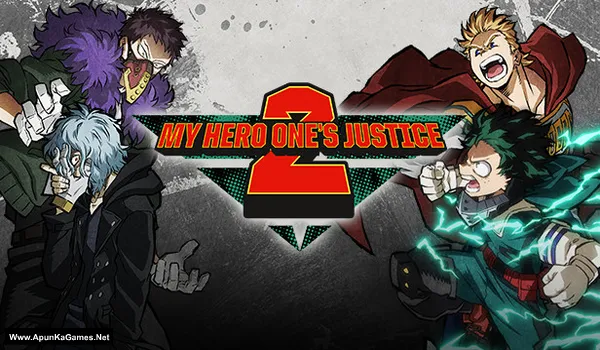
My Hero One’s Justice 2 Game – Overview – Free Download – PC – Specs – Screenshots – Free
Type of game: Action-Fighting
PC Release Date: March 13, 2020
Developer/Publishers: BYKING, BANDAI NAMCO Entertainment
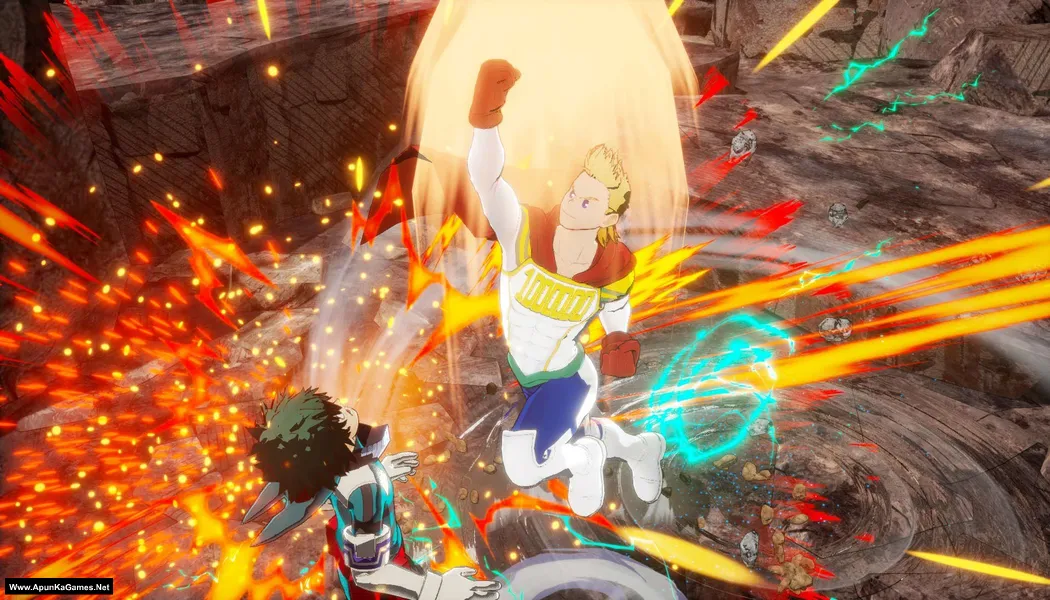
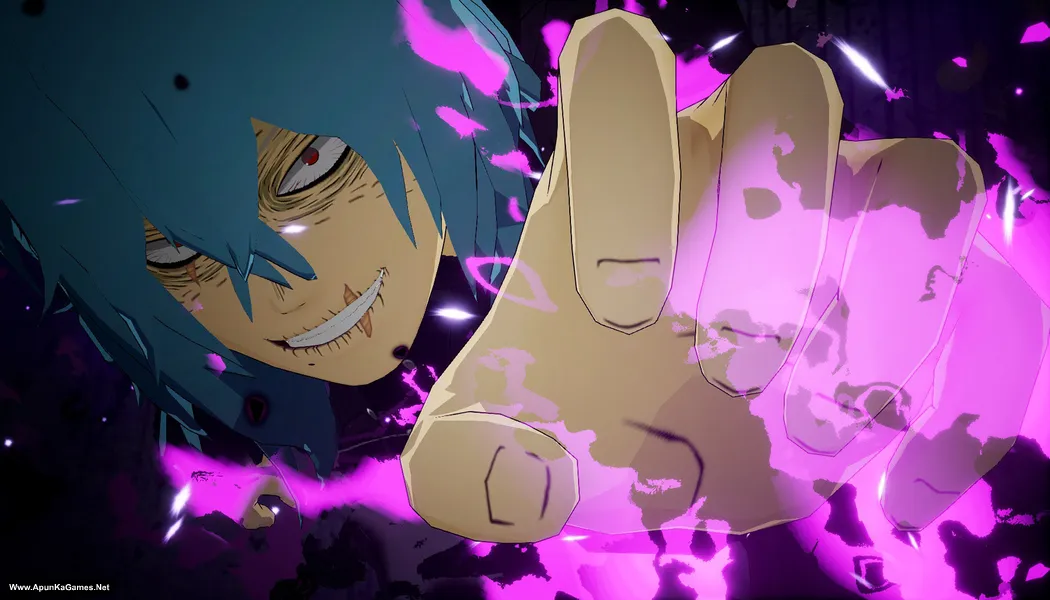
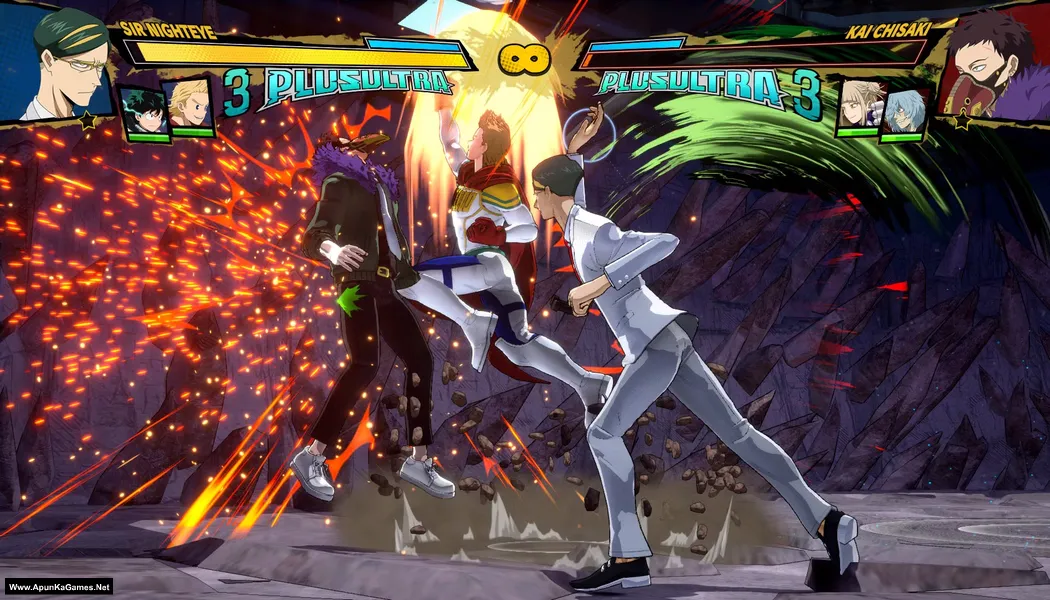
My Hero One’s Justice 2 (7.34 GB) is an Action-Fighting video game. Developed and published by BYKING, BANDAI NAMCO Entertainment. It was released on March 13, 2020 for Windows. My Hero One’s Justice 2 delivers fast-paced arena battles inspired by the My Hero Academia anime. Fight using powerful Quirks, destructible environments, and flashy combos. Smooth gameplay and a large character roster create intense, action-packed superhero combat.
Type of game: Action-Fighting
PC Release Date: March 13, 2020
Developer/Publishers: BYKING, BANDAI NAMCO Entertainment
My Hero One’s Justice 2 (7.34 GB) is an Action-Fighting video game. Developed and published by BYKING, BANDAI NAMCO Entertainment. It was released on March 13, 2020 for Windows. My Hero One’s Justice 2 delivers fast-paced arena battles inspired by the My Hero Academia anime. Fight using powerful Quirks, destructible environments, and flashy combos. Smooth gameplay and a large character roster create intense, action-packed superhero combat.
Before downloading make sure that your PC meets minimum system requirements.
Minimum System Requirements
- OS: Window 7 (64 bit)
- Processor: Intel Core i5-750 / AMD Phenom II X4 940
- Memory: 4 GB RAM
- Graphics: NVIDIA GeForce GTX 460 / AMD Radeon HD 6870
- DirectX: Version 11
- Network: Broadband Internet connection
- Storage: 12 GB available space
Screenshots
How to Install?
- Extract the file using Winrar. (Download Winrar)
- Open “My Hero One’s Justice 2” folder, double click on “Setup” and install it.
- After installation complete, go to the folder where you extract the game.
- Open “CODEX” folder, copy all files and paste it where you install the game.
- Then double click on “HeroGame” >> “Binaries” >> “MHOJ2.exe” to play the game. Done!
How to Download?
If your don’t know how to Download this game, just Click Here!
If your don’t know how to Download this game, just Click Here!
Game Size: 7.34 GB
Password: www.apunkagames.net or apunkagames
reupload the link please
the file has not been found
Links updated and setup fixed… You can Download game now. Thanks for reporting broken links!
How to change the language
Is all the dlcs and season pass present too
I think yes. Last Updated was 30 Jan – 2026.
It’s telling me to insert a disk..
Follow these step… you must crack the game after installation 100% done.
01. After installation complete, go to the folder where you extract the game.
02. Open “CODEX” folder, copy all files and paste it where you install the game.
03. Then double click on “HeroGame” >> “Binaries” >> “MHOJ2.exe” to play the game. Done!
There’s only two folders in my CODEX folder
And the game is saying files are missing and I offed my anti virus
Just Copy both folders from the CODEX folder and paste them into the directory where you installed the game. Click Replace if prompted. Go to “HeroGame” >> “Binaries” >> “Win64” folder, run using “MHOJ2.exe” to play. Done!
Note: This setup has been tested on Windows 10. Before extracting and installing, check your antivirus/Windows Security and create an exception for the game folder if it blocks any required files. Also, make sure the latest Microsoft Visual C++ Redistributable packages are installed.
We checked the game again, and this setup is 100% working. Please follow the instructions step by step. Before extracting and installing the game, temporarily disable your antivirus, as it may block or quarantine required DLL files.
Download both parts and paste them into one new folder.
01. Extract the file using Winrar part 1 and automatically 2nd part will extracted.
02. Open “My Hero One’s Justice 2” folder, double click on “Setup” and install it.
03. After installation complete, go to the folder where you extract the game.
04. Open “CODEX” folder, copy all files and paste it where you install the game. (Click replace)
05. Go to “HeroGame” >> “Binaries” >> “Win64” folder, run using “MHOJ2.exe” to play. Done!
Note: This setup has been tested on Windows 10. Before extracting and installing, check your antivirus/Windows Security and create an exception for the game folder if it blocks any required files. Also, make sure the latest Microsoft Visual C++ Redistributable packages are installed.