

Control Game – Overview – Free Download – PC – Compressed – Specs – Screenshots – Free
Type of game: Action,Adventure
PC Release Date: August 27, 2019
Developer/Publishers: Remedy Entertainment/505 Games
Control (24.4 GB) is an action,adventure video game. Developed and published by Remedy Entertainment/505 Games. It was released on August 27, 2019 for Windows. After a secretive agency in New York is invaded by an otherworldly threat, you become the new Director struggling to regain Control in this supernatural 3rd person action-adventure from Remedy Entertainment and 505 Games.
Before downloading make sure that your PC meets minimum system requirements.
Minimum System Requirements
- OS: Windows 7 (64 bit)
- Processor: Intel Core i5-4690 3.5GHz / AMD FX-4350
- RAM: 8 GB RAM
- Hard Drive: 55 GB available space
- Video Card: AMD Radeon R9 280X or NVIDIA GeForce GTX 780
- DirectX: Version 11
Screenshots
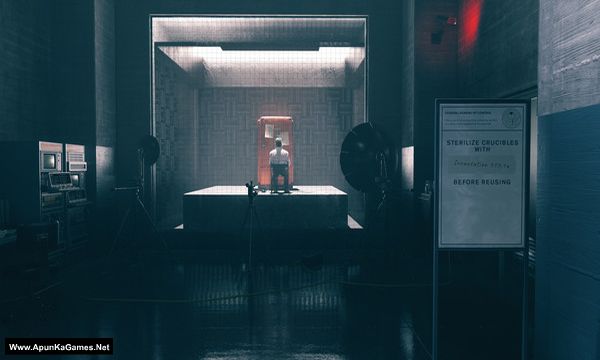
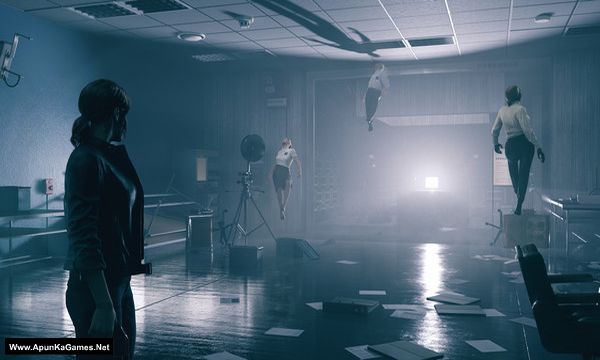
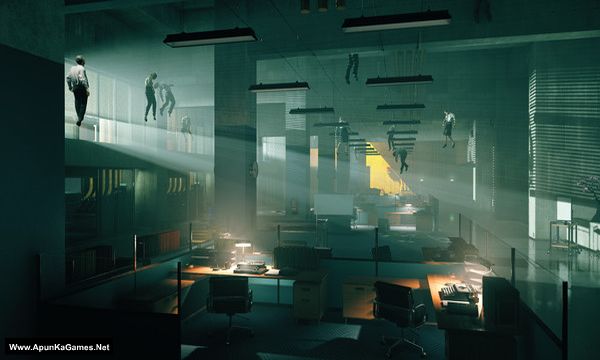
How to Install?
- Extract the file using Winrar. (Download Winrar)
- Open “Control” folder, double click on “Setup” and install it.
- After installation complete, go to the folder where you extract the game.
- Open “HOODLUM” folder, copy all files and paste it where you install the game.
- Then double click on “game” icon to play the game. Done!
How to Download?
If your don’t know how to Download this game, just Click Here!
Game Size: 24.4 GB
Password: www.apunkagames.net or apunkagames

Why is there no dialogue audio for the characters in the game after I’ve installed it, my friend?
Brother, this issue may be caused by incorrect audio channel settings or missing game files. First, open Windows Sound Settings and change your speaker configuration to Stereo (2.0) instead of 5.1 or 7.1. Then go to Control’s Audio Settings and make sure Dialogue Volume is turned up. If dialogue is still missing, check whether your antivirus quarantined any game files. The HOODLUM setup may also need to be reinstalled if audio files are corrupted or missing. Also, we will add Control Ultimate Edition v1.32 + 2 DLC by tomorrow, so you can try that version as well!
help pleasee