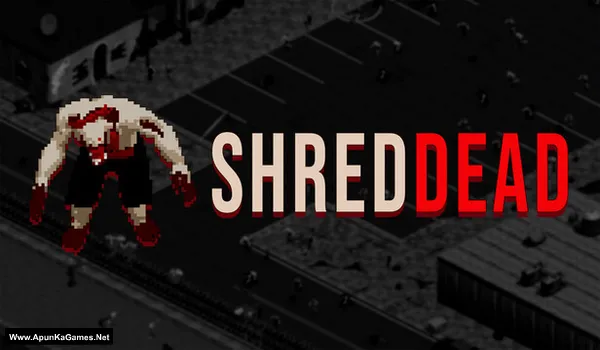
ShredDead Game – Overview – Download – Free – PC – Specs – Screenshots – Installation Guide
Type of game: Strategy
PC Release Date: October 26, 2026
Developer/Publishers: Weird Penguin Games
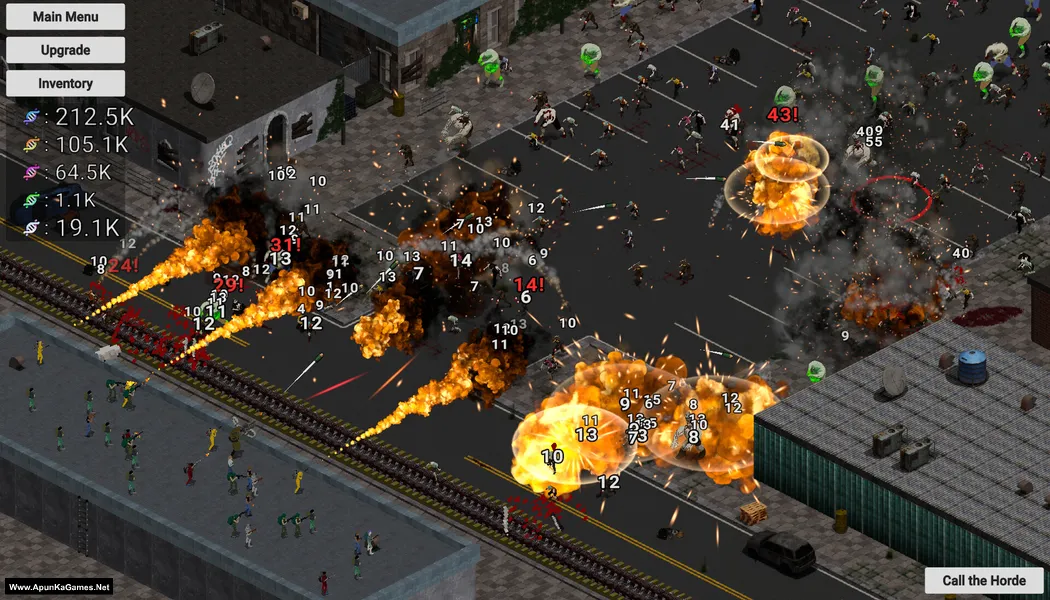
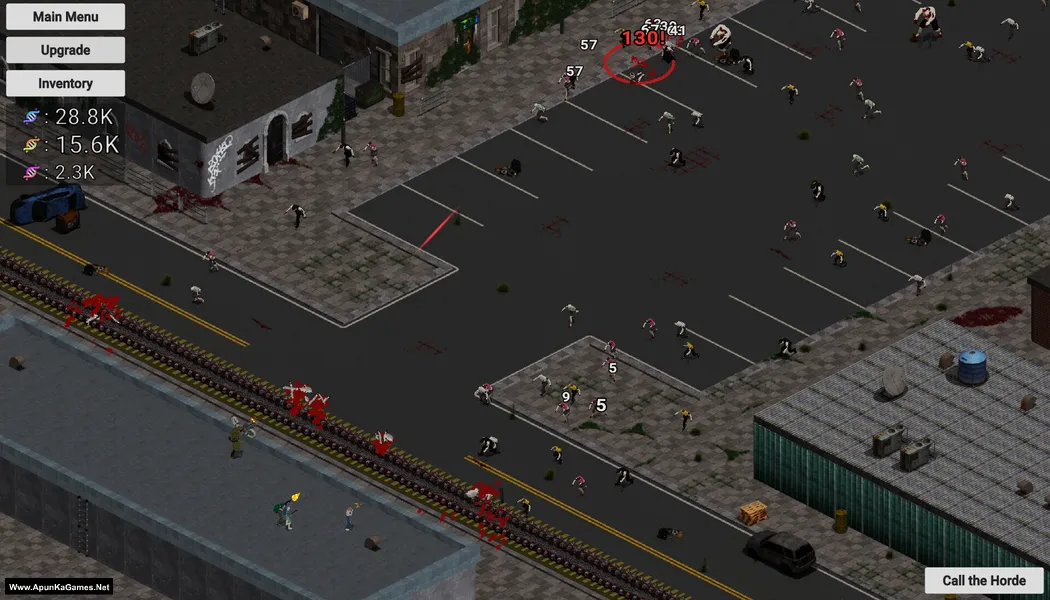
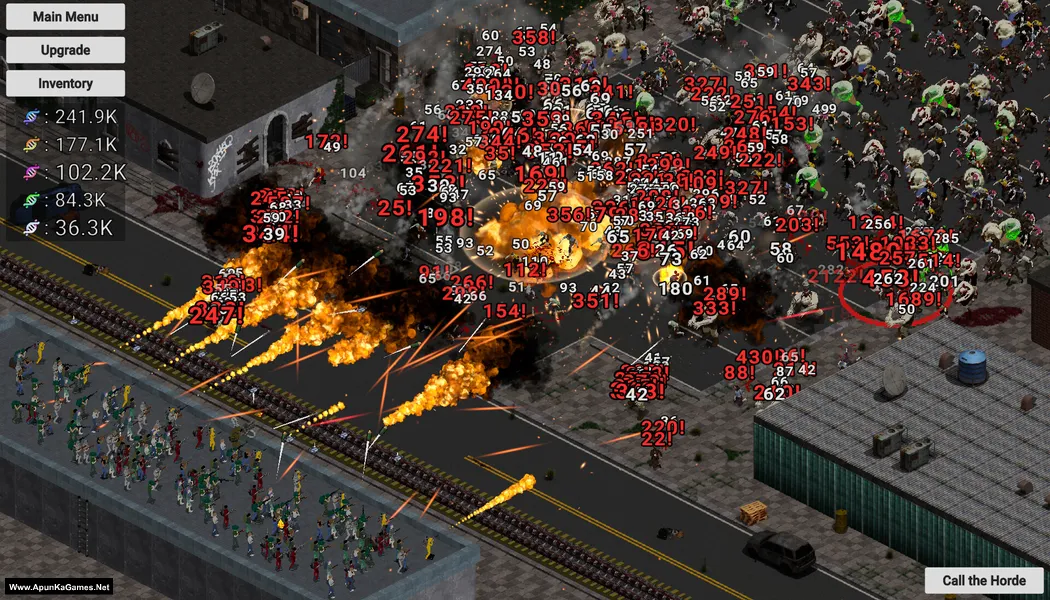
ShredDead (124 MB) is a casual incremental zombie game set in a post-apocalyptic world where you defend your outpost against endless waves of undead. Use powerful weapons, explosives, and an industrial shredder to eliminate approaching zombies and collect valuable loot. Upgrade your abilities through an extensive skill tree, equip your soldiers with better equipment, and experiment with different strategies. Evolve zombies into more dangerous enemies while expanding your defenses and progressing through increasingly challenging waves in this relaxing single-player experience.
Type of game: Strategy
PC Release Date: October 26, 2026
Developer/Publishers: Weird Penguin Games
ShredDead (124 MB) is a casual incremental zombie game set in a post-apocalyptic world where you defend your outpost against endless waves of undead. Use powerful weapons, explosives, and an industrial shredder to eliminate approaching zombies and collect valuable loot. Upgrade your abilities through an extensive skill tree, equip your soldiers with better equipment, and experiment with different strategies. Evolve zombies into more dangerous enemies while expanding your defenses and progressing through increasingly challenging waves in this relaxing single-player experience.
Before downloading make sure that your PC meets minimum system requirements.
Minimum System Requirements
- OS: Windows 7 or later
- Processor: Intel Core 2 Duo 2.40 GHz / AMD Athlon 2.40 GHz
- RAM: 4 GB
- Hard Disk: 1 GB available space
- Graphics Card: DirectX 11 compatible
- DirectX: Version 11
Screenshots
How to Install?
- Extract the file using Winrar. (Download Winrar)
- Open “ShredDead” >> “Game” folder.
- Then double click on “ShredDead.exe” to play the game. Done!
How to Download?
If your don’t know how to Download this game, just Click Here!
If your don’t know how to Download this game, just Click Here!
ShredDead Download
Click Here to Download This Game
Game Size: 124 MB
Password: www.apunkagames.net or apunkagames
Click Here to Download This Game
Game Size: 124 MB
Password: www.apunkagames.net or apunkagames