
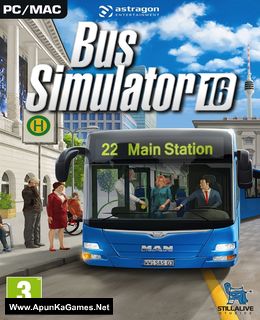
Bus Simulator 16 Game – Overview – Free Download – PC – Free – Compressed – Screenshots – Specs – Torrent/uTorrent
Type of game: Simulation
PC Release Date: March 2, 2016
Developer/Publishers: Stillalive Studios
Bus Simulator 16 (1.50 GB) is a Simulation video game developed by Stillalive Studios and published by Astragon. It was released on March 2, 2016. In Bus Simulator, you’ll assume the controls of one of 6 true-to-life city buses, licensed by companies such as MAN, and drive your passengers through 5 realistic districts of a city.
Before downloading make sure that your PC meets minimum system requirements.
Minimum System Requirements
- OS: Windows 7/8/10 (64 bit)
- Processor: Intel Core i3 with 3.3 GHz / AMD Phenom II X4 96OT with 3.0 GHz or comparable processor
- Memory: 4 GB RAM
- Graphics: GeForce GTX 470 (1 GB VRAM) or comparable graphics card
- Storage: 4500 MB available space
- DirectX: Version 9.0c
- Keyboard & Mouse
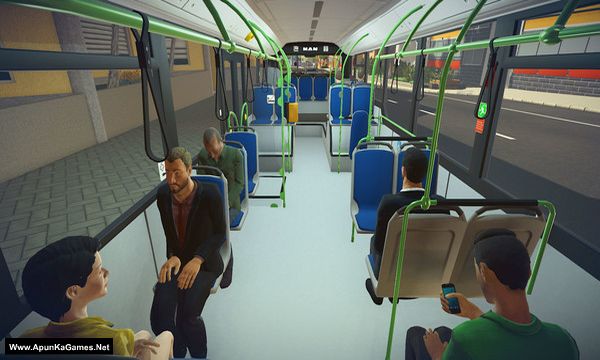
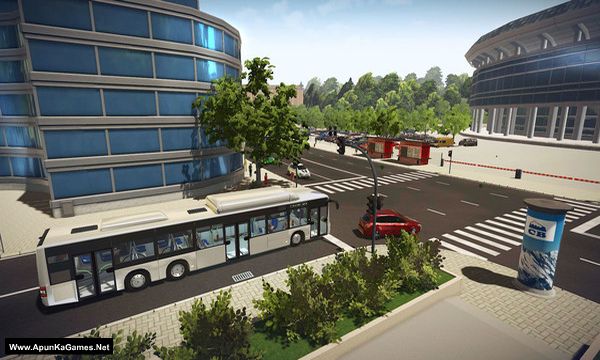
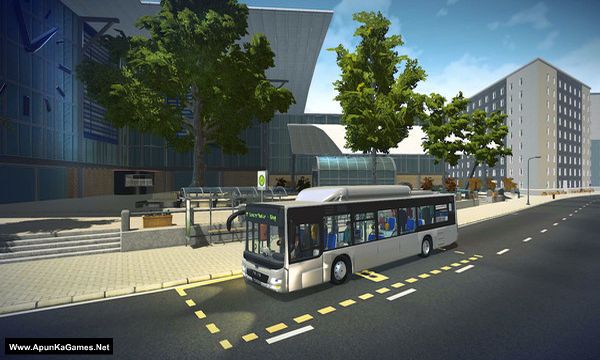
Screenshots
How to Install?
- Extract the file using Winrar. (Download Winrar)
- Open “Bus Simulator 16” folder, double click on “Setup” and install it.
- After installation complete, go to the folder where you extract the game.
- Open “CRACK” folder, copy all files and paste it where you install the game.
- Then double click on “BusSimulator16” icon to play the game. Done!
How to Download?
If your don’t know how to Download this game, just Click Here!
Bus Simulator 16 Download
Click Here to Download This Game
Game Size: 1.50 GB
Password: www.apunkagames.net or apunkagames

Hello i install this game and is dont show the play button or profil select
Brother, did you paste the crack files into the game directory and replace the existing files after installation? Make sure you do this after the installation is complete. If your antivirus blocks the crack files, they may not be copied properly. You can temporarily disable real-time protection or install the game in an antivirus exclusion folder. Then run the game again. When the company name prompt appears, enter any name and click OK. This should help fix the missing Play button and profile selection issue.
I solved i had to make some setting in properti make win visa pake 2 enable administator disable full screen optimization but thx for help and one question i have lag on game you know how to fix it? I have intel celeron 8gb ram intel uhd 400 500mb is a laptop lenovo
Glad you found a fix, brother! Thanks for sharing it. Regarding the lag, your Intel UHD 400 integrated graphics are quite weak for Bus Simulator 16, so smooth gameplay may be difficult. Try setting the resolution to 1280×720, graphics quality to Low, disabling Anti-Aliasing and SSAO, and turning off Always Update Bus Mirrors. Also, lower the viewing distance, close background applications, and set your laptop to Best Performance mode. These changes should help improve FPS, but some lag may remain. We’ll also add the Gold Edition of this game today, so you can try that version if you want!
We checked the game again, and this setup is 100% working. Please follow the instructions step by step. Before extracting and installing the game, temporarily disable your antivirus, as it may block or quarantine required DLL files. Also, make sure the latest Microsoft Visual C++ Redistributable packages are installed.
Download all parts and paste them into one new folder.
01. Extract the file using Winrar.
02. Open “Bus Simulator 16” folder, double click on “Setup” and install it.
03. After installation complete, go to the folder where you extract the game.
04. Open “CRACK” folder, copy all files and paste it where you install the game. (Click Replace)
05. Then double click on “BusSimulator16.exe” to play the game. Done!
Note: This setup has been tested on Windows 10. Run the game in Windowed Mode first.