
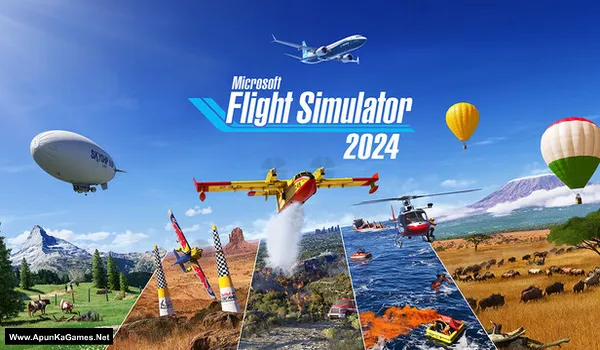
Microsoft Flight Simulator 2024 v1.2.7.0 Game – Overview – Download – Free – PC – Specs – Screenshots – Installation Guide
Type of game: Simulation
PC Release Date: November 19, 2024
Developer/Publishers: Asobo Studio, Xbox Game Studios
Microsoft Flight Simulator 2024 (8.10 GB) is a simulation game that delivers an immersive aviation experience with detailed aircraft, realistic environments, and dynamic flight conditions. Players can pilot different aircraft, explore diverse locations, complete aviation activities, and experience realistic weather while developing their flying skills. With advanced simulation mechanics, stunning visuals, and authentic flight systems, the game offers an engaging experience for aviation enthusiasts. Microsoft Flight Simulator 2024 is ideal for PC players who enjoy simulation, aviation, exploration, realistic gameplay, aircraft, and challenging flight experiences.
Before downloading make sure that your PC meets minimum system requirements.
Minimum System Requirements
- OS: Windows 10 (64‑bit)
- Processor: AMD Ryzen 5 2600X or Intel Core i7-6800K
- RAM: 16 GB
- Hard Disk: 50 GB available space
- Graphics Card: Radeon RX 5700 or GeForce GTX 970
- Network: Broadband Internet connection
- DirectX: Version 12
Screenshots
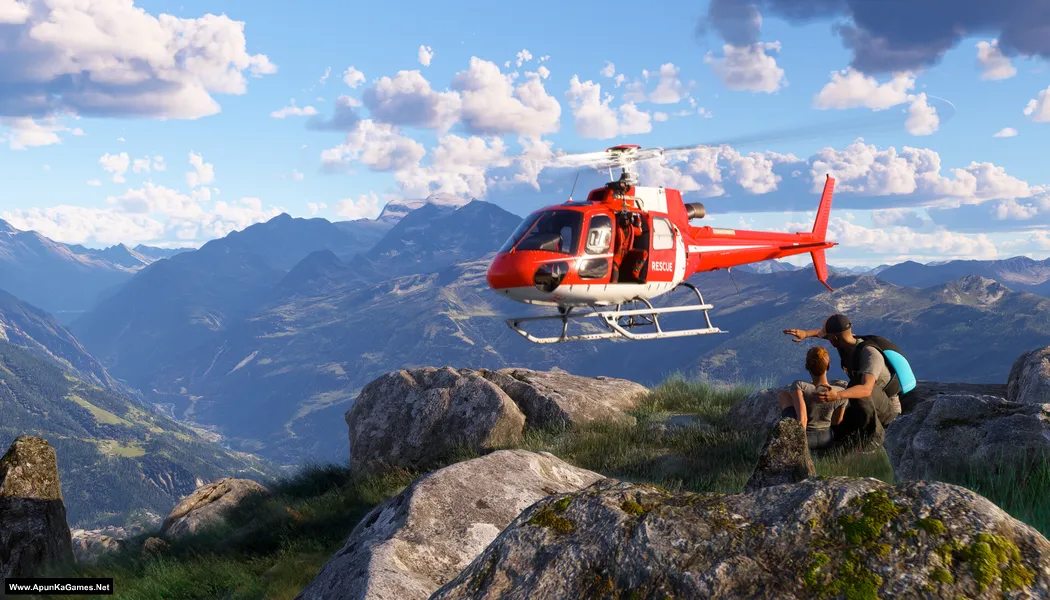
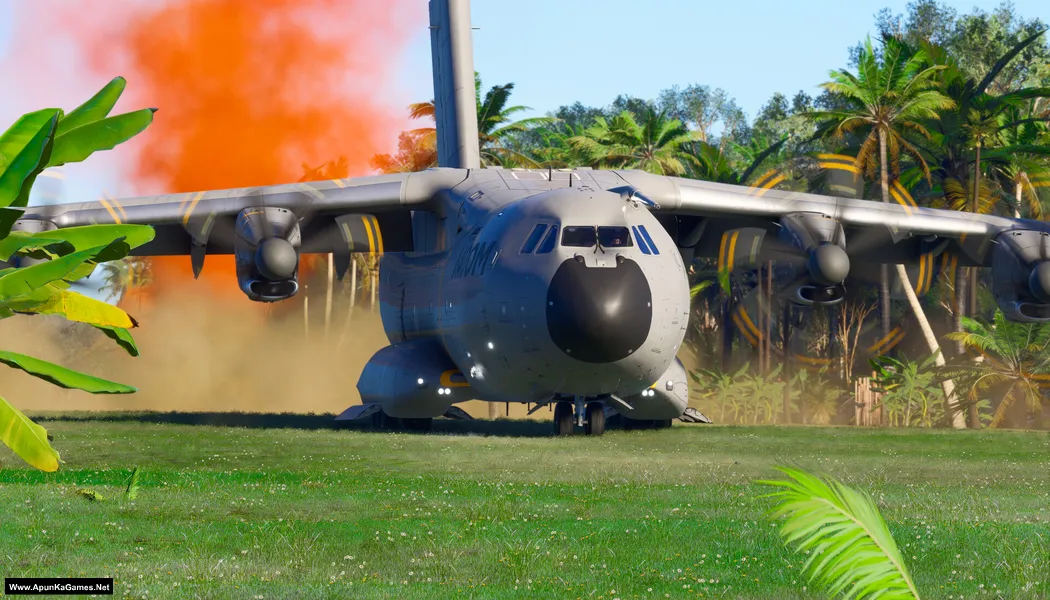
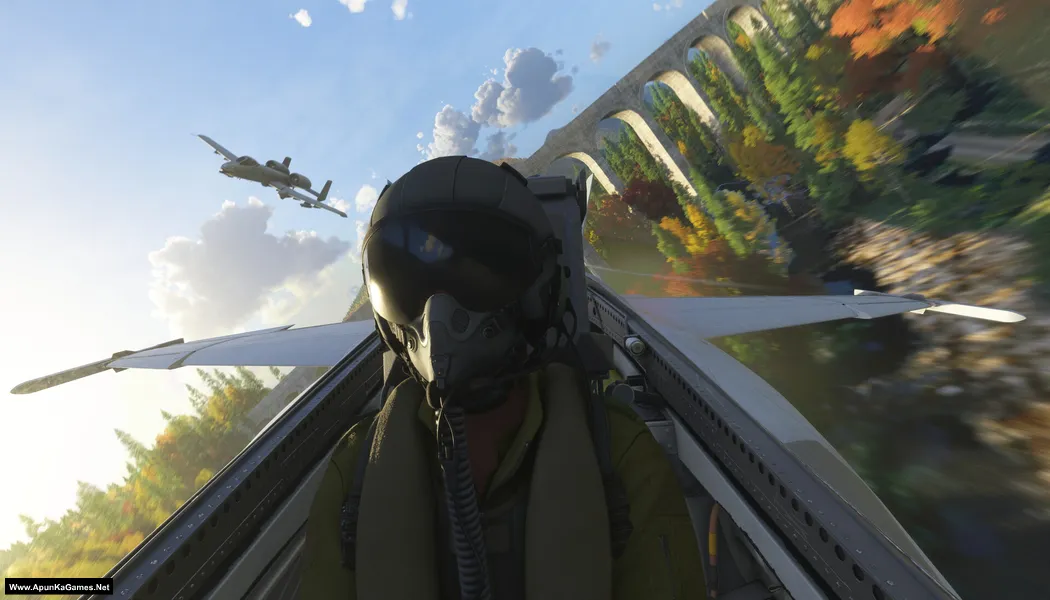
How to Install?
- Extract the file using Winrar. (Download Winrar)
- Open “Microsoft Flight Simulator 2024” >> “Game” folder.
- Run GDK_Helper.bat, which is located in the game folder. (Performed once)
- Enable Developer Mode. (Restart your PC if necessary) (Performed once)
- Install the game. (Performed once)
- Disable Developer Mode. (Performed once)
- Launch the game via the start menu. Done!
How to Download?
If your don’t know how to Download this game, just Click Here!
Microsoft Flight Simulator 2024 Download
Click Here to Download This Game
Game Size: 8.10 GB
Password: www.apunkagames.net or apunkagames

bro im trying to run flight simulator but it always say server issue how to solve it
cuz its completely online game. u have to download 2020 version of it
Where to find 2020 version?
Links of Part 1 And Part 2 are not working please look at thiss
Brother both links working fine just, temporarily turn off your antivirus, then click the download link to start the download. Please download the parts one by one. If one part is still downloading and you click another part, it may show an error. Let the current part finish before downloading the next one. Also, close all active IDM downloads and try clicking the download link again. Try downloading at night or early in the morning when server traffic is lower and speeds may be better.