
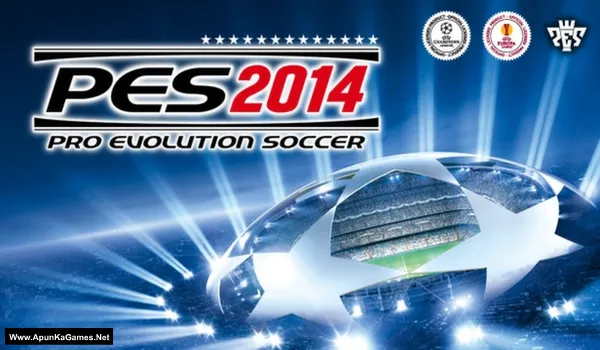
Pro Evolution Soccer 2014 Game – Overview – Free Download – PC – Specs – Screenshots – Installation Video
Type of game: Sports
PC Release Date: September 20, 2013
Developer/Publishers: Konami
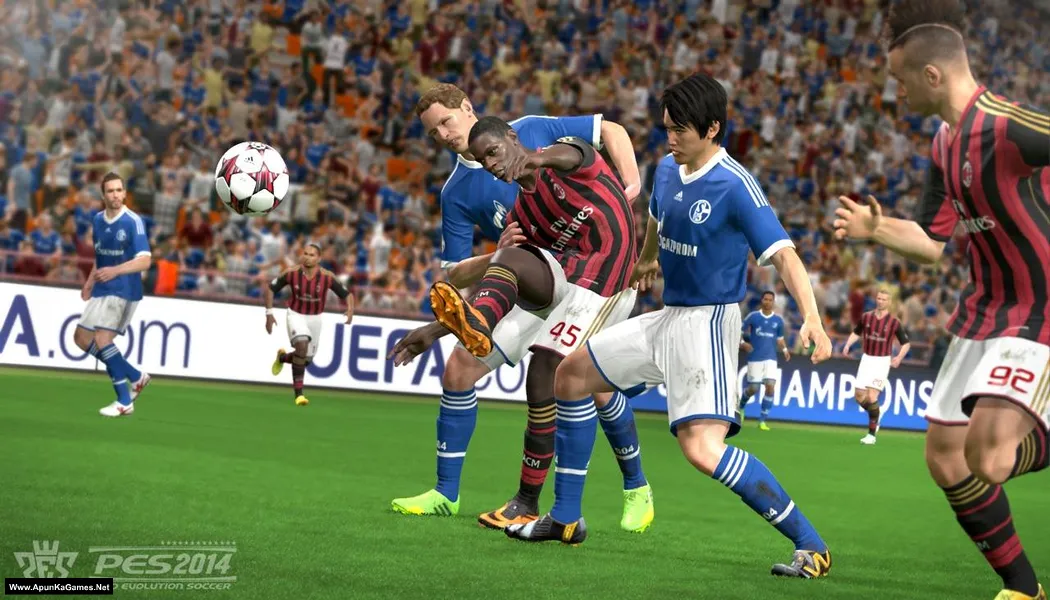
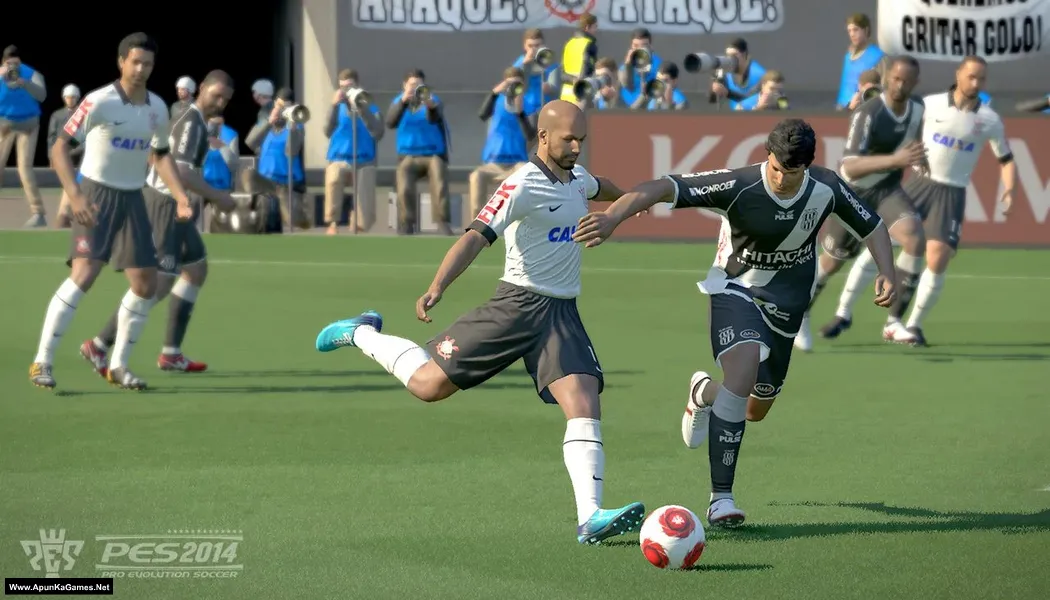
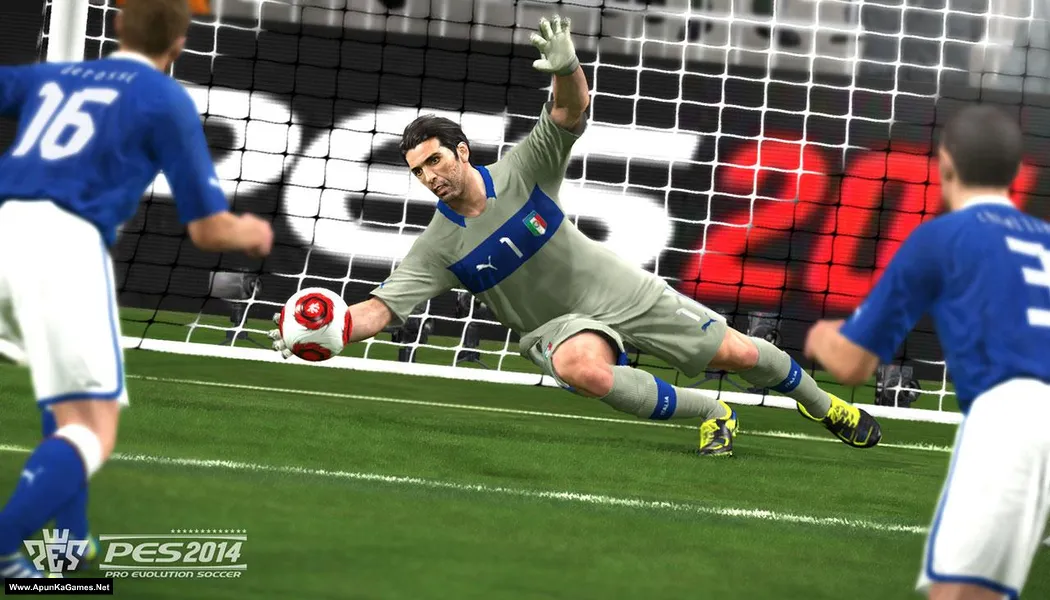
Pro Evolution Soccer 2014 (3.2 GB) is a football simulation game developed and published by Konami. Built around the Fox Engine, it introduced updated ball physics, player movement, and match-flow systems designed to make play feel more realistic. The game includes licensed teams, leagues, exhibition modes, and multiplayer options for competitive play. Released for PC and several consoles in 2013, it marked a major technical shift for the long-running PES series.
Before downloading make sure that your PC meets minimum system requirements.
Minimum System Requirements
- OS: Windows 7/Vista/8
- Processor: Core 2 Duo @ 1.8 GHz or Athlon II X2 240
- RAM: 1 GB
- Hard Drive: 8 GB available space
- Video Card: NVIDIA GeForce 6800 or ATI Radeon x1300 or Intel HD Graphics 2000 (512 MB VRAM)
Screenshots
How to Install?
- Extract the file using Winrar. (Download Winrar)
- Open “Pro Evolution Soccer 2014” folder, double click on “Setup” and install it.
- After installation complete, go to the folder where you install the game.
- Open folder, double click on “pes2014” icon to play the game. Done!
How to Download?
If your don’t know how to Download this game, just Click Here!
Game Size: 3.2 GB
Password: www.apunkagames.net or apunkagames

password restore_crk_dlls apa?
Type these passwords one by one. Make sure Caps Lock is OFF and there are no spaces. You can also copy and paste them directly.
www.apunkagames.netapunkagames
www.apunkagames.comI tried opening the game it says “the application was unable to start correctly (0xc0000142), please how do I fix it
Brother, error 0xc0000142 usually occurs when a required DLL or runtime fails to initialize. For PES 2014, try installing Microsoft .NET Framework 4, Microsoft Visual C++ Redistributables, and DirectX 9.0c. Also try running pes2014.exe as Administrator and in Windows 7 compatibility mode.
game does not run well,goes into errors
Brother, please share a screenshot or detail of the error you are getting when launching Pro Evolution Soccer 2014. Also mention your Windows version. We’ll check the issue and guide you with the correct fix.
Meanwhile, try running pes2014.exe as Administrator and make sure DirectX 9.0c and Microsoft Visual C++ Redistributables are installed.
You can also open Settings.exe in the game folder and try lowering the resolution and graphics quality. PES 2014 uses a separate settings tool for graphics configuration.
Please share the exact error message so we can provide the right solution instead of guessing.