
Mafia: The Old Country + All DLCs Game – Overview – Download – Free – PC – Specs – Screenshots – Installation Guide
Type of game: Action-adventure
PC Release Date: August 7, 2025
Developer/Publishers: Hangar 13, 2K
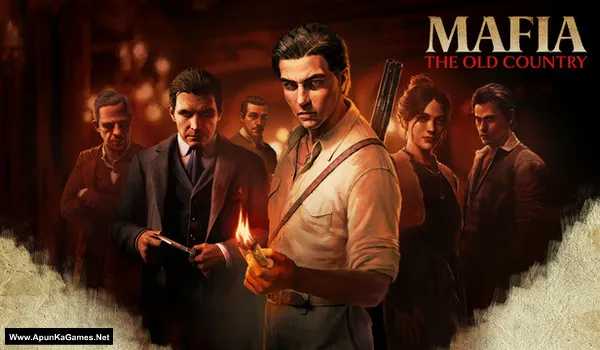
Mafia: The Old Country (38.8 GB) is a story-driven action-adventure game set in early 1900s Sicily, where players experience the origins of organized crime through a cinematic narrative. Explore beautifully crafted environments, engage in intense gunfights, stealth missions, and melee combat while rising through the ranks of the Mafia. The game features immersive storytelling, realistic visuals, and a rich historical setting, making it perfect for fans of action-adventure and crime games on PC.
Before downloading make sure that your PC meets minimum system requirements.
Minimum System Requirements
- OS: Windows 10/11 (64‑bit)
- Processor: AMD Ryzen 7 2700X / Intel Core i7-9700K
- RAM: 16 GB
- Hard Disk: 55 GB available space
- Graphics Card: AMD Radeon RX 5700 XT / NVIDIA RTX 2070
- DirectX: Version 12
Screenshots
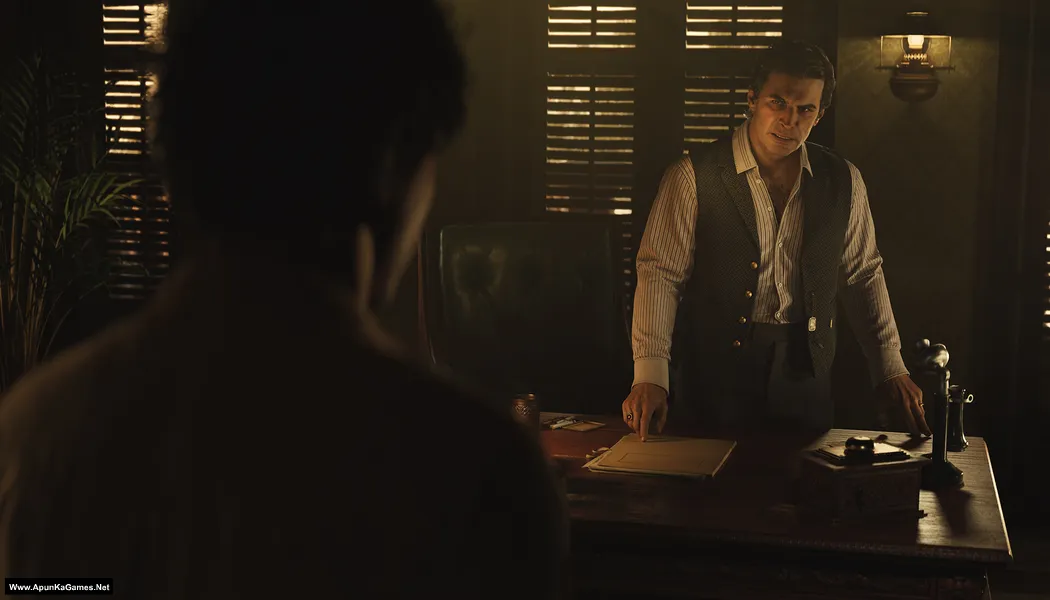
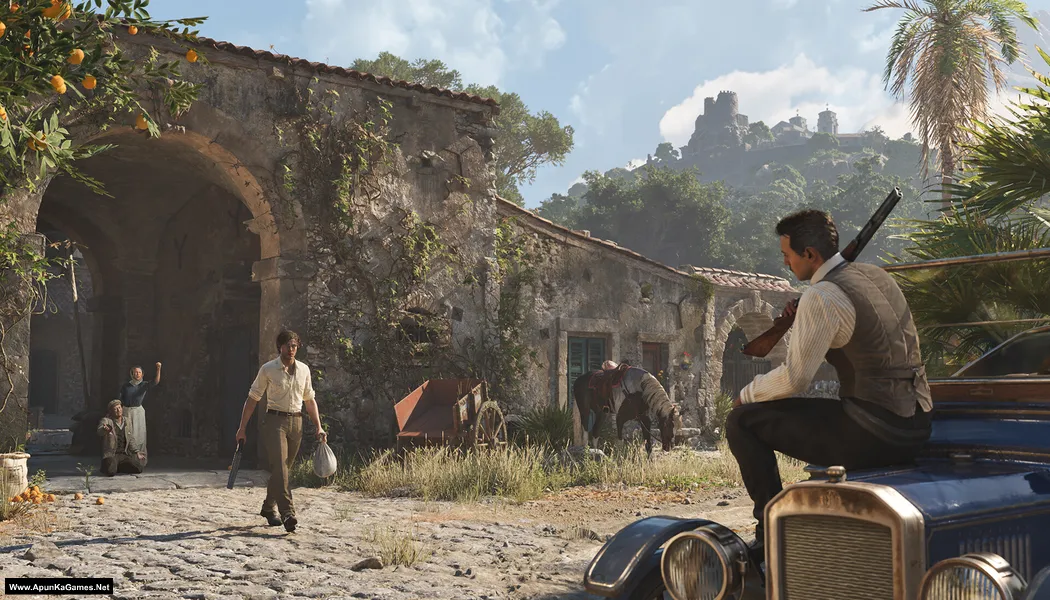
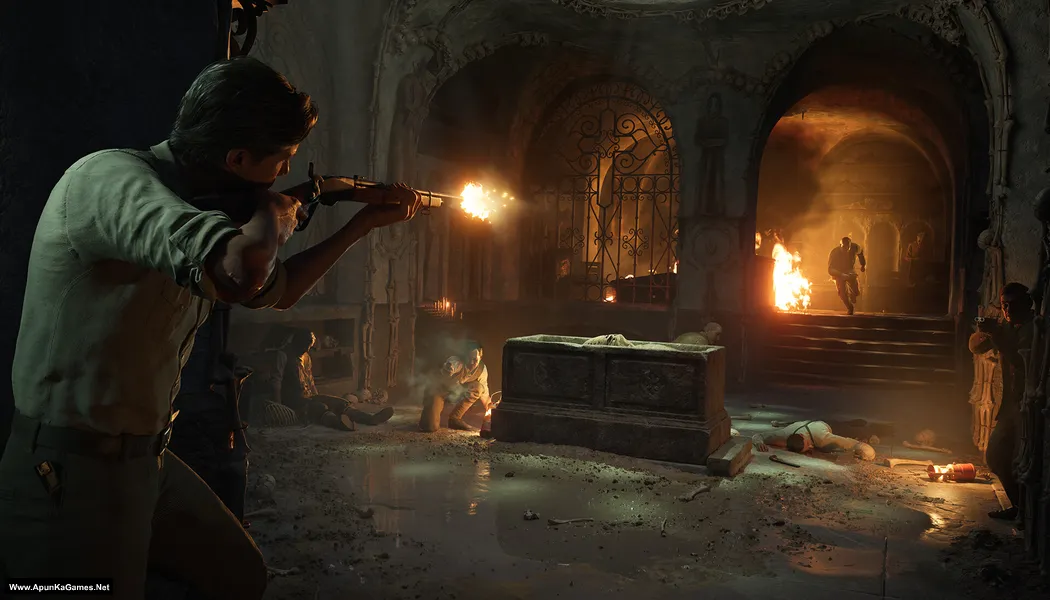
How to Install?
- Extract the file using Winrar. (Download Winrar)
- Open “Mafia: The Old Country” folder, double click on “Setup” and install it.
- After installation complete, go to the folder where you extract the game.
- Open “voive38” folder, copy all files and paste it where you install the game.
- Then double click on “MafiaTheOldCountry.exe” to play the game. Done!
How to Download?
If your don’t know how to Download this game, just Click Here!
Mafia: The Old Country Download
Click Here to Download This Game
Game Size: 38.8 GB
Password: www.apunkagames.net or apunkagames

Doesn’t work. Keeps saying something about an error in part 2.
If you’re getting an error with Part 2, please delete Part 2 completely from both IDM and your hard drive, then download it again from the beginning. Make sure all parts are in the same folder and their filenames haven’t been changed. Don’t resume the download.
When extracting, first put all parts together in the same folder, then extract only Part 1. Do not extract the parts separately—the remaining parts will be used automatically during extraction. 👍
We checked the game again, and this setup is 100% working. Please follow the instructions step by step. Before extracting and installing the game, temporarily disable your antivirus, as it may block or quarantine required DLL files.
Download all parts and paste them into one new folder.
01. Extract the file using Winrar part 1 and automatically all parts will extracted.
02. Open “Mafia: The Old Country” folder, double click on “Setup” and install it.
03. After installation complete, go to the folder where you extract the game.
04. Open “voive38” folder, copy all files and paste it where you install the game.
05. Go to “MafiaTheOldCountry” >> “Binaries” >> “Win64” folder.
05. Run the game using “MafiaTheOldCountry.exe” to play. Done!
Note: This setup has been tested on Windows 10. Also, make sure the latest Microsoft Visual C++ Redistributable packages are installed.
good
We appreciate your support, Happy gaming! 🎮🔥