
Life Is Strange 2 Episode 1-2 Game – Overview – Free Download – PC – Compressed – Specs – Screenshots – Free
Type of game: Adventure
PC Release Date: September 26, 2018
Developer/Publishers: DONTNOD Entertainment,Square Enix
Life is Strange 2 (11 GB) is an adventure video game. Developed and published by DONTNOD Entertainment,Square Enix. It was released on September 26, 2018 for Windows. Purchase the Complete Season and receive the ‘Arcadia Bay’ patch bundle to customise your in-game backpack.
Type of game: Adventure
PC Release Date: September 26, 2018
Developer/Publishers: DONTNOD Entertainment,Square Enix
Life is Strange 2 (11 GB) is an adventure video game. Developed and published by DONTNOD Entertainment,Square Enix. It was released on September 26, 2018 for Windows. Purchase the Complete Season and receive the ‘Arcadia Bay’ patch bundle to customise your in-game backpack.
Before downloading make sure that your PC meets minimum system requirements.
Minimum System Requirements
- OS: Windows 7 or above (64-bit Operating System Required)
- Processor: Intel Core i3-2100 (3.1GHz) or AMD Phenom X4 945 (3.0GHz)
- RAM: 4 GB
- Hard Drive: 40 GB GB available space
- Video Card: Nvidia GeForce GTX 650 2GB or AMD Radeon HD 7770 2GB
- DirectX: Version 11
Screenshots
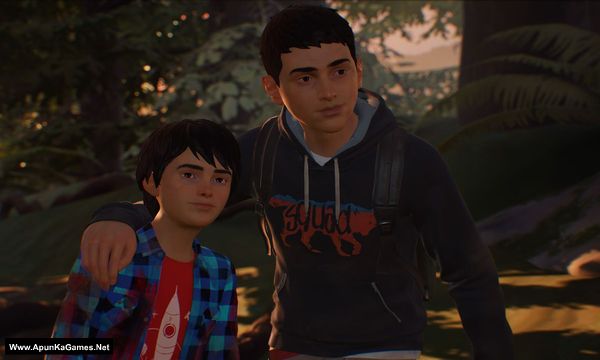
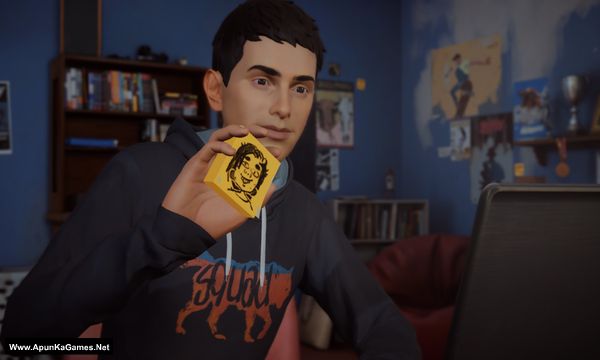
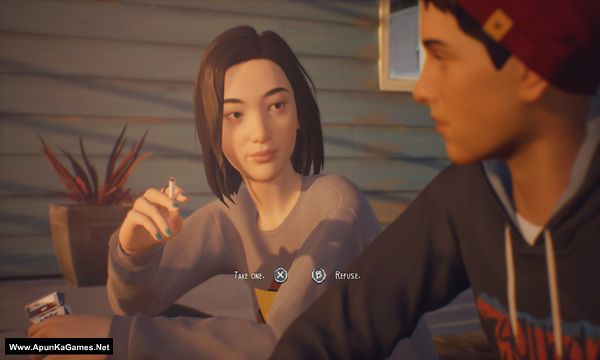
How to Install?
- Extract the file using Winrar. (Download Winrar)
- Open “Life Is Strange 2 Episode 1-2” folder, double click on “Setup” and install it.
- After installation complete, go to the folder where you install the game.
- Open folder, double click on “LIS2” >> “Binaries” >> “LIS2-Win64-Shipping” icon to play the game. Done!
How to Download?
If your don’t know how to Download this game, just Click Here!
If your don’t know how to Download this game, just Click Here!
Game Size: 11 GB
Password: www.apunkagames.net or apunkagames
Please Upload All the Episodes.
Plz updated alll liks
is this all the episodes? upload if theres more.
Yes brother there are more episodes of this game. we will add complete edition of Life is Strange 2 as soon as we can.
Please fix the files and fix checksum error
A checksum error usually occurs when one or more archive files are corrupted or incomplete. Try downloading the affected part(s) again and then extract the files using the latest version of WinRAR or 7-Zip.
Is it a error of wrong password
Type these passwords one by one (make sure Caps Lock is off) or just copy and paste it.
www.apunkagames.netapunkagames
www.apunkagames.comSo now if i download the files and extract them there will be no error because I’ve downloaded it twice and it wasn’t working
Brother, the 5 GB setup file is corrupted, which is why you’re getting errors after downloading and extracting it. We’ll replace the setup file today with a working one.
The 900 MB files are working fine from our side; we’ve checked them. 👍 Please wait for the updated 5 GB setup before downloading it again. 🎮
Bro how many Episode in this Version of game? Plz tell me?
Hey how many episodes is this version please
Hi, This version contains 2 episodes. We’re currently checking the setup again because some users reported that it isn’t working. We’ll update it soon. Until then, you can download Life is Strange: Complete Season. 👍
We checked the game again, and this setup is 100% working. Please follow the instructions step by step. Before extracting and installing the game, temporarily disable your antivirus, as it may block or quarantine required DLL files.
Download all parts and paste them into one new folder.
01. Extract the file using Winrar part 1 and automatically all parts will extracted.
02. Open “Life Is Strange 2 Episode 1-2” folder, double click on “Setup” and install it.
03. After installation complete, go to the folder where you install the game.
04. Open “LIS2” >> “Binaries” folder, run using “LIS2-Win64-Shipping.exe” to play the game. Done!
Note: If the game is not in English, you can change the language from the Main Menu.
Just select the 3rd option, then the 1st option, then the 3rd option. You’ll find the Language settings there. Select English, then click the button at the bottom-right to apply the changes. The button may be written in another language. 👍🎮This setup has been tested on Windows 10. Also, make sure the latest Microsoft Visual C++ Redistributable packages are installed.