
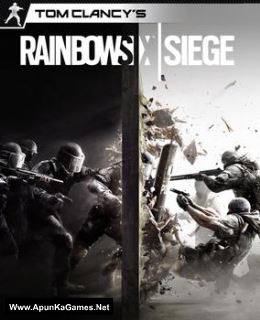
Before downloading make sure that your PC meets minimum system requirements.
Minimum System Requirements
- OS: Windows 7/Vista/8/10 (64bit versions required)
- Processor: Intel Core i3 560 @ 3.3 GHz or AMD Phenom II X4 945 @ 3.0 GHz
- RAM: 6 GB
- Hard Drive: 30 GB available space
- Video Card: 1 GB, NVIDIA GeForce GTX 460 or AMD Radeon HD 5870
- Network: Broadband Internet connection
- DirectX: 9.0c
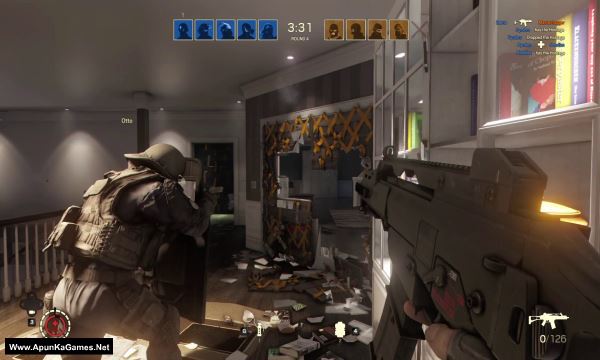
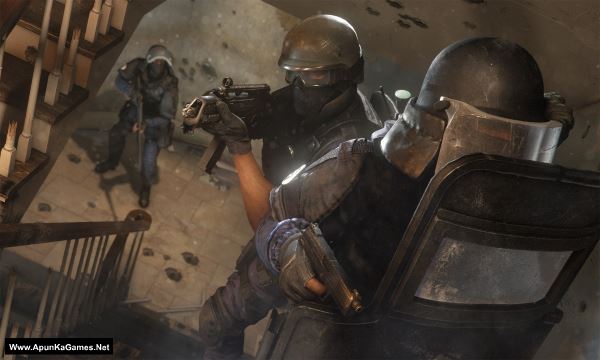
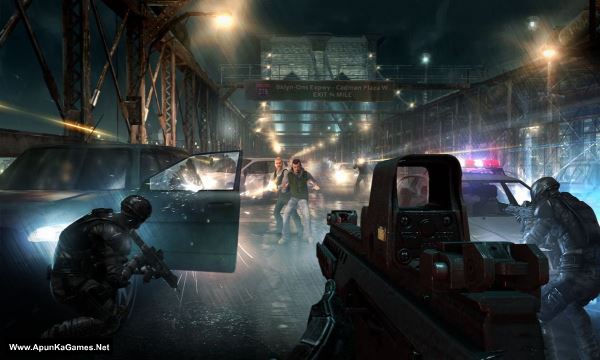
Screenshots
How to Install?
- Extract the file using Winrar. (Download Winrar)
- Open “Tom Clancys Rainbow Six Siege” folder, double click on “Setup” and install it.
- After installation complete, go to the folder where you extract the game.
- Open “CODEX” folder, copy all files and paste it where you install the game.
- Then double click on “RainbowSix” icon to play the game. Done!
How to Download?
If your don’t know how to Download this game, just Click Here!
If your don’t know how to Download this game, just Click Here!
Tom Clancy’s Rainbow Six Siege Free Download
Click Here to Download This Game
Game Size: 12 GB
Password: www.apunkagames.net or apunkagames
Click Here to Download This Game
Game Size: 12 GB
Password: www.apunkagames.net or apunkagames
Is it possible to play this online?
no
bro no anyway to play multiplayer
bro it has headers error in extraction and cant solve it plzz fix this! help me
Brother, “Headers Error” usually means one of the 3 RAR parts is incomplete or corrupted. Make sure all 3 parts are fully downloaded and placed in the same folder. Then right-click Part 1 → WinRAR → Test archive to check it.
Is there a chance to get an updated version?
After install when I run this game It seems Psvcr 100.dll file is missing… Why bro??
install microsoft visual c++ all versions
When i start the game my cinematic videos gets skipped why?
How to install the all parts of the games
Is it the story mode With 11 mission or I have to play in online that you mention it in (Minimum System Requirements=Network: Broadband Internet connection ) explain please.
Story MODE only!
Please fix the link to download Part 3.
Brother, the Part 3 link is working. First, temporarily turn off your antivirus/Windows Security and then download Part 3 from TheFileLocker. Once the download starts, you can turn your antivirus back on.
Also, close all other active IDM downloads and download one part at a time. Don’t start multiple downloads simultaneously, as this can sometimes cause errors. 👍
Not working bro. I am able to download other parts of this game and other games also but not Part 3. The page keeps refreshing at the last step..
Brother, please check Part 3 now. We’ve checked it from our side.
We’re also refreshing the server, so you can try again a little later, especially at night. Hopefully, all the servers will be working properly soon. 🙏
This can sometimes happen because of antivirus/Windows Security interfering with the download. Try temporarily turning it off for about 10 minutes, then click on Part 3 and start the download. Also, make sure there are no other active downloads in IDM.
If it still keeps refreshing, try downloading Part 3 using Google Chrome instead. 👍