
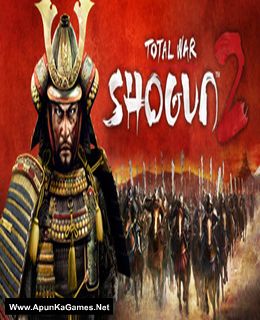
Total War: Shogun 2 Game – Overview – Free Download – PC – Compressed – Specs – Screenshots – Free
Type of game: Strategy
PC Release Date: March 14, 2011
Developer/Publishers: CREATIVE ASSEMBLY, Feral Interactive (Mac), Feral Interactive (Linux)/SEGA, Feral Interactive (Mac), Feral Interactive (Linux)
Total War: Shogun 2 (17.2 GB) is a strategy video game. Developed and published by CREATIVE ASSEMBLY, Feral Interactive (Mac), Feral Interactive (Linux)/SEGA, Feral Interactive (Mac), Feral Interactive (Linux). It was released on March 14, 2011 for Windows. Total War: SHOGUN 2 is the perfect mix of real-time and turn-based strategy gaming for newcomers and veterans alike.
Before downloading make sure that your PC meets minimum system requirements.
Minimum System Requirements
- OS: Windows 7 / Vista / XP
- Processor: 2 GHz Intel Dual Core processor / 2.6 GHz Intel Single Core processor, or AMD equivalent (with SSE2)
- RAM: 1GB RAM (XP), 2GB RAM (Vista / Windows7)
- Hard Drive: 32 GB available space
- Video Card: 256 MB DirectX 9.0c compatible card (shader model 3)
- DirectX: Version 9.0c
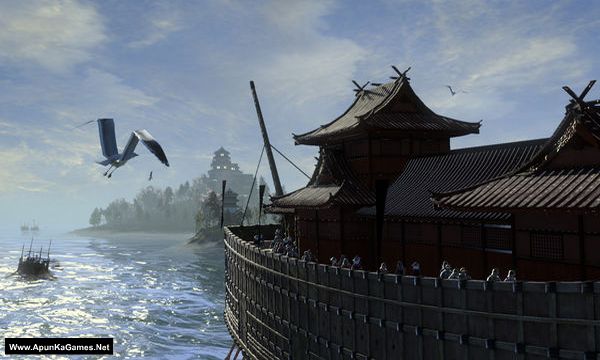
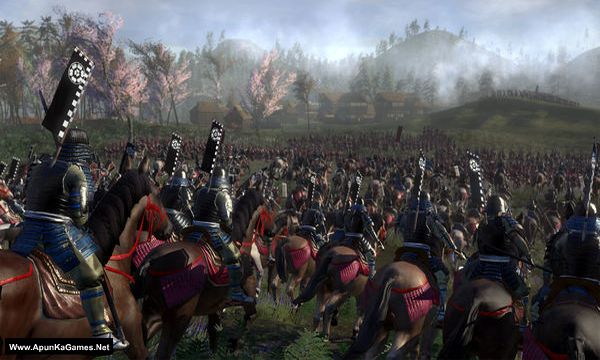
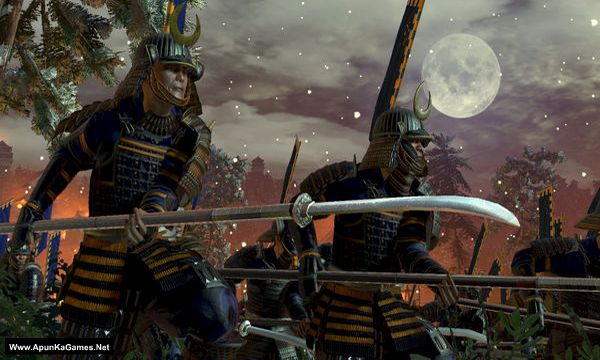
Screenshots
How to Install?
- Extract the file using Winrar. (Download Winrar)
- Open “Total War SHOGUN 2” folder, double click on “Setup” and install it.
- After installation complete, go to the folder where you extract the game.
- Open “PROPHET” folder, copy all files and paste it where you install the game.
- Then double click on “Shogun2” icon to play the game. Done!
How to Download?
If your don’t know how to Download this game, just Click Here!
Game Size: 17.2 GB
Password: www.apunkagames.net or apunkagames

Is this also contain all dlc?
Sir can I download total war shotgun 2 game in 1 gb part wise. Please sir provide link.
hey apunkigames.com i wanted to ask can we get a compressed file for this game
Brother, the maximum-compressed version of this game with all DLCs is around 12 GB. It’s a repack, while the setup we currently uploaded is around 17 GB.
There isn’t a huge difference in size, but the 12 GB repack will take considerably longer to install because of the heavy compression. If you prefer the smaller 12 GB setup, let me know and I can upload it. It’s up to you, brother.
ye can you upload that one it would be great
Yes brother.. We’ll try our best to upload it soon. 👍
yes pls upload the 12 GB without any DLCs 2
Brother The 12 GB repack has been uploaded. You can download it from the old links on TheFilesLocker. Just click Download Total War: Shogun 2 – Collection + 15 DLCs (Repack) for PC and start the download. 👍
hey man i wanna to ask the last time i downloaded this game i was getting 1 mb per sec or more i did many tests with my wifi i think there some thing wrong with the server the download speed goes down to like 200 kb
Brother, we’ve checked the download speed from our side, and it’s working fine now. For the best speed on TheFileLocker, please download the parts one by one. Wait for Part 1 to finish before starting Part 2. Also, try downloading during off-peak hours when server traffic is lower.
man i just download this game from fitgirl its faster
Of course, brother! You’re free to download it from wherever you prefer. Thanks for checking out ApunKaGames! 🎮
hey can you guys add other server options like there were before
Brother, we’re working on restoring the other server options. we’ll add them back as soon as possible. Thanks for your patience and support! for now, please download the parts one by one, preferably at night or early in the morning. There’s heavy server traffic in the evening, which can slow down download speeds. You’ll usually get better speeds at night or in the morning.
when are the other server options gonna be added
Brother, we’re working on replacing the deleted links first. Once that’s completed, we’ll start adding the other server options. It should take around 1–2 weeks. Thanks for your patience!
asking for the third time how much time left
Brother, all links are working, and you can download the games from TheFileLocker one part at a time. As I mentioned earlier, we’re still recovering the deleted game files first. Other servers like MediaFire and PixelDrain don’t retain these files for long, and cracked game files can get deleted, which is why we’re not uploading everything there right now. Once we finish recovering the deleted games, we’ll add alternative servers for popular games only. Thanks for your patience. 🎮
would there be alternative servers for like harry potter half blood prince
Brother, currently only one download link is working, and TheFileLocker is the only available server. In the future, we’ll try to upload popular games to more servers to provide you with alternative download options.
i really want the alternative options for harry potter half blood prince on filelocker.net it takes like 7 hrs i can wait that much time and my battery wont last that long either please try to upload the other server options for harry potter half blood prince
Brother, we have updated Harry Potter and the Half-Blood Prince today with 600 MB parts. Please download the updated parts one by one. This should make downloading easier and help you manage your battery life.
hey apunkagames.net just wanted to ask why did filelocker.net not work properly suddenly it worked well like 1 or 2 month ago
Brother, TheFileLocker has been experiencing some server-side issues recently, which may cause slow downloads, failed connections, or download interruptions. We are aware of these problems and are working to improve server stability. Meanwhile, please download files one by one, as this may provide better speeds. Downloads are usually faster in the morning or late at night. Thanks for your patience and support!