
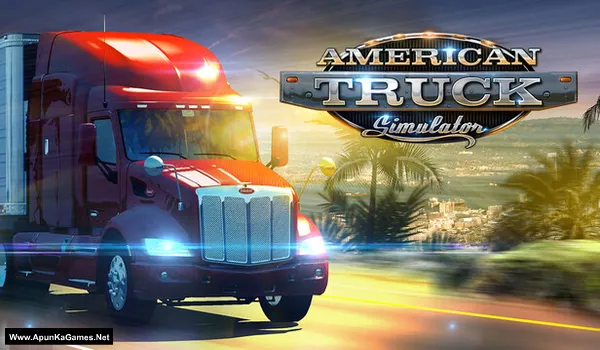
American Truck Simulator Game – Overview – Free Download – PC – Specs – Screenshots – Free
Type of game: Simulation
PC Release Date: February 2, 2016
Developer/Publishers: SCS Software
American Truck Simulator (1.07 GB) is an Simulation video game. Developed and published by SCS Software. It was released on February 2, 2016 for Windows. American Truck Simulator is a realistic driving sim that lets players haul cargo across detailed U.S. highways and cities. Manage your trucking business, upgrade licensed rigs, and expand your fleet. Smooth driving mechanics, authentic interiors, and open-road exploration deliver a relaxing yet strategic gameplay experience.
Type of game: Simulation
PC Release Date: February 2, 2016
Developer/Publishers: SCS Software
American Truck Simulator (1.07 GB) is an Simulation video game. Developed and published by SCS Software. It was released on February 2, 2016 for Windows. American Truck Simulator is a realistic driving sim that lets players haul cargo across detailed U.S. highways and cities. Manage your trucking business, upgrade licensed rigs, and expand your fleet. Smooth driving mechanics, authentic interiors, and open-road exploration deliver a relaxing yet strategic gameplay experience.
Before downloading make sure that your PC meets minimum system requirements.
Minimum System Requirements
- OS: Windows 10 (64‑bit)
- Processor: Intel Core i5-6400 or AMD Ryzen 3 1200 or similar
- RAM: 8 GB
- Hard Disk: 25 GB available space
- Graphics Card: NVIDIA GeForce GTX 660 or AMD Radeon RX 460 or Intel HD 630 (2GB VRAM)
- DirectX: Version 11
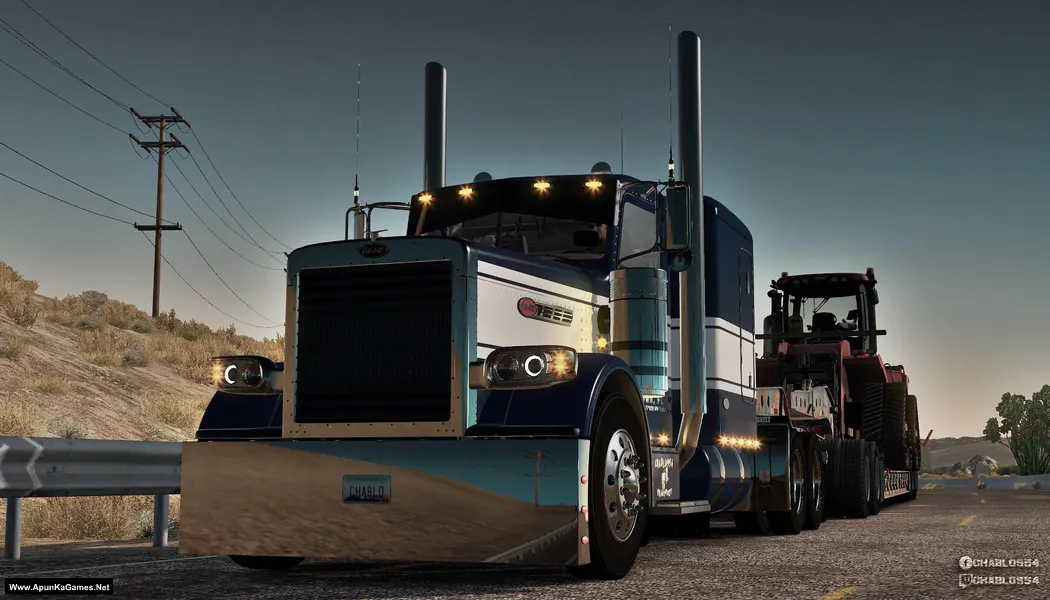
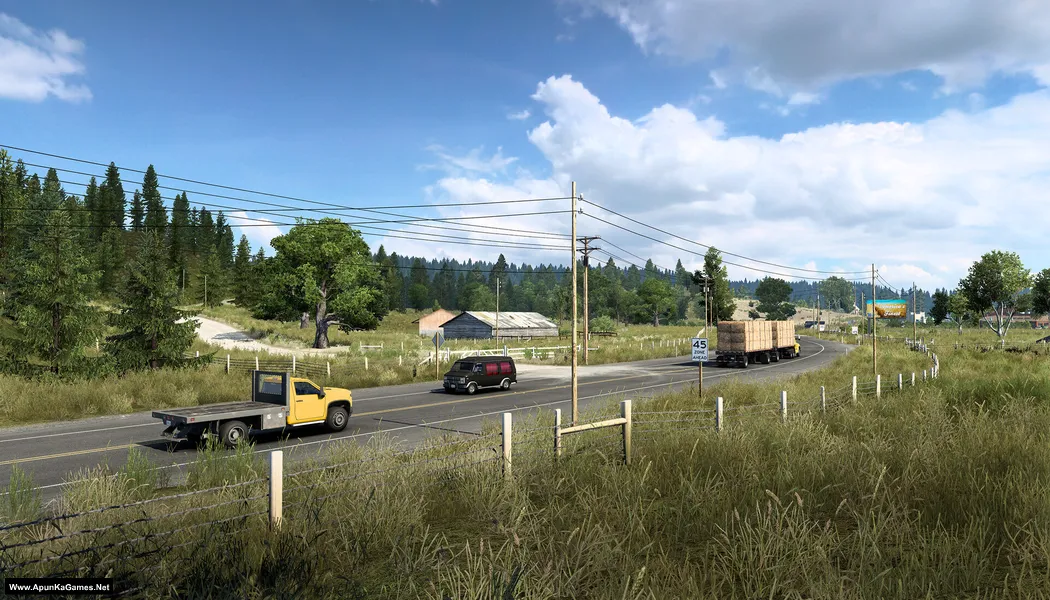
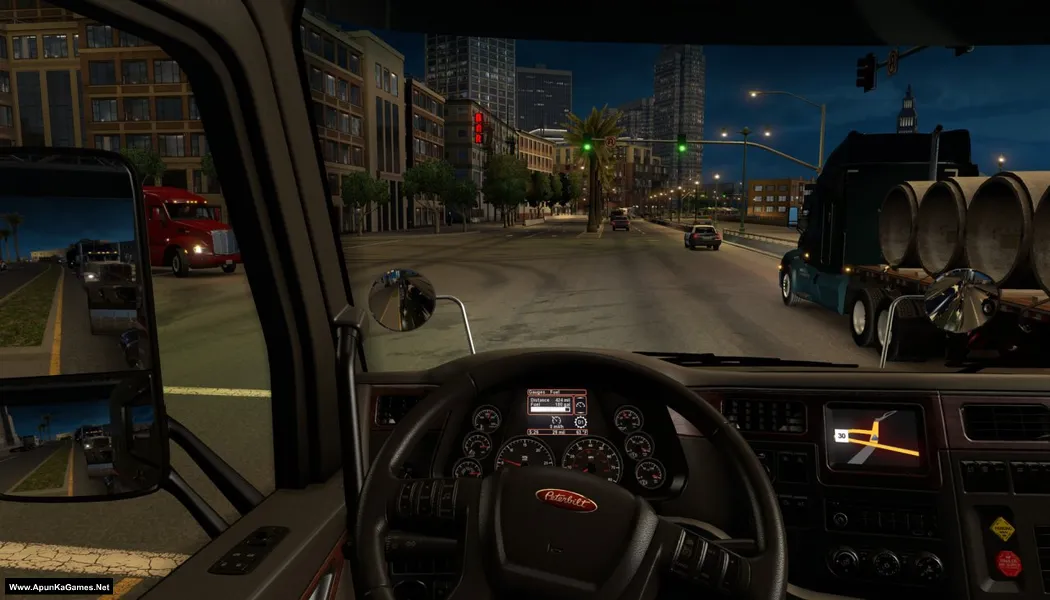
Screenshots
How to Install?
- Extract the file using Winrar. (Download Winrar)
- Open “American Truck Simulator” >> “Game” >> “bin” >> “win_x64” folder.
- Then launch the game using “amtrucks.exe” to play the game. Done!
How to Download?
If your don’t know how to Download this game, just Click Here!
If your don’t know how to Download this game, just Click Here!
Game Size: 1.07 GB
Password: www.apunkagames.net or apunkagames
What is tha password
www.apunkagames.netbro password is apunkagames or
www.apunkagames.netWhich version is this??
V1.2.1.1
serial key?
you can find it online just search ATS serial key you find one this worked on ETS 2
serial key
Brow password name
Type these passwords one by one (make sure Caps Lock is off) or just copy and paste it.
apunkagames
www.apunkagames.netwww.apunkagames.comAmzad
This is my second try to post the fact that everytime I try the DL link, it takes me to the Oregon DL link instead, and this happens everytime I try to download this program.
Can you please correct the link so I can access this file.
Appreciate.
Click Here
W APUNKAGAMES
Archive corrupted is what am getting
Brother We checked the archive and nothing is corrupted from our side. Since it’s a single .exe RAR file, please make sure the file has downloaded completely. Before extraction, check your antivirus/Windows Security and create an exception for the game folder if it is blocking any files. Then right-click American Truck Simulator – (Www.ApunKaGames.Net).exe → WinRAR → Extract Here. Don’t try to run the game directly from inside the RAR file. 👍
We checked the game again, and this setup is 100% working. Please follow the instructions step by step. Before extracting and installing the game, temporarily disable your antivirus, as it may block or quarantine required DLL files.
01. Extract the file using Winrar.
02. Open “American Truck Simulator” >> “Game” >> “bin” >> “win_x64” folder.
03. Then launch the game using “amtrucks.exe” to play the game. Done!
Note: This setup has been tested on Windows 10. Before extracting and installing, check your antivirus/Windows Security and create an exception for the game folder if it blocks any required files. Also, make sure the latest Microsoft Visual C++ Redistributable packages are installed.