
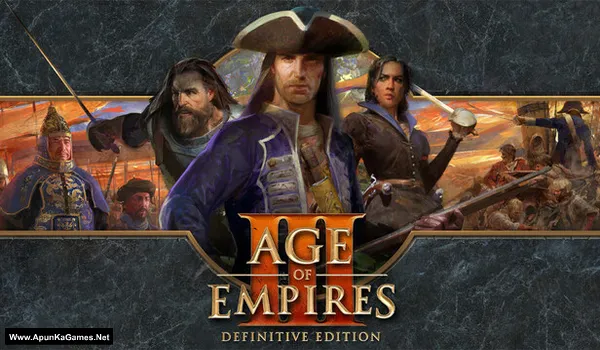
Age of Empires III: Definitive Edition v100.19.18309 + All DLCs Game – Overview – Download – Free – PC – Specs – Screenshots – Installation Guide
Type of game: Strategy
PC Release Date: October 15, 2020
Developer/Publishers: World’s Edge, Tantalus Media, Forgotten Empires, Xbox Game Studios
Age of Empires III: Definitive Edition (39.5 GB) is a real-time strategy game focused on historical battles, empire building, exploration, and resource management. Lead powerful civilizations through different campaigns, gather resources, construct settlements, train armies, and conquer rival territories. Experience enhanced graphics, improved audio, updated gameplay features, and classic content with modern improvements. Explore diverse maps, develop new technologies, command unique units, and use strategic decisions to expand your influence. Build your empire and shape history through challenging battles and tactical warfare.
Type of game: Strategy
PC Release Date: October 15, 2020
Developer/Publishers: World’s Edge, Tantalus Media, Forgotten Empires, Xbox Game Studios
Age of Empires III: Definitive Edition (39.5 GB) is a real-time strategy game focused on historical battles, empire building, exploration, and resource management. Lead powerful civilizations through different campaigns, gather resources, construct settlements, train armies, and conquer rival territories. Experience enhanced graphics, improved audio, updated gameplay features, and classic content with modern improvements. Explore diverse maps, develop new technologies, command unique units, and use strategic decisions to expand your influence. Build your empire and shape history through challenging battles and tactical warfare.
Before downloading make sure that your PC meets minimum system requirements.
Minimum System Requirements
- OS: Windows 10 version 18362.0 or higher (64‑bit)
- Processor: Intel i3-2105, 3.1GHz or AMD Phenom II X4 973 with an average CPU Passmark score of 1830 or better
- RAM: 8 GB
- Hard Disk: 42 GB available space
- Graphics Card: GeForce GT 430, Radeon HD 5570, or Intel HD 4400 with an average Passmark G3D Mark of 570 or better @720p
- Network: Broadband Internet connection
- DirectX: Version 11
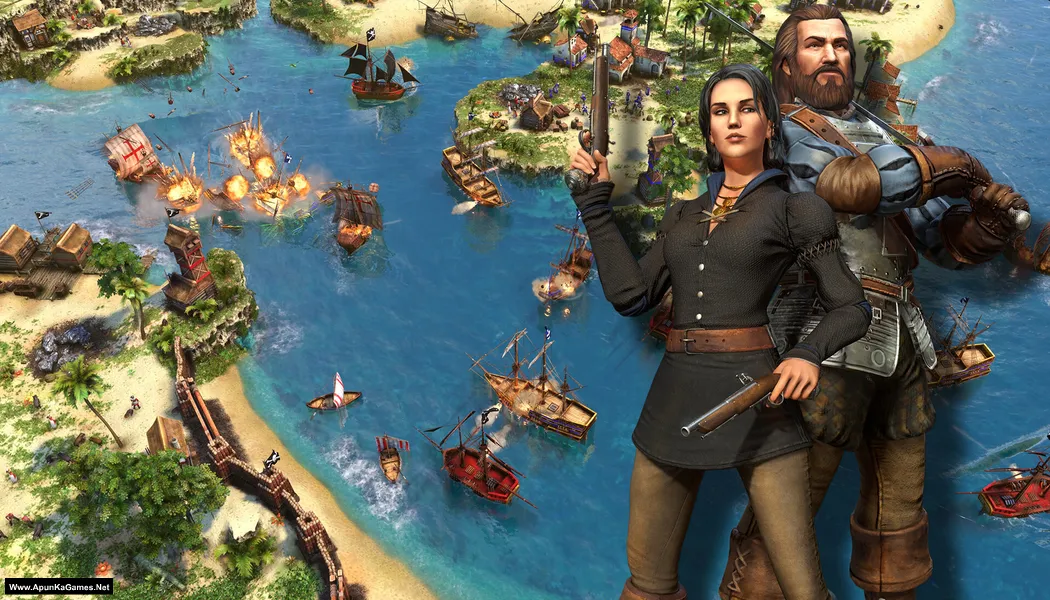
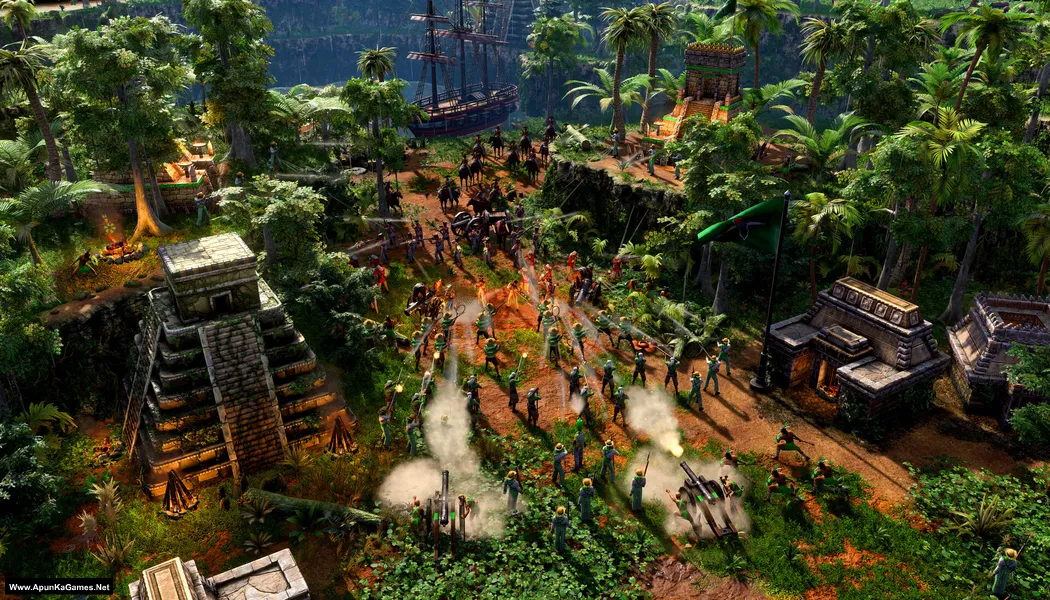
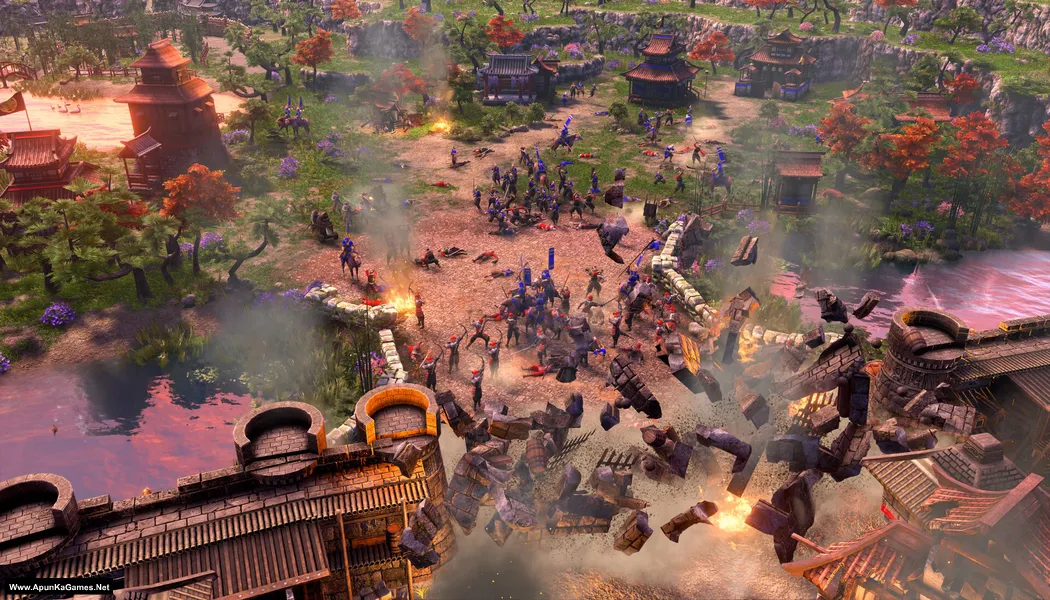
Screenshots
How to Install?
- Extract the file using Winrar. (Download Winrar)
- Open “Age of Empires III – DE” folder, double click on “Setup” and install it.
- After installation complete, go to the folder where you extract the game.
- Open “RUNE” folder, copy all files and paste it where you install the game.
- Then double click on “Game” .exe to play the game. Done!
How to Download?
If your don’t know how to Download this game, just Click Here!
If your don’t know how to Download this game, just Click Here!
Age of Empires III: Definitive Edition Download
Click Here to Download This Game
Game Size: 39.5 GB
Password: www.apunkagames.net or apunkagames
Click Here to Download This Game
Game Size: 39.5 GB
Password: www.apunkagames.net or apunkagames
