
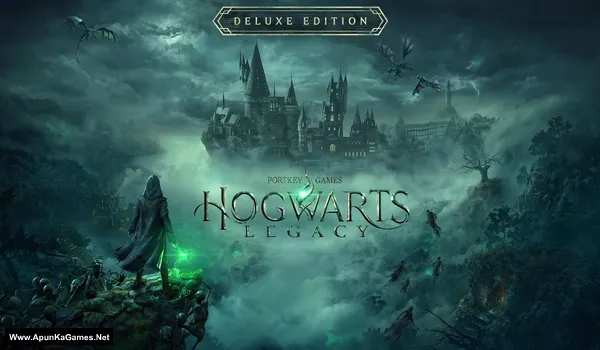
Hogwarts Legacy: Deluxe Edition + All DLCs included Game – Overview – Free Download – PC – Specs – Screenshots – Free
Type of game: Action, Role-playing
PC Release Date: February 10, 2023
Developer/Publishers: Avalanche Software, Warner Bros. Games
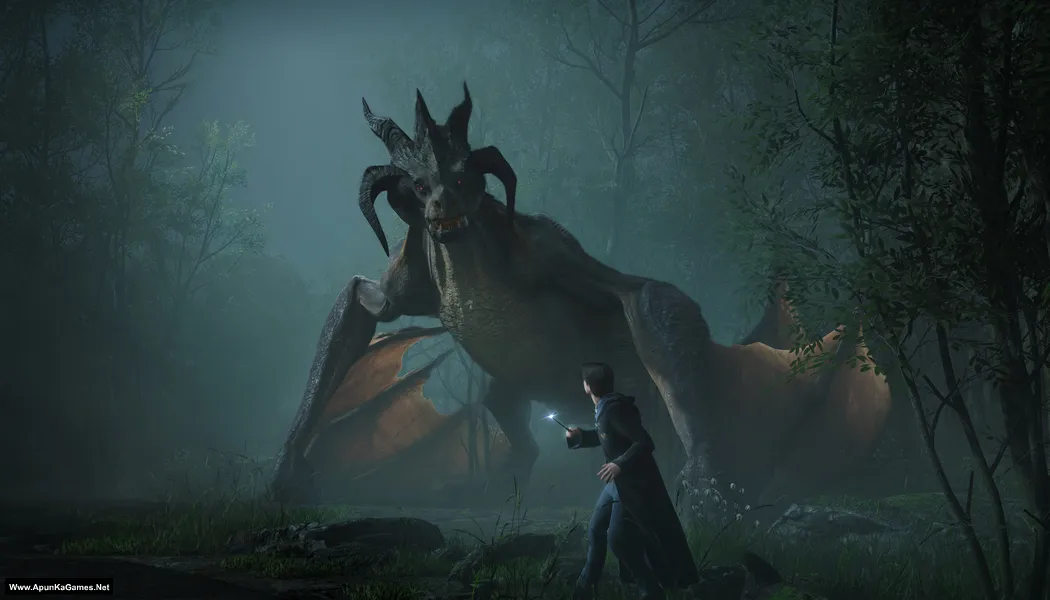
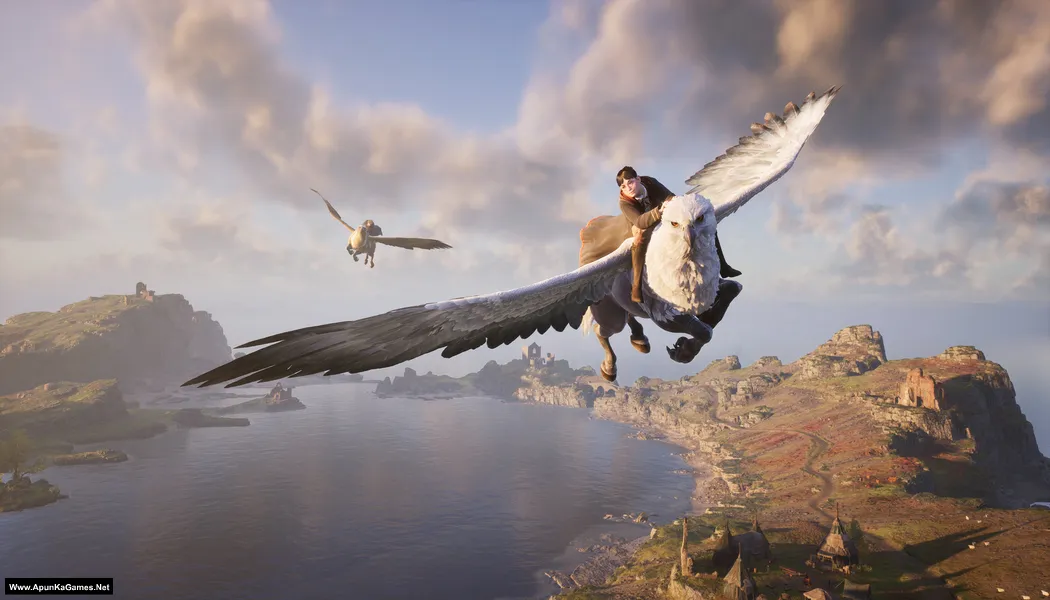
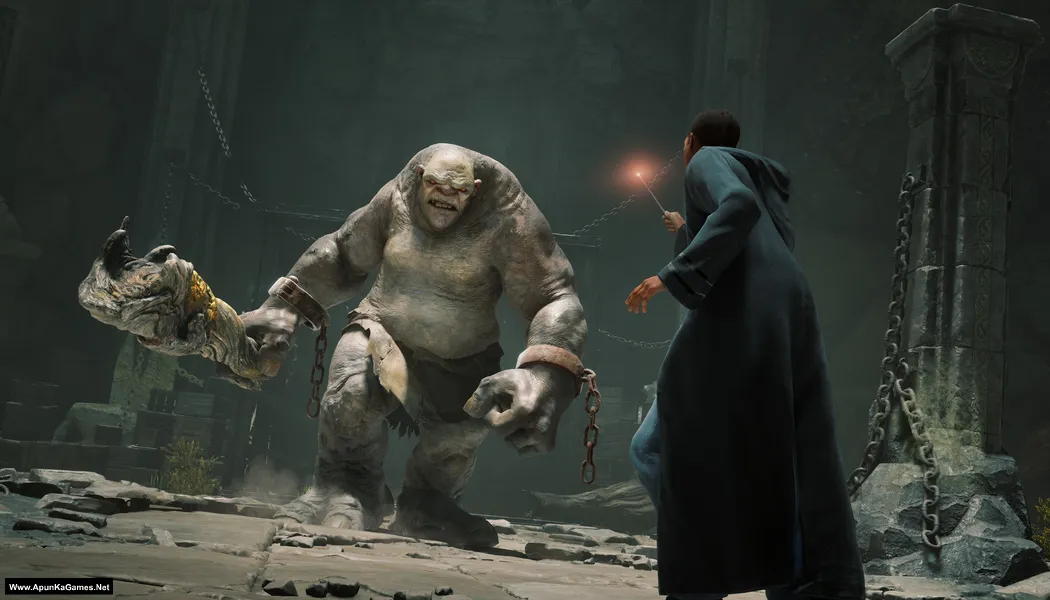
Hogwarts Legacy: Deluxe Edition (75.3 GB) is an RPG, Open World video game. Developed and published by Avalanche Software, Warner Bros. Games. It was released on February 10, 2023 for Windows. Hogwarts Legacy: Deluxe Edition is an open-world action RPG set in the Wizarding World during the 1800s. Players master powerful spells, explore Hogwarts, complete quests, battle dark forces across vast magical landscapes. With immersive gameplay, character customization, deluxe content, it delivers a top PC fantasy adventure experience.
Before downloading make sure that your PC meets minimum system requirements.
Minimum System Requirements
- OS: Windows 10 (64‑bit)
- Processor: Intel Core i5-6600 (3.3Ghz) or AMD Ryzen 5 1400 (3.2Ghz)
- RAM: 16 GB
- Hard Disk: 85 GB available space
- Graphics Card: NVIDIA GeForce GTX 960 4GB or AMD Radeon RX 470 4GB
- DirectX: Version 12
- Additional Notes: SSD (Preferred)
Screenshots
How to Install?
- Extract the file using Winrar. (Download Winrar)
- Open “Hogwarts Legacy: Deluxe Edition” folder, double click on “setup” and install it.
- Once the installation is 100% complete, go to the desktop.
- Then launch the game from the desktop or start menu “Game” icon to start playing. Done!
How to Download?
If your don’t know how to Download this game, just Click Here!
Game Size: 75.3 GB
Password: www.apunkagames.net or apunkagames

demon slayer kimetsu no yaiba the hinokami chronicles 2 please add this game please sir
Noted.. i will try my best to find and upload this game Cracked Version.
Is this game working in Windows 10 64 bit Operating system with 16 gb ram laptop intel core i5 7th generation processor 7200u processor.
OS: Windows 10 (64‑bit)
Processor: Intel Core i5-6600 (3.3Ghz) or AMD Ryzen 5 1400 (3.2Ghz)
RAM: 16 GB
Hard Disk: 85 GB available space
Graphics Card: NVIDIA GeForce GTX 960 4GB or AMD Radeon RX 470 4GB
DirectX: Version 12
This is the minimum specifications for play this game if it’s meets with your system requirements then you can play it.
Is this the latest version of the game?
yes!
my laptop is windows 11 i5 with rtx 3050 and it is still not working it just says one file is unable to work on windows and re download from valid platform please help me out
That message usually means one of the game files is corrupted, missing, or blocked by Windows Defender/antivirus. Since you are on Windows 11 with good specs, the problem is most likely not your laptop but the game files or a damaged crack/launcher file. Delete the current game folder, disable antivirus and Defender temporarily, re-extract the files with WinRAR, install again as admin, and make sure all Visual C++ and DirectX redistributables are installed. After install, add the game folder to Defender exclusions before launching the game.
Is this versison from the latest releases and does it contain hypervisor because the empress version had many problems in performance
This is (Empress) setup by it’s repack by DODI. we check the setup and it’s fine. You can download if you want!
I am having trouble after instaling when i try to run it, It shows dll error even after re installing my defender is down and i have required specs what should i do
Brother, DLL errors usually happen when a file is missing, blocked, or quarantined by Windows Security/antivirus during installation. First, check your antivirus quarantine/history and restore any deleted files if necessary. Then reinstall the game as Administrator and make sure all required redistributables (DirectX, Visual C++ Redistributables, .NET Framework) are installed. You can download Redist from Microsoft’s website or use the link provided. Click here to download redistributable packages
I Tried it and the dll issue was sorted but when i click on application it doesn’t respond it just load and does not react
Brother, please try running the game as administrator and make sure your graphics drivers are up to date. Also, check Windows Security’s Protection History to see if any game files were quarantined. If Hogwarts Legacy Deluxe Edition still gets stuck on loading, please share your PC specifications (CPU, GPU, and RAM) so we can investigate further. 🎮
We checked the game again, and this setup is 100% working. Please follow the instructions step by step. Before extracting and installing the game, temporarily disable your antivirus, as it may block or quarantine required DLL files.
Download all parts and paste them into one new folder.
01. Extract the file using Winrar part 1 and automatically all parts will extracted.
02. Open “Hogwarts Legacy Deluxe Edition” folder, run the “setup.exe” and click on the bottom line.
03. Then press “UP” arrow key from your keyboard to unlock the setup to continue the installation.
04. After installation complete, go to the folder where you install the game.
05. Then launch the game from the desktop “Play Hogwarts Legacy” icon or in-game “HogwartsLegacy.exe” to start playing. Done!
Note: This setup has been tested on Windows 10. Also, make sure the latest Microsoft Visual C++ Redistributable packages are installed.
Is this game working on Intel core i5 processor 8 gb ram laptop with nvidia GeForce GTX Intel core i5 7200u processor 8 gb ram laptop
Brother, I wouldn’t recommend downloading Hogwarts Legacy on this laptop. The minimum requirements are:
– Processor: Intel Core i5-6600
– RAM: 16 GB
– Graphics: GTX 960 4 GB or equivalent
Your 8 GB RAM is below the minimum requirement.
Please share the exact NVIDIA GTX model (e.g., GTX 940MX, GTX 1050).
Does it need hypervisor to play or its run without hypervisor
Hogwarts Legacy is a normal PC setup. It does not require Hypervisor. Just follow the installation instructions mentioned in the post and comments. The game works 100% after proper installation.
Thank You so Much 😍😍😍😍
Your Website is So Amazing Every Game is Working 100%
You’re most welcome, brother! Thank you so much for your love and support. We’re happy to know you’re enjoying ApunKaGames. Keep gaming and stay connected! ❤️
Bro jaise Fitgirl repack wala Hypervisor magta hai waise ye Hogwarts legacy bhi hypervisor se khelna padega ye Normal installation ke baad run karega
Brother, Hogwarts Legacy is a normal PC setup. It does not require Hypervisor. Just follow the installation instructions mentioned in the post and comments. The game works 100% after proper installation.