
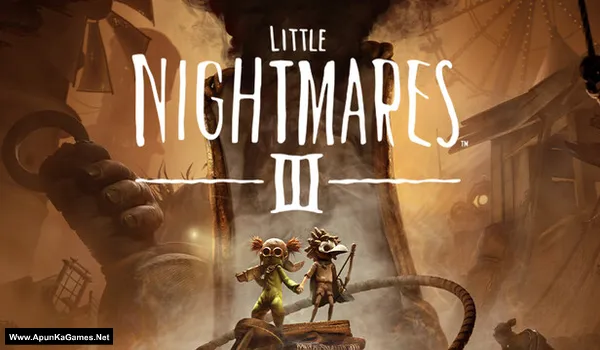
Little Nightmares 3 Deluxe Edition (2025) + ALL DLC Game – Overview – Free Download – PC – Specs – Screenshots – Free
Type of game: Adventure, Horror
PC Release Date: October 10, 2025
Developer/Publishers: Supermassive Games, Namco Entertainment
Little Nightmares III (12 GB) is an Adventure, Horror video game. Developed and published by Supermassive Games, Namco Entertainment. It was released on October 10, 2025 for Windows. Little Nightmares III Deluxe Edition delivers a dark, atmospheric horror adventure with cooperative gameplay. Solve twisted puzzles, evade terrifying enemies, and explore disturbing new environments. Enhanced content and tense platforming create a chilling and immersive experience. LN3 – Deluxe Edition includes…
- Little Nightmares III – Full Game
- Little Nightmares III – Ferryman Costumes Set
- Little Nightmares III – Residents Costumes Pack
- Little Nightmares III – Dark Six Costumes Set
- Little Nightmares III – Nomes Costumes Set
- Little Nightmares III – Klonoa Costumes Set
- Little Nightmares III – Secrets of The Spiral – Expansion Pass
Before downloading make sure that your PC meets minimum system requirements.
Minimum System Requirements
- OS: Windows 11 (64‑bit)
- Processor: Intel Core i5-6500 or AMD Ryzen 3 1200
- RAM: 8 GB
- Hard Disk: 20 GB available space
- Graphics Card: Nvidia GeForce GTX 1060 or AMD Radeon RX 580
- DirectX: Version 11
- Additional Notes: Low 1080p @ 60 FPS
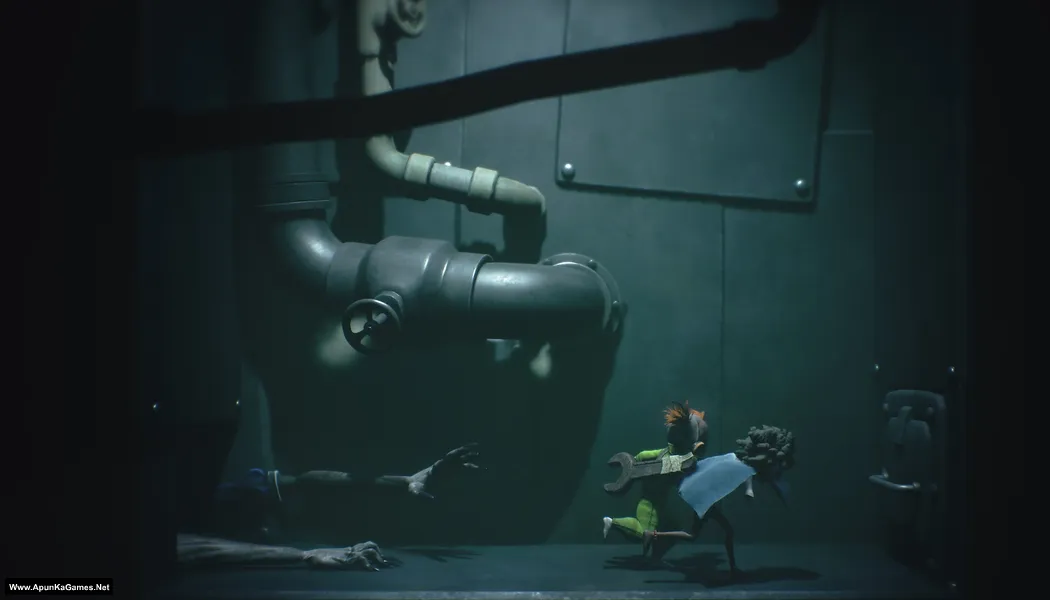
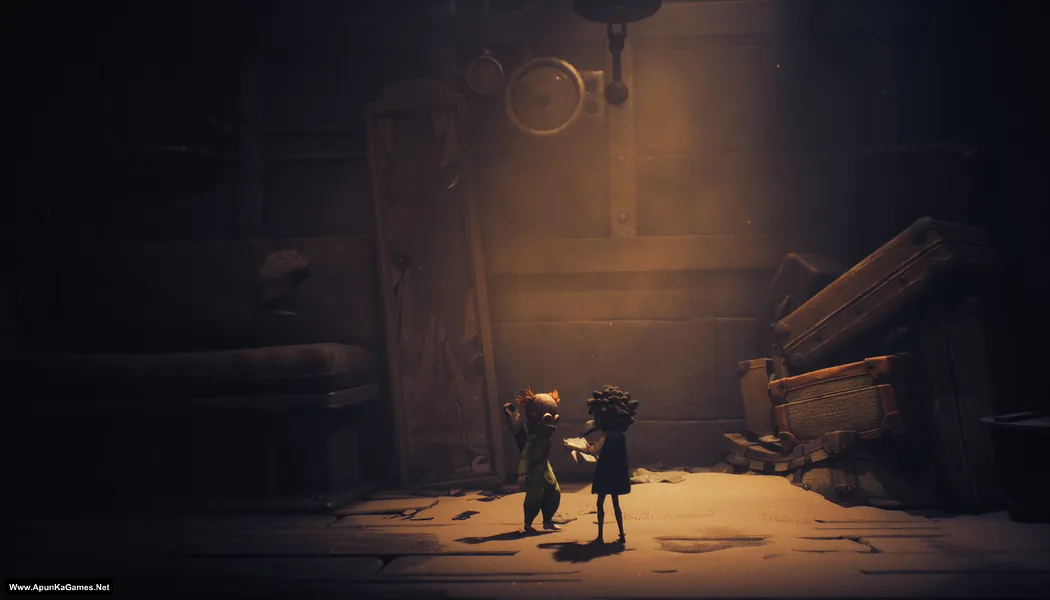
Screenshots

How to Install?
- Extract the file using Winrar. (Download Winrar)
- Open “Little Nightmares III” >> “Game” folder.
- Then double click on “LittleNightmaresIII.exe” to play the game. Done!
- Note: Just double-click ‘Make A Shortcut On Desktop (RUN ME)’ to create a desktop shortcut, you can launch the game from there too.
How to Download?
If your don’t know how to Download this game, just Click Here!
Game Size: 12 GB
Password: www.apunkagames.net or apunkagames

In this crack version 2 players can play together or not ???
Yes it’s cracked version.
apunkagames plz add the new dlc of ln 3 that released on 12 june 2026
OK brother noted.. we will try our best to add this game DLCs soon as we can!
game saying that Entry point not foun and gpu supporting directx 12 feature level 12.1 .now what should i do to run this game?
Brother, this error means your GPU may not support DirectX 12 Feature Level 12.1, which Little Nightmares III requires. Please update your graphics drivers and send us your PC specifications, including your GPU model, so we can check whether the game can run on your system. 🎮🙏
We checked the game again, and this setup is 100% working. Please follow the instructions step by step. Before extracting and installing the game, temporarily disable your antivirus, as it may block or quarantine required DLL files.
Download all parts and paste them into one new folder.
01. Extract the file using Winrar part 1 and automatically all parts will extracted.
02. Open “Little Nightmares III” >> “Game” folder.
03. Then double click on “LittleNightmaresIII.exe” to play the game. Done!
04. Just double-click ‘Make A Shortcut On Desktop (RUN ME)’ to create a desktop shortcut, you can launch the game from there too.
Note: This setup has been tested on Windows 10. Also, make sure the latest Microsoft Visual C++ Redistributable packages are installed.
doesnt work, keeps redirecting and inly includes winrar setup file , the other was a virus pack
Brother, the first time you click the download button, just close the page that opens. Then click the download button again, and the ApunkaSoftware or AKJLinks page should open. Download the game from there using the actual download link.
Brother! My pc spec are
Intel core ultra 5 125h
16 gb ram, but not dedicated GPU
So will it run in my pc?
Brother, your Intel Core Ultra 5 125H and 16 GB RAM are good, but unfortunately, I wouldn’t recommend this game without a dedicated GPU. Little Nightmares III requires at least a GTX 1060 6 GB or Radeon RX 580. Your integrated graphics may struggle to run it smoothly.