
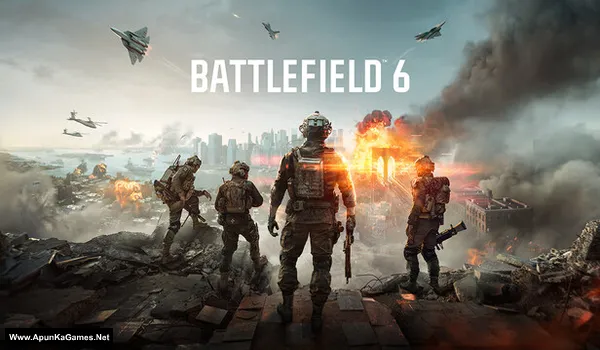
Battlefield 6 v1.0.387 Game + DLCs + Fast Install – Overview – Free Download – PC – Specs – Screenshots – Free
Type of game: Action-First person shooter
PC Release Date: October 10, 2025
Developer/Publishers: Battlefield Studios, Electronic Arts
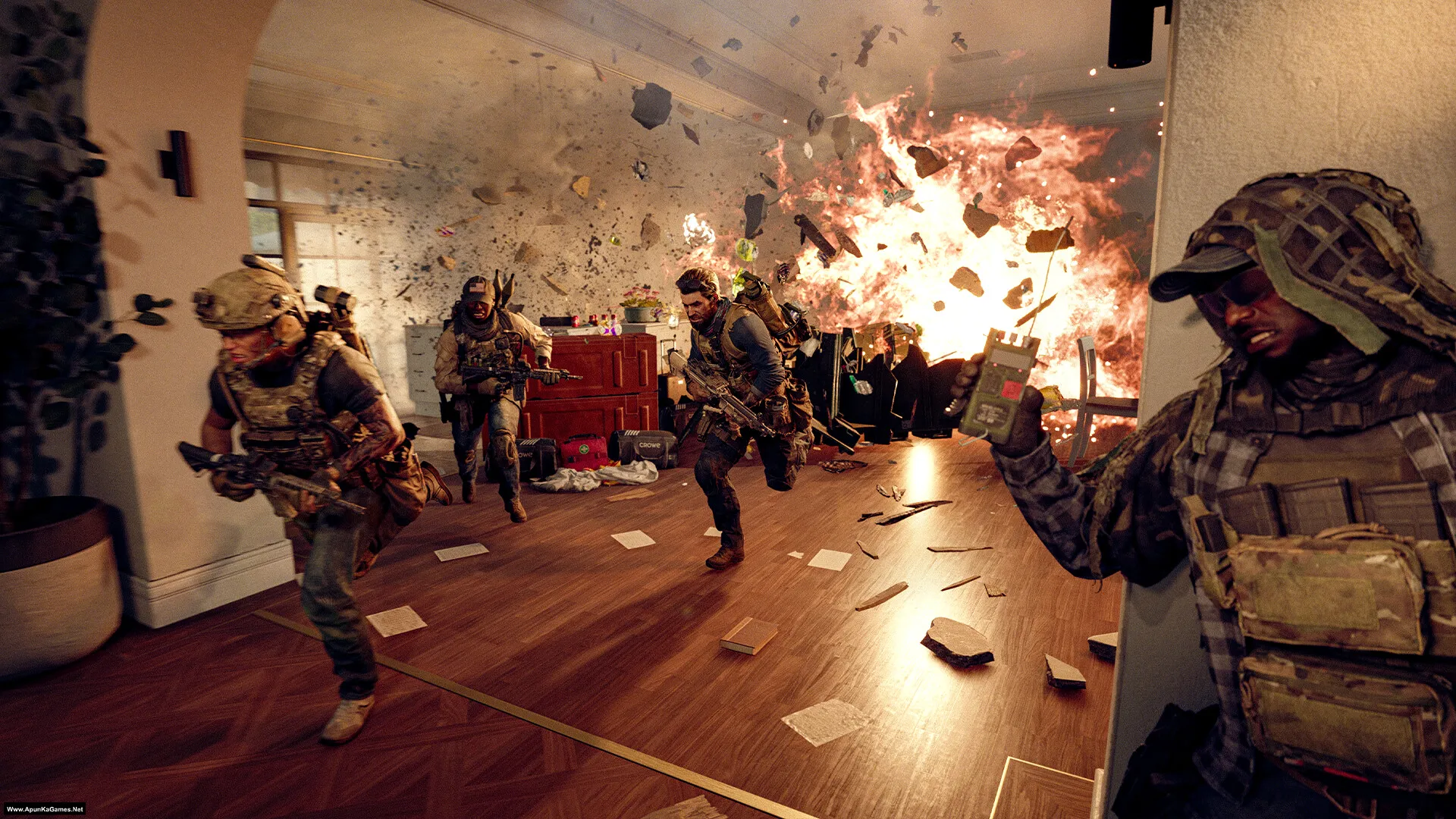
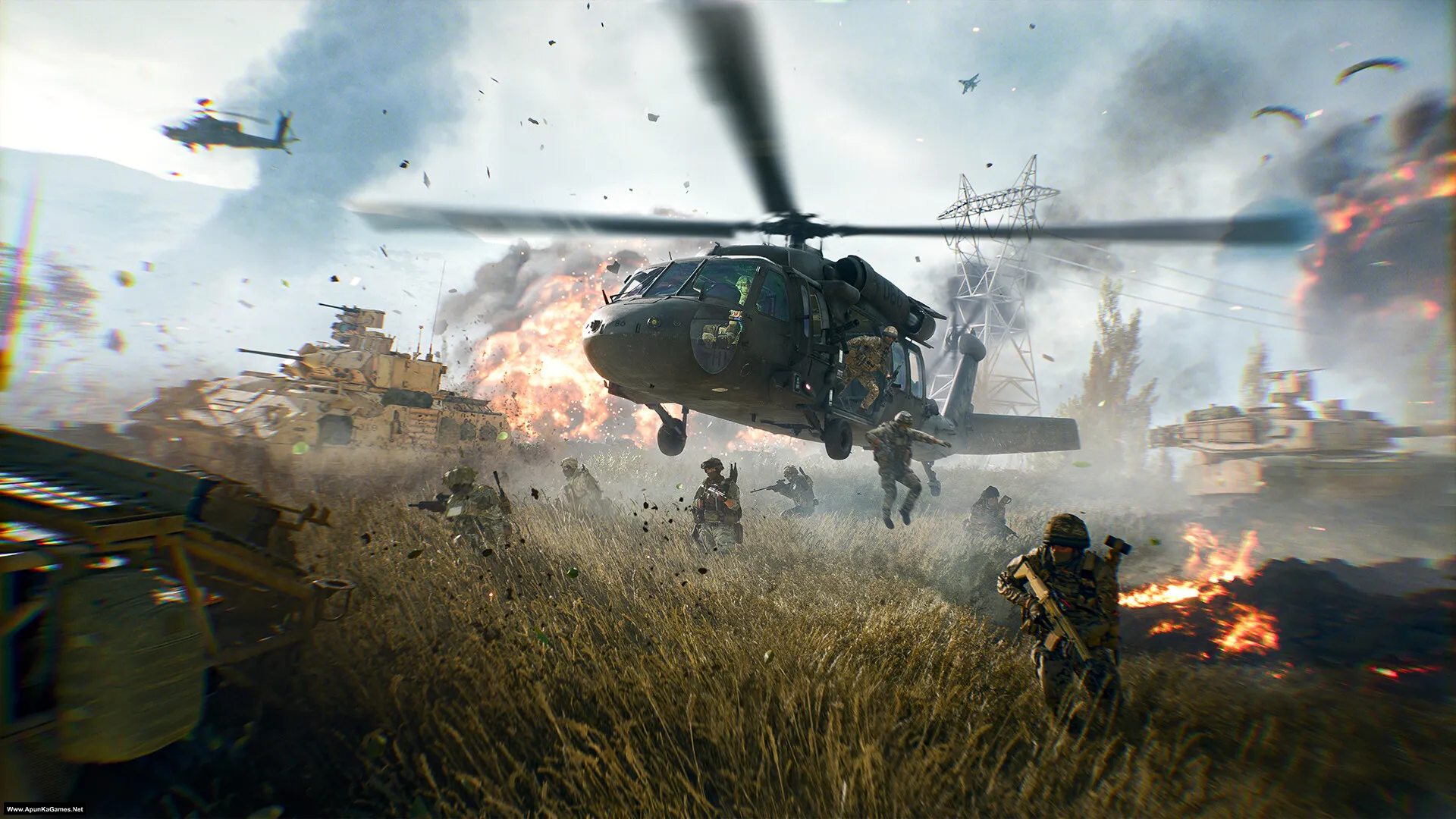
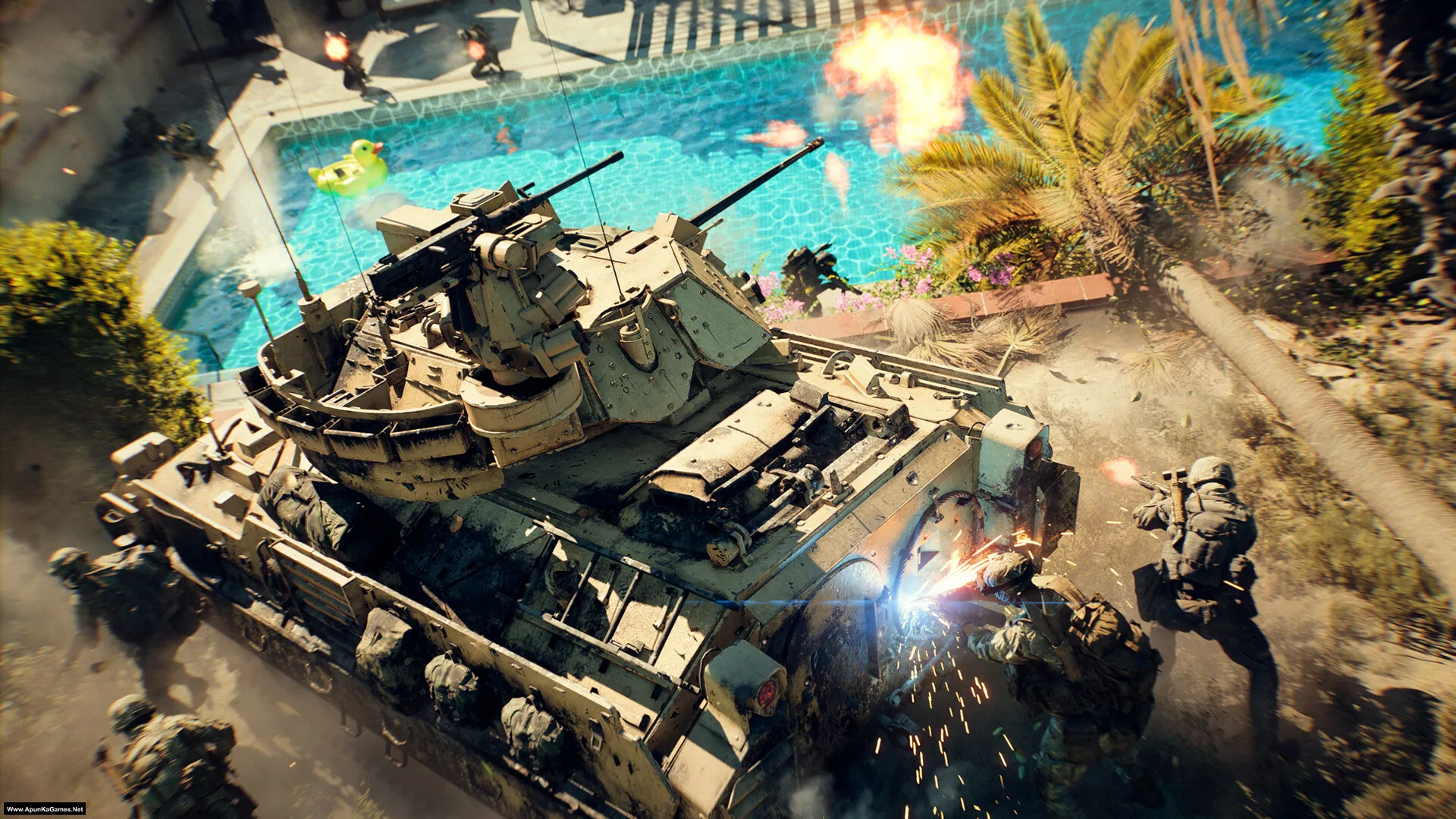
Battlefield 6 (84.4 GB) is an Action-FPS video game. Developed and published by Battlefield Studios, Electronic Arts. It was released on October 10, 2025 for Windows. Battlefield 6 is a modern large-scale shooter focused on all-out warfare and teamwork. Gameplay features massive maps, intense infantry combat, vehicles, and dynamic battles designed around fast action and squad-based play.Included DLCs:
- Battlefield™ 6 Marker
- Battlefield™ 6 Multiplayer & Single Player Shared Data
- Battlefield™ 6 Single Player
- Battlefield™ 6 Standard Edition Marker
- Battlefield™ 6 Standard Edition Pre-order Marker
- Battlefield™ Standard Edition Marker
- Battlefield™ 6 – Single Player HD Textures
- Battlefield™ 6 Multiplayer & Single Player Shared HD Textures
- Battlefield™ 6 HD Textures
Before downloading make sure that your PC meets minimum system requirements.
Minimum System Requirements
- OS: Windows 10 (64‑bit)
- Processor: Intel Core i5-8400, AMD Ryzen 5 2600
- RAM: 16 GB
- Hard Disk: 80 GB available space
- Graphics Card: Nvidia RTX 2060, AMD Radeon RX 5600 XT 6GB, Intel Arc A380
- Network: Broadband Internet connection
- DirectX: Version 12
Screenshots
How to Install?
- Extract the file using Winrar. (Download Winrar)
- Open “Battlefield 6” folder, double click on “setup” and install it.
- After installation complete, go to the folder where you install the game.
- Open folder, double click on “bf6.exe” to play the game. Done!
How to Download?
If your don’t know how to Download this game, just Click Here!
Game Size: 84.4 GB
Password: www.apunkagames.net or apunkagames

hle
yes
amd_ags_x64.dll missing error appears everytime
Download and install the latest Microsoft Visual C++ Redistributable packages from the official Microsoft website, and update your graphics card driver. If you encounter an error, search it on Google — it’s not a setup problem. The setup is 100% working; I’ve personally tested it myself.
Hi it’s in the folder SP. Black icon
Only campaign mode
yes!
Abe to pirated games pe multiplayer nhi chalte uske liye buy karna padta steam se kyuki uske updates aate rehte hai.
I never imagined apunkagames to have such a comeback in 2026
Cheers brother doing god’s work
I’m very thankful to you for providing me with all the peak games in my initial days of gaming…
Well brother, that really means a lot ❤️🙏 We truly appreciate your support and kind words. It’s amazing to hear that we were part of your early gaming days and helped you enjoy some peak titles.
Thank you for sticking with us — messages like this keep us motivated! 🎮🔥
Offline mode is playable or not?
Yes Offline mode is playable.
hi does anyone have any idea on why the pop-up screen freezes after clicking on the setup? Anyone facing the same issue?
It’s simple, toaklo. On the setup, it says to press the “UP” arrow key on your keyboard to unlock the setup, and then you can continue with the installation. 🎮
Ah! my bad I just couldn’t see well. Works now thank you.
No problem at all, brother! 😊 Glad it’s working now. Enjoy the game and happy gaming! 🎮
So amazing since i have my own pc i downloaded my favorite games from your site, thank you so much for making my gaming days so awesome.
Bhai, that’s awesome! 🎮 So glad our website could help you download your favorite games and make your gaming days amazing. Thanks for your support! ❤️
After downloading and extracting the game, when I click on setup, only the red logo appears and it doesn’t install. What should I do to install it? Please help.
If the setup only shows the red logo and does not start the installation, it usually means the installer is incomplete, blocked, or some required files are missing. First, make sure all game parts were downloaded fully and extracted without errors. Run the setup as Administrator, disable antivirus temporarily, and check whether all extracted files are in the same folder. Also install/update DirectX, Visual C++ Redistributables, and .NET Framework. If it still only shows the logo, the setup files may be corrupted, so download the files again carefully and extract them once more.
I can’t install the game. During setup, the red logo only appears at the start of the installation, and nothing else happens after that. Please help.
Wait for 1st parts to finish then click on 2nd download. All links are fine just download one by one. cancel all the active downloads in IDM and then click Part 3 it will download 100%.
Can I play this game in gtx 1660 6gb gpu
bonjour
pourquoi a chaque fois que je telecharge je me retrouve avec une installation de winrar ?
All games are uploaded in RAR format, so after downloading them, they will appear with the WinRAR icon if WinRAR is installed on your system.
BONJOUR
POURQUOI IL Y A A CHAQUE FOIS QUE DES INSTALLATIONS POUR WINRAR ?PAS DE JEU
Tell me the issue.
Me is website ko 5 saal sy use kr rha hu or ye bohut acha site hy games k liye…ak or khaas bat ye hy ke iski games bilkull thek hoty hy or ak chiz note kia he mene k admin har bandy ko reply detA hy….❤️
Thank you so much for your amazing support and for being with us for the past 5 years! ❤️ It truly means a lot to us. We’re really happy to hear you’ve had a great experience and that you’ve noticed we try to reply to everyone whenever we can. Your love and support keep us motivated to continue providing free games. Thanks again, and happy gaming! 🎮🥰
after extraction i did not find file set up in the folder ( all files has been downloaded corectly part 1- 17) but due to not enought space for download folder then i put to other folder. once all file has been downloaded then i make them in 1 folder then extract them
If you’ve downloaded all 17 parts, moved them into one folder, and extracted Part 1 only, then the setup should be there. If Setup.exe is missing, it’s most likely because Windows Defender or your antivirus quarantined or deleted it during extraction. Please check your antivirus Protection History/Quarantine, restore the file if it’s there, then temporarily disable your antivirus, add the extraction folder as an exclusion, and extract Part 1 again.
Please can battlefield play on
OS: Windows 11 Pro 64-bit
Processor: Intel Core i5-5200U @ 2.20 GHz
RAM: 16 GB (16,384 MB)
Graphics: Intel HD Graphics 5500
DirectX: DirectX 12
Bro, unfortunately Battlefield 6 won’t work on these specs. 😔
Your 16 GB RAM is okay, but the i5-5200U + Intel HD Graphics 5500 are much too weak for Battlefield 6. The game requires at least a dedicated GPU such as an RTX 2060, RX 5600 XT, or Intel Arc A380 with 6 GB VRAM.
I recommend trying an older Battlefield game that has much lower requirements.
Bhai
Battlefield 6
Only Campaign Setup Upload Kardo Uska Size Thoda Small Hoga Yah Wo Bhi Itna Bada Hai
Kyonki Wo Download Karna Thoda Asan hoga
Okay bhai, aaj main Battlefield 6 ka sirf Single-Player Campaign setup upload kar dunga. English language only hoga aur size lagbhag 37 GB tak hoga. Original setup ke neeche yeh repack TheFileLocker par publish kar dunga. Aap raat ko check kar lena.
Bhai I love you your the best in the world 🌍🌎
And Your website and Your work and the whole community of Aapunkagame Best in the world Bhai I am Also Waiting forthe only campaign small size
Bhai ek important request hai ke har game ki installation video be saat upload karo please
Thank you so much for your love and support, bhai! We really appreciate being part of this gaming community. We’ll try to provide more installation video guides for our games, but it will take time to cover them all. As for the smaller campaign-only version, we’ll try to upload it today, bhai! Please check back later. Happy gaming! 🔥
Bhai Still Not Upload only campaign 37 GB repack size
Bhai, the campaign-only version (37 GB repack) has been uploaded! You can download it now from TheFileLocker. 🎮🔥
Love you bhai your the best
Thaaaaaaa best
I was waiting for the only campagion only thank you very much
Love the support, brother! Glad we could bring you the campaign-only version you were waiting for. Enjoy the game, bhai, and happy gaming! 🎮
plz upload baldur gate 3
Already noted, brother. ❤️ But it’s a very large game, around 140 GB, so it will take some time to prepare and upload. We’ll add it as soon as we can. Thanks for your patience and support! 🙏🎮
! F:\Games\New folder\Battlefield 6 – (Www.ApunKaGames.Net).part12.rar: Checksum error in Battlefield 6 – (Www.ApunKaGames.Net)\HD-Textures.doi. The file is corrupt
why is that?
This checksum error usually means Part 12 was downloaded incompletely or became corrupted. Since the error specifically mentions HD-Textures.doi, that file is not extracting correctly from Part 12.
Try this:
1. Check the size of Part 12 against the size shown on the download page.
2. If it is smaller, redownload Part 12 completely.
3. Make sure Part 12 has the exact same filename as the original.
4. Keep all parts in the same folder.
5. Don’t extract the parts separately—start extraction from Part 1 using WinRAR/7-Zip.
6. If you used IDM, make sure Part 12 was fully completed and not interrupted.
If only Part 12 gives the checksum error while the other parts are fine, redownloading Part 12 is the first thing to try.
Thanks for your kind reply and yes I already did and it extracted perfectly but now when I install the setup it’s not installing and Idk If I can attach a file here or not. no error nothing and just stucked.
Brother, glad to hear the files extracted perfectly! Since these are cracked setups, before starting the installation, make sure your antivirus/Windows Defender isn’t blocking or quarantining any setup files. If needed, temporarily disable real-time protection during installation and enable it again afterward. Also, if you have an SSD, install the game there, as this setup requires a lot of disk space and resources. Make sure you have enough free space before starting the installation. 🎮
e4rwe
after installation i palyed the first mission after that my pc got crached adn when i opened it again the game opens and keep on loading nothig happens plz help me
Brother, if the PC crashed after the first mission and now the game keeps loading with System Error Code 2, Record: 5, try these steps:
Restart your PC and run the game as Administrator.
Make sure your GPU drivers and Windows are fully updated.
Install the latest Microsoft Visual C++ Redistributable and DirectX Runtime.
Check Windows Security/Defender quarantine to make sure no game files were removed.
If the game created a corrupted save/config after the crash, try backing up and removing the game’s settings/save folder, then launch the game again.
If it still keeps loading, Tell us your PC specifications, and we’ll check it further.
Hi there!
Hi there, How can I help you?
Is it only campaign or d complete game
Only Campaign
ApunKaGames
Hi bro, I downloaded B6, and everything seems to be working fine at first. A red logo appears, and when I click on it, the game starts. After a few loading screens, as soon as I press the Space key, the game crashes. Do you know why this is happening and how I can fix it?
Brother, this could be caused by incompatible PC specs, graphics drivers, or corrupted game files. Please share your PC specifications (CPU, GPU, and RAM) and let us know whether any error message appears when the game crashes after pressing Space. We’ll try to help you find the solution.
bhai main ne wo 37 gb only campagion abhi download kiya everything perfect wo MD5 file be past karliya lekan jab game ko open kiya tu open hogaya tu sirf black screen ta aur beach mian sirf BF6 ka logo aya aur corner mian loading ho raha ta aur age kuch nahi araha ta 30min tak wait kiya lekan wahi ka wahi ta please bhai fix this
Bhai, hamari taraf game zabardast chal rahi hai. Please apne PC ke specs (CPU, GPU, RAM) share karo. Graphics drivers update karke game ko Run as Administrator se bhi launch karke check karo. Agar phir bhi black screen par stuck hai, toh apne PC ki details share karo taake hum issue check kar saken.
Core i5 6th generation
16 GB ram
Nvidia 6 GB card
Bhai sab kuch tik tak hai
Na koi errors araha hai aur na game crash ho raha hai bas jab game open karta ho tu game tik tak open ho jata hai per start hone ke bad screen ke beach main BF6 ka logo hota hai aur neache corner main 4 safeed dot loading ho rahe hote hai aur game agree kuch nahi hota bas load ho raha hota hai
Bhai, aapke PC specs theek hain, lekin BF6 loading screen par stuck hone ka issue game files, drivers ya compatibility ki wajah se ho sakta hai. Graphics drivers update karein, game ko Run as Administrator karke check karein, aur loading screen par kuch minutes wait karein. Agar phir bhi stuck rahe, toh apna exact GPU model aur Windows version bata dein taake hum mazeed check kar sakein.
Bhai Apka Jo PC Hai Mare Khayal Main Wo Sare Games Play Karte Honge
Tu Main Yah Pooch Raha Tha Ke Apke PC Ke
Specification Kiya Hai
Please🙏 Bhai PC Ki Specification Mentioned Kardo Take Main Bhi Apna PC
Uose Specification Par Upgrade Kardo
Bhai, mera PC toh kaafi heavy specs wala hai aur uska budget bhi zyada hoga 😅 Office PC ki specifications hain Ryzen 5 7600, RTX 3070 Ti 8GB, 32GB RAM aur 2TB SSD storage. Is par bohat si new games achhi performance ke saath chal jati hain.
Aap bhi isi tarah ka PC build kar sakte ho, lekin budget aapke components aur graphics card par depend karega. RTX 4070 Ti bhi ek achha upgrade option hai, lekin prices market ke hisaab se change hoti rehti hain. Bhai, aap apna budget batao, phir us hisaab se best gaming PC suggest kar dunga.
Bhai Mera budget lagbog 170000 ka hai
Processor: AMD Ryzen 5 7500F
Graphics Card: Used AMD RX 6600 8GB
Motherboard: A620M (AM5, DDR5 support)
RAM: 16GB DDR5 5600–6000MHz (2×8GB)
Storage: 512GB NVMe SSD
Power Supply: 550W, achhi quality ka
Casing: Airflow gaming case with fans
Bhai, is build ko 170k mein fit karna local prices aur used GPU par depend karega. Agar budget allow kare toh 32GB DDR5 (2×16GB) future ke liye behtar rahegi.
Bhai Mian ne sub kuch kar diya jesa ke Aap ne guaid kiya tha driver bhi update kiya aur administration ke saat be kar ke daka aur directx be update kar diya 5, 10 min wait be kardiya aur mera exect GPU hai Nvidia Quadro P4000
Bhai Please🙏 Solve the BF6 problem
Bhai Masha Allah Apka system Acha hai jo only campaign wala setup Aap Apne system main Dobara install karke check Kare ke yah kiya masla hai
Per Dobara uninstall Kare please🙏
Bhai, maine aapki batayi hui settings ke mutabiq game dobara install karke run kiya. Pehli baar desktop icon se sirf logo aur loading dots aa rahe thay. Phir BF6.exe ki Properties mein jaa kar Compatibility Mode Windows 8 select kiya aur Run as Administrator enable kiya. Uske baad game ek minute mein shader compiling par aa gayi aur maine ek mission bhi khela. Bhai, aap bhi ye settings try karke batana ke game theek chalti hai ya nahi.
Bhai ek question wo Jo MD5 file jo hai wo konsi folder main past karna hai ek TU bf6 ka red logo hai Jo direct folder main hai aur us ke under dosre folder main bf6 ka black logo hai Jo desktop par be hai konse wale folder main MD5 file past karo
Bhai, MD5 file ko paste karne ki zaroorat nahi hoti. Agar MD5 file se game files verify karni hain, to usay usi folder mein rakho jahan game ki main files hain. Dono BF6 folders mein se jis folder mein actual game files hain, woh use karo, desktop wale shortcut ko nahi.
Finaly,,, Thanks a Lot Boss , , ,
You’re always welcome, brother! Enjoy the game and happy gaming! Thanks for your support!
only campaign part 3 is not working…session breaks mid download…tried almost 10 times with all possible ways…kindly fix that asap
Brother, first, temporarily turn off your antivirus, then click the download link to start the download. Please download the parts one by one. If one part is still downloading and you click another part, it may show an error. Let the current part finish before downloading the next one. Also, close all active IDM downloads and try clicking the download link again. We’re working on fixing the FS22 server issue permanently and hope to resolve it soon. Until then, try downloading at night or early in the morning when server traffic is lower and speeds may be better. Thanks for your patience!
after installing the game succesfully there are two bf6.exe logos (one red and one black). however both shows error when i try to play the game.
red bf6.exe = internal crack bookstrapper occured!
RCODE : 2
MHCODE: 7
black bf5.exe = internal crack error occured!
system error code: 487
RCODE: 10
i have mentioned both the errors. please help
Brother, these errors may be related to incomplete or corrupted installation files, insufficient disk space, or Windows permission issues. The **Unarc.dll error -11 (Unable to write data to disk)** usually indicates that the installer cannot write files to the destination drive.
Please try these steps:
1. Make sure you have enough free space on the installation drive.
2. Run **setup.exe** as Administrator.
3. Install the game in a folder with a short path, such as **D:\Games\BF6**.
4. Check Windows Defender Protection History for any quarantined game files.
5. Make sure all downloaded parts are complete and error-free. If necessary, re-download the affected part.
6. Set your Windows Paging File to **Automatically manage** and restart your PC.
After installation, try launching the game again. If the crack errors persist, please share your CPU, GPU, RAM, Windows version, and a screenshot of both errors so I can investigate further.
Separate installation and launch fixesAdd archive extraction troubleshooting
after installing the game succesfully there are two bf6.exe logos (one red and one black). however both shows error when i try to play the game.
red bf6.exe = internal crack bookstrapper occured!
RCODE : 2
MHCODE: 7
black bf5.exe = internal crack error occured!
system error code: 487
RCODE: 10
i have mentioned both the errors. please help
Brother, thanks for sharing both error codes. These errors may indicate a problem with the crack files, Windows permissions, or missing dependencies. Please check Windows Defender Protection History for quarantined files, make sure all game files are extracted correctly, and install the latest Visual C++ Redistributables. Also, share your CPU, GPU, RAM, and Windows version, along with screenshots of both errors, so we can investigate further.