
Injustice 2 Legendary Edition Game – Overview – Free Download – PC – Specs – Screenshots – Free
Type of game: Action, Fighting
PC Release Date: Mar 28, 2018
Developer/Publishers: NetherRealm Studios, QLOC, WB Games
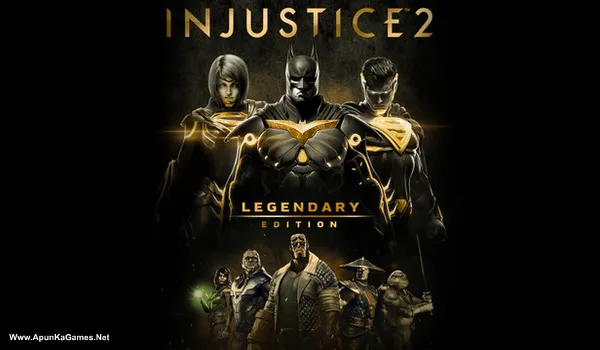
Injustice 2: Legendary Edition (37.5 GB) is a Fighting video game. Developed and published by NetherRealm Studios, QLOC, WB Games. It was released on Mar 28, 2018 for Windows. Injustice 2 Legendary Edition brings the complete DC fighting experience with all DLC characters included. Battle iconic heroes and villains in a cinematic story with deep combat mechanics. Smooth gameplay, powerful combos, and customization make every fight feel epic.
Before downloading make sure that your PC meets minimum system requirements.
Minimum System Requirements
- OS: Windows 7/10 (64 bit)
- Processor: Intel Core i5-750, 2.66 GHz / AMD Phenom II X4 965, 3.4 GHz or AMD Ryzen 3 1200, 3.1 GHz
- RAM: 4 GB RAM
- Hard Drive: 52 GB available space
- Video Card: NVIDIA GeForce GTX 670/NVIDIA GeForce GTX 1050/ AMD Radeon HD 7950/AMD Radeon RX 550
- DirectX: Version 11
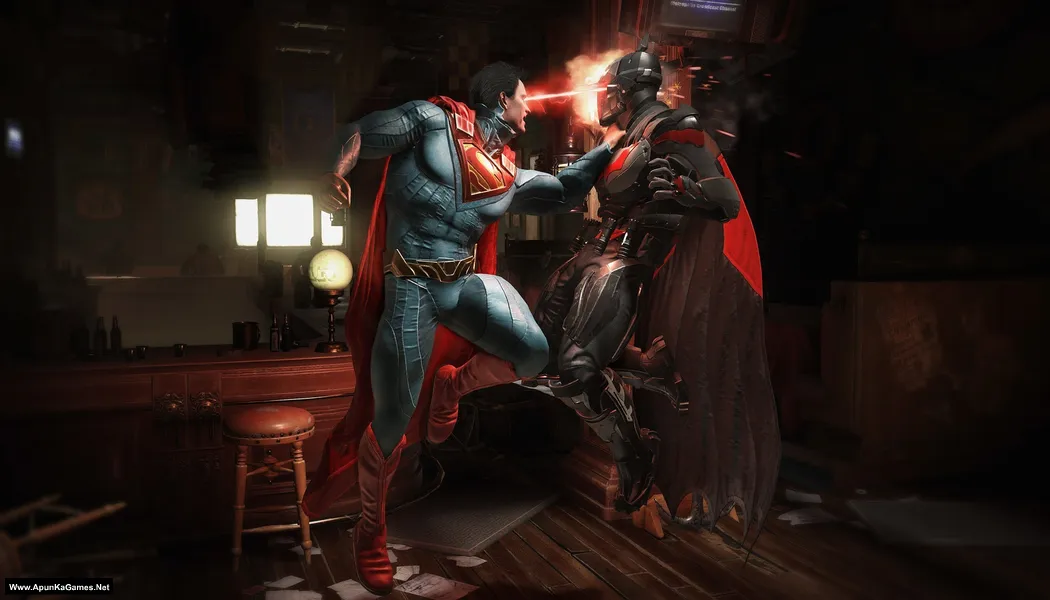
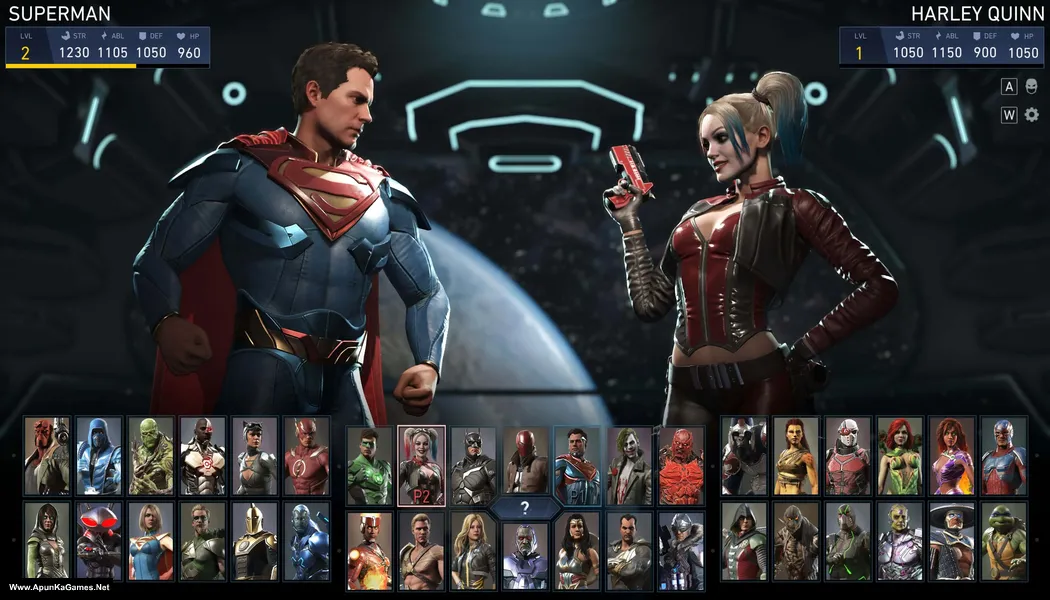
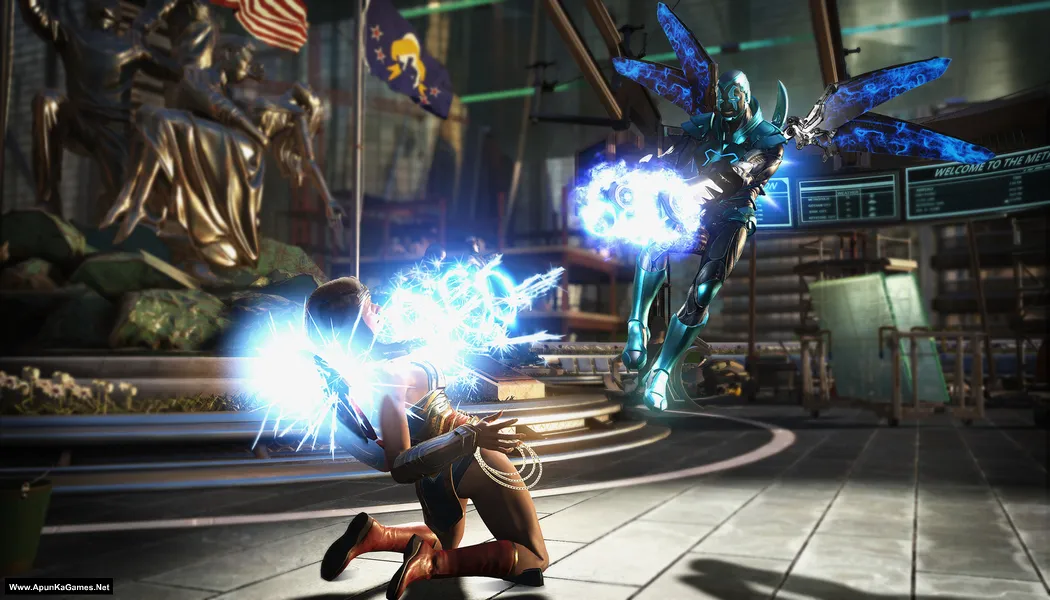
Screenshots
How to Install?
- Extract the file using Winrar. (Download Winrar)
- Open “Injustice 2 Legendary Edition” folder, double click on “Setup” and install it.
- After installation complete, go to the folder where you extract the game.
- Open “Fix” >> “Variant 2 – for old gen CPUs” folder, copy files and paste it you install the game.
- Then double click on “Injustice2” icon to play the game. Done!
How to Download?
If your don’t know how to Download this game, just Click Here!
Injustice 2 – Legendary Edition Download
Download in 5 GB Parts
Click Here
–
Download in 900MB Parts
Game Size: 37.5 GB
Password: www.apunkagames.net or apunkagames

I downloaded Injustice 2 legendary edition from this site and it says failed to start Denuvo driver error code 2148204812 I’ve been trying to fix this not working help me pls
Game not working
Tell me in detail which kind off issue you face during play this game.
its says failed to start Denuvo driver error…
“Failed to start Denuvo driver” usually means the game’s protection/DRM could not load properly, often because of Windows 7 compatibility issues, missing updates, blocked files, antivirus interference, or corrupted game files. Since you are on Windows 7, that is a big possible reason, because many newer game launchers and protections no longer work well on it. Try restarting the PC, running the game as administrator, temporarily disabling antivirus, reinstalling Visual C++ and DirectX runtimes, and checking that no game files were deleted. If it still shows the same error, the strongest fix is moving to Windows 10 64-bit, since Windows 7 support has been dropped by many gaming services.
Bhai konsi file Extract krain 8 file hai
Bhai Sub files 1 new folder main paste kr k part 1 extract kro bus baqi files automatically extract ho jayain gi.
“its says failed to start Denuvo driver error” by the way am on window 11 pro
Brother, the old setup was no longer working properly, so we updated it with a new setup: Injustice 2 Legendary Edition v20211104 (FLT), around 42 GB. 🎮
Please try the new updated setup, as it should resolve the issue you’re experiencing on Windows 11 Pro. 👍
I downloaded Injustice 2 legendary edition from this site and it says failed to start Denuvo driver error code 2148204812 I’ve been trying to fix this not working help me pls
Bhai antivirus is game to threat show kr rha ha and ya message bar bar aha ha ab Kia kroo 3 bar install Kia and tenoo bar same msg show horha ha
And Mera pc window 10 hai
100% safe hai yeh bus dll files hain or crack files ko koi bhi anti-virus support nhi krta windows defender bhi nhi is liye wo isy Threat show krty. Agar aapko antivirus ON rakh kar games khelni hain to ek exception folder bana lein. Us folder mein apne games ka directory add kar dein, taake antivirus un files ko block ya delete na kare.
successfully installed and playing.. very playable on the intel uhd 620 graphics.. i faced a lil challenge but it was very easy to solve, windows defender deleted the crack after copying it into the installed folder, so whenever i click the the crack to play it gives an error saying its a virus.. so i entered into my windows defender and searched for the quarantine section and saw that the crack was quarantined over there even though i disabled windows security before instaling the game.. i restored it back and then found it in the game folder again .. this time round when i clicked it it started working.. Also thanks to The admins of Apunka Games.. You make game installation so easy.. compared to fitgirl and the rest
Thank you so much for sharing your experience and supporting ApunKaGames, brother! Your feedback and kind words mean a lot to us and motivate us to keep improving and bringing more games to our community. Sorry for the late reply, brother. Keep enjoying your games, and happy gaming! 🎮🔥
i just downloaded and extracted the game but the installer is not working.. when i click on insgall nothing happens.. hmm
Please follow the instructions step by step. Before extracting and installing the game, temporarily disable your antivirus, as it may block or quarantine required DLL files.
01. Download all parts and paste them into one new folder.
02. Extract the file using Winrar part 1 and automatically all parts will extracted.
03. Open “Injustice 2 Legendary Edition v20211104” folder, double click on “Setup” and install it.
04. After installation complete, go to the folder where you extract the game.
05. Open “FLT” folder, copy all files and paste it where you install the game. (Click Replace)
06. Go to “Binaries” >> “Retail” folder, run using “Game” .exe to play the game. Done!
when i run the setup nothing happens