

F1 2014 Game – Overview – Free Download – PC – Specs – Screenshots – Installation Video
Type of game: Racing, Simulation
PC Release Date: October 17, 2014
Developer/Publishers: Codemasters Birmingham, Codemasters Racing
F1 2014 (3 GB) is a Formula One racing simulation developed and published by Codemasters. Based on the 2014 FIA Formula One World Championship, the game features all official teams, drivers, and tracks from the season. Players can compete in career mode, time trials, and multiplayer races while experiencing updated physics and handling. With realistic race rules, dynamic weather, and authentic presentation, F1 2014 delivers an immersive Formula One racing experience for motorsport fans.
Before downloading make sure that your PC meets minimum system requirements.
Minimum System Requirements
- OS: Windows Vista/7/8
- Processor: Intel Core 2 Duo @ 2.4Ghz or AMD Athlon X2 5400+
- RAM: 2 GB
- Hard Drive: 10 GB available space
- Video Card: AMD HD2600 or NVIDIA Geforce 8600
- Network: Broadband Internet connection
- DirectX: Version 9.0c
Screenshots
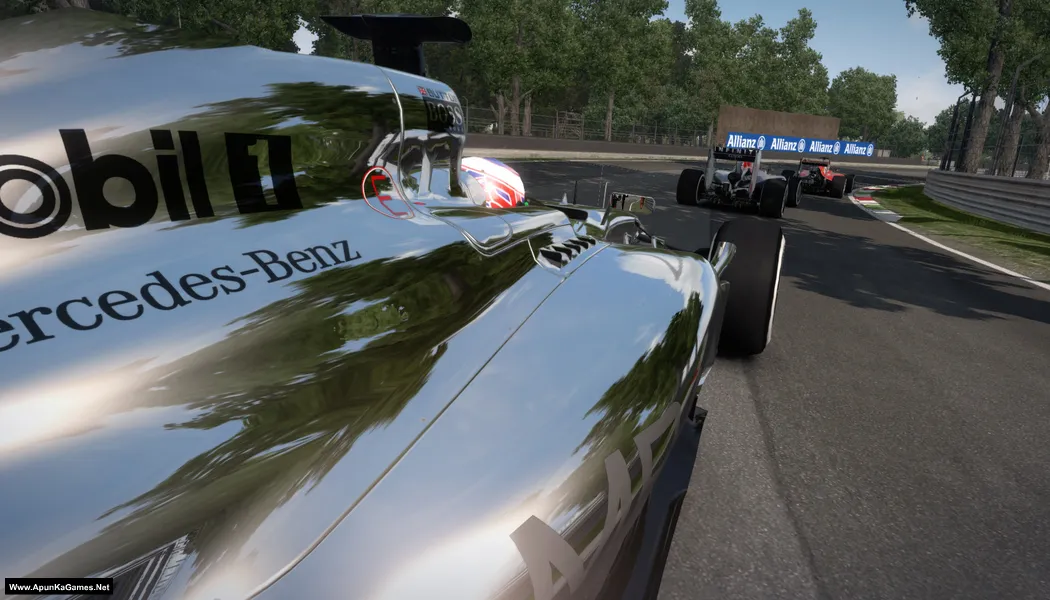
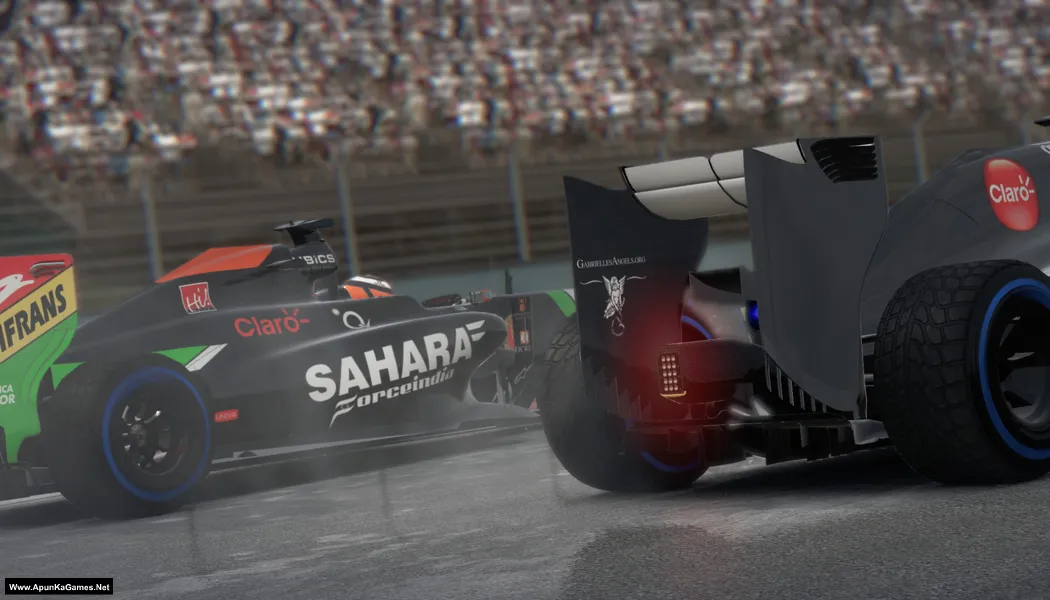
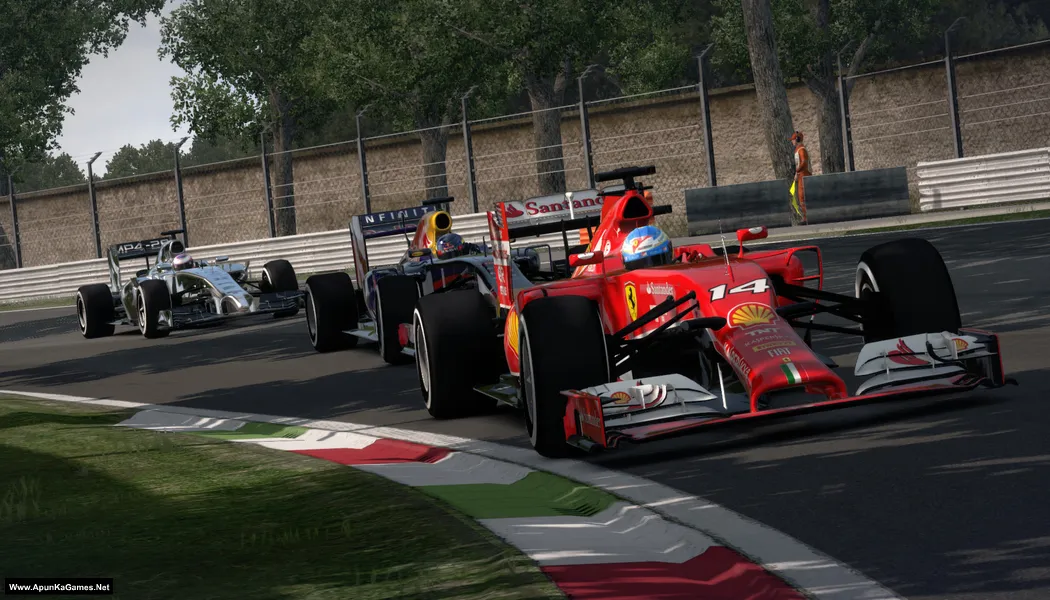
How to Install?
- Extract the file using Winrar. (Download Winrar)
- Open “F1 2014” folder, double click on “Setup” and install it.
- After installation complete, go to the folder where you install the game.
- Open folder, double click on “F1_2014” icon to play the game. Done!
How to Download?
If your don’t know how to Download this game, just Click Here!
F1 2014 Download
Download in Single Link
Click Here
–
Download in 600MB Parts
Click Here
Game Size: 3.0 GB
Password: www.apunkagames.net or apunkagames

Works 100%✓ fine … Thank you
In mine the game not opening why?
Is this latest update
Mine isn’t opening after all download and stuff . When I click on the icon it doesn’t load even when I run as an administrator
We checked the game again, and this setup is 100% working. Please follow the instructions step by step. Before extracting and installing the game, temporarily disable your antivirus, as it may block or quarantine required DLL files.
01. Extract the file using Winrar.
02. Open “F1 2014” folder, double click on “Setup” and install it.
03. After installation complete, go to the folder where you install the game.
04. Open folder, double click on “F1_2014.exe” to play the game. Done!
Note: This setup has been tested on Windows 10. Also, make sure the latest Microsoft Visual C++ Redistributable packages are installed. It’s R.G. Mechanics repack setup.
it says wrong password when i try both options apunkagames and http://www.apunkagames.net
Type these passwords one by one. Make sure Caps Lock is OFF and there are no spaces. You can also copy and paste them directly.
www.apunkagames.netF1 2014 game not opening what’s the reason pls explain!
Brother, we have checked the F1 2014 game, and it’s working fine on our end. We have already provided the required instructions in the comments. Please follow those steps carefully and try again.