
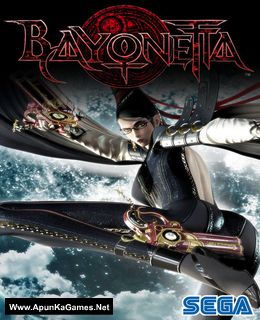
Bayonetta Game – Overview – Free Download – PC – Compressed – Specs – Screenshots – Free – Torrent/uTorrent
Type of game: Action
PC Release Date: April 11, 2017
Developer/Publishers: Very Positive
Bayonetta (7.2 GB) is an action video game. Developed and published by Very Positive. It was released on April 11, 2017 for Windows. Bayonetta. The last survivor of an ancient witch clan who keep the balance between light, dark and chaos. Entombed to protect herself – and the world as we know it – Bayonetta is discovered and revived after 500 years, sparking a chain of events with cataclysmic repercussions.
Before downloading make sure that your PC meets minimum system requirements.
Minimum System Requirements
- OS: Windows 7 / 8/(8.1)/ 10
- Processor: Core i3 3220
- RAM: 4 GB
- Hard Drive: 20 GB available space
- Video Card: Radeon HD6950 / GeForce GTX 570 (VRAM 768MB)
- DirectX: Version 9.0c
Screenshots
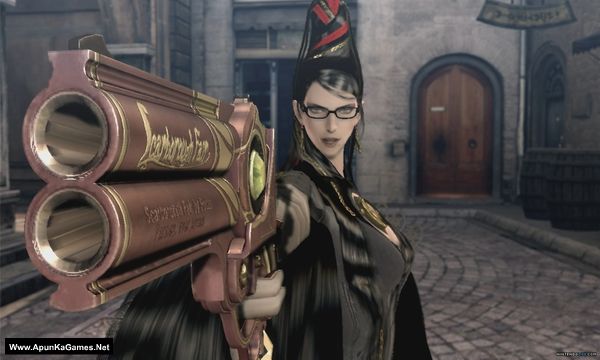
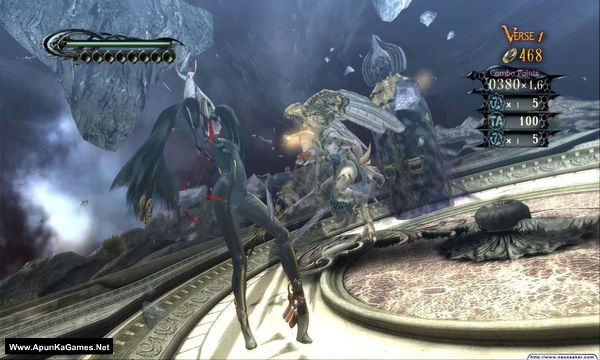
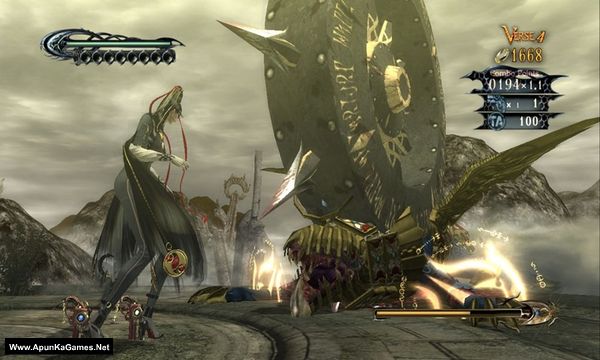
How to Install?
- Extract the file using Winrar. (Download Winrar)
- Open “Bayonetta” folder, double click on “Setup” and install it.
- After installation complete, go to the folder where you install the game.
- Then double click on “Bayonetta” icon to play the game. Done!
How to Download?
If your don’t know how to Download this game, just Click Here!
Game Size: 7.2 GB
Password: www.apunkagames.net or apunkagames

omg i’m soo happy there’s a site like this, thank you very much for making it possible to play these game!!! thank you
You’re very welcome, brother! Your support means a lot to us. We’re glad ApunKaGames is helping you enjoy your favourite games. Keep gaming and keep supporting us! 😊
hello, i downloaded this game and installed it but its not working, it shows a black screen for a few seconds then nothing happens after, please what do i do?? i downloaded sin reloaded a few days ago too but that one worked so i’m kinda confused now
We checked the game again, and this setup is 100% working. Please follow the instructions step by step. Before extracting and installing the game, temporarily disable your antivirus, as it may block or quarantine required DLL files. Also, make sure the latest Microsoft Visual C++ Redistributable packages are installed.
Download all parts and paste them into one new folder.
01. Extract the file using Winrar part 1 and automatically all parts will extracted.
02. Open “Bayonetta” folder, double click on “Setup” and install it.
03. After installation complete, go to the folder where you install the game.
04. Then double click on “Bayonetta.exe” to play the game. Done!
Note: This setup has been tested on Windows 10. It’s an RG Mechanics repack, so installation may take some time. It’s best to restart your PC once the installation is complete.