
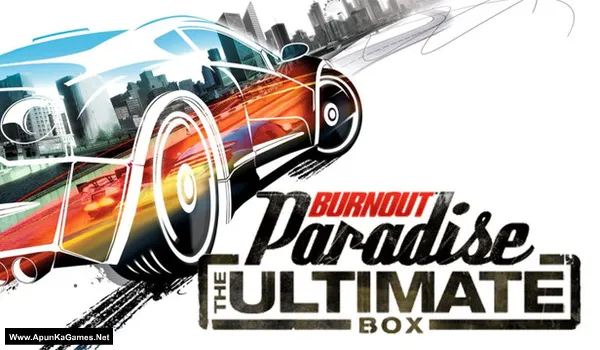
Burnout Paradise: The Ultimate Box Game – Overview – Free Download – PC – Specs – Screenshots – Free
Type of game: Racing, Open World
PC Release Date: February 5, 2009
Developer/Publishers: Criterion Games, Electronic Arts
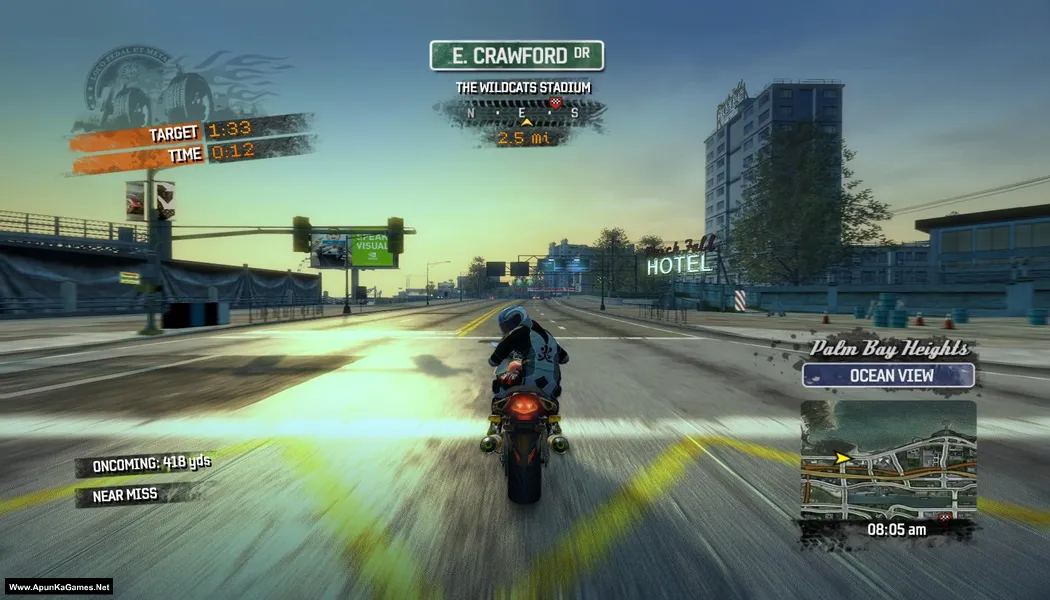
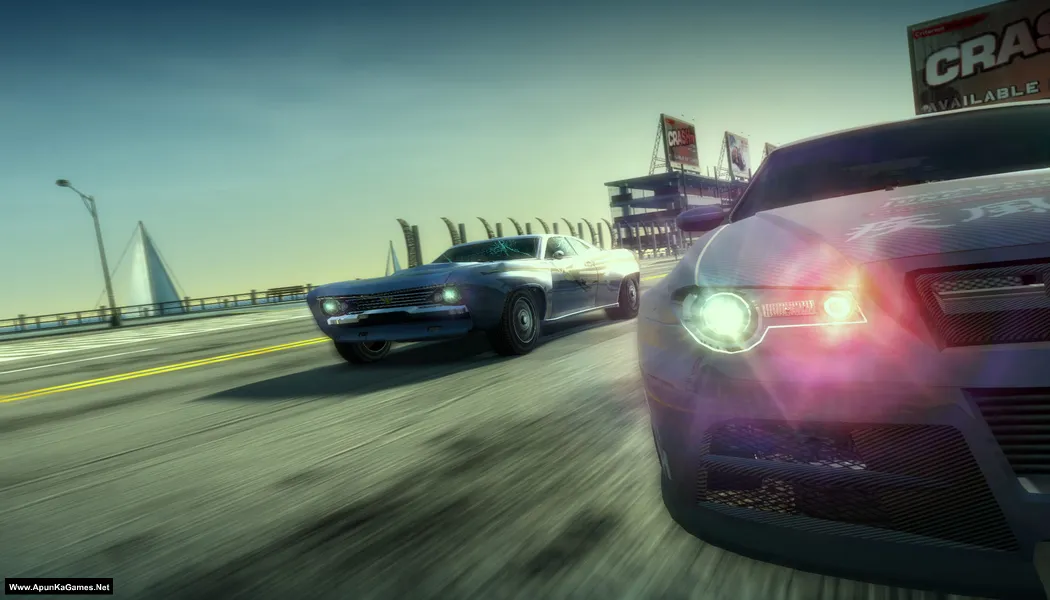
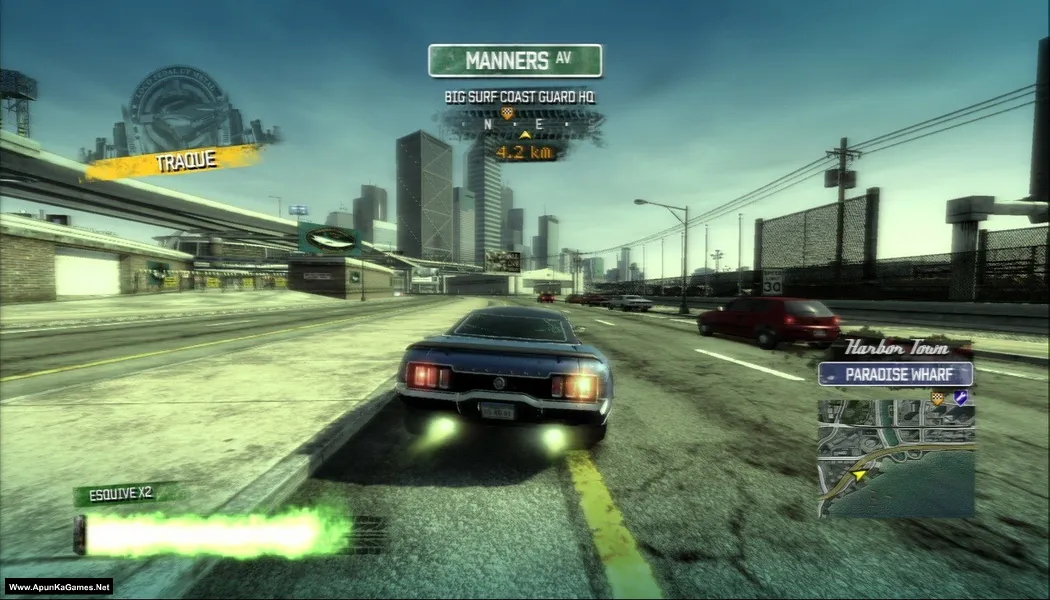
Burnout Paradise: The Ultimate Box (2.79 GB) is an Racing, Open world video game. Developed and Published by Criterion Games, Electronic Arts. It was released on February 5, 2009 for Windows. Burnout Paradise: The Ultimate Box is an open-world racing game where players speed through Paradise City completing races, stunts, and challenges. Smash through traffic, perform insane jumps, and trigger spectacular crashes for maximum chaos. The gameplay combines high-speed action, exploration, and competitive racing, delivering an exhilarating PC racing game experience.
Before downloading make sure that your PC meets minimum system requirements.
Minimum System Requirements
- OS: Windows XP/Vista/7
- Processor: 2.8 GHz Pentium 4 XP / 3.2 GHz Pentium 4 Vista
- RAM: 1 GB (XP) / 1.5 GB (Vista)
- Hard Drive: 4 GB available space
- Video Card: 128 MB, Nvidia 6600 / Radeon X1300 or greater
- DirectX: 9.0c
Screenshots
How to Install?
- Extract the file using Winrar. (Download Winrar)
- Open “Burnout Paradise The Ultimate Box” folder, double click on “EASetup” and install it.
- When they want serial key type this: NSXF-8QQM-FTJT-XFTG-XRLD
- After installation complete, go to the folder where you extract the game.
- Open “Crack” folder, copy all files and paste it where you install the game.
- Then double click on “BurnoutParadise.exe” to play the game. Done!
Complete Installation Video Tutorial?
We provide complete game installation videos to guarantee that every game works perfectly. Unlike other websites where you download blindly and hope for the best, we show you real proof. Our step-by-step installation videos clearly demonstrate the game running successfully, so you know exactly what you’re getting. With us, there’s no guesswork—only verified, 100% working games you can trust.
Trust / Proof
- 100% Working – Tested by Us
- Game Verified Before Upload
- Working Gameplay Shown
- No Fake Files
- Installed Successfully on Our PC
How to Download?
If your don’t know how to Download this game, just Click Here!
Burnout Paradise: The Ultimate Box Free Download
Download in Single Link
Click Here
–
Download in 600MB Parts
Click Here
Game Size: 2.79 GB
Password: www.apunkagames.net or apunkagames

hey it’s requesting a verifying a regestoring code
When copy pasting it does not work so type it individually and each 4 alphabets are separated by a hyphen which should be in a box(4 alphabets in a box)
Hey guys the game wants a registration code how do i get it
yes
yep
Hello Admin please admin please upload Burnout paradise remastered pc game full version pc game 🎮 upload admin.
Noted… Soon as we can!
Please upload Batman Arkham Asylum Game of the Year Edition PC Game Full Version for PC 🎮
Noted… We will upload this game soon as we can!
Please upload Burnout paradise remastered pc game full version for pc 🎮
Noted.. We will upload this game soon as we can!
Please upload Burnout Paradise Remastered PC Game Full Version for PC 🎮
Noted… Soon as we can!
Hello when I enter in game is stuck in loading screen please help ms
Watch and follow this video step by step How to Download, extract, install and play the game without any Error! 100% working setup.
Please refresh the game links below I cant download the game 🎮
Link is ok you can download.
this game isn’t working , the game opens and crashing only loading screen
It’s 100% working you just need to learn How to install the game without any Error!
While extraction using 7zip it asking for password
What’s it?
Type these passwords one by one. Make sure Caps Lock is OFF and there are no spaces. You can also copy and paste them directly.
www.apunkagames.netapunkagames
www.apunkagames.comPost download & file extract tried installation as per viode but there is no EA installation file for setup
Later on one png file found in folder in which shown to do installation by one VBScript file. VBS format but after setup file opening in admin mode it telling to insert disk in C drive & setup not moving ahead
What to do?
Brother, we’ll check the setup again and update you. Until then, please Download Burnout Paradise: The Ultimate Box (Old Version Link) and try installing it. If you face any problems during installation, let me know and I’ll send you a video guide.
Thank you for support
I will wait until corrction with new setup files comes as have already spend lot data while downloading that setup
You’re welcome, brother! We understand that downloading large setup files takes a lot of data. We’ll try to provide corrected setup files as soon as possible. Please stay tuned for updates, and you won’t need to waste more data on the same faulty files.
Hi Admin
Any update about this new setup eerrror hot fix patch file installation
Which can help to avoid download big data files
Brother, we’re still working on recovering the old setup files and preparing a fix for the installation error. We understand that you don’t want to download the entire game again. If a separate hotfix patch becomes available, we’ll add it to the post so you can fix the issue without downloading all the game files again. Thanks for your patience!