
Harry Potter and the Half-Blood Prince Game, for PC, download for pc, free version game, free pc game
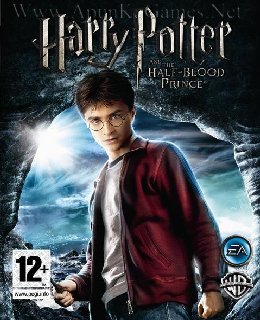
Before downloading make sure that your PC meets minimum system requirements.
Minimum System Requirements
- OS: Windows 7/8/8.1/10 (64-bit)
- CPU: Pentium 4 @ 1.8 GHz Processor
- RAM: 512 MB
- Hard Drive: 5 GB Free
- Video Memory: 64 MB, NVIDIA GeForce2 MX 400 / ATI Radeon 7500
- DirectX: 9.0c
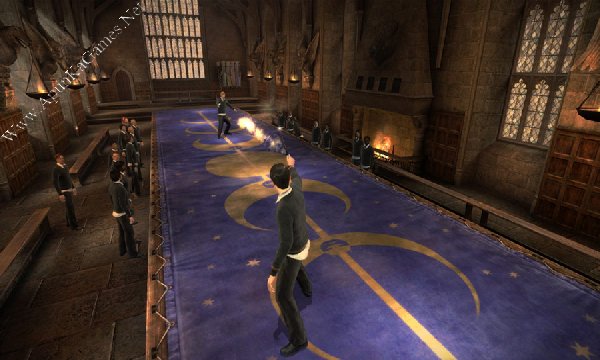
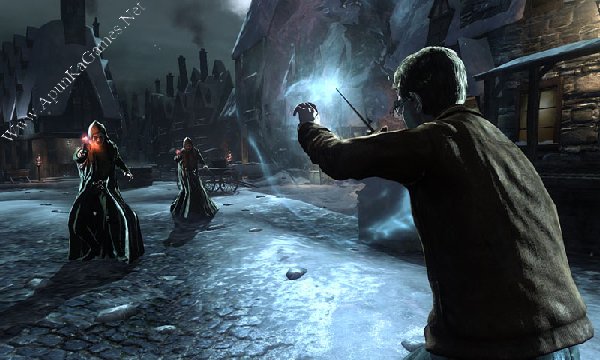
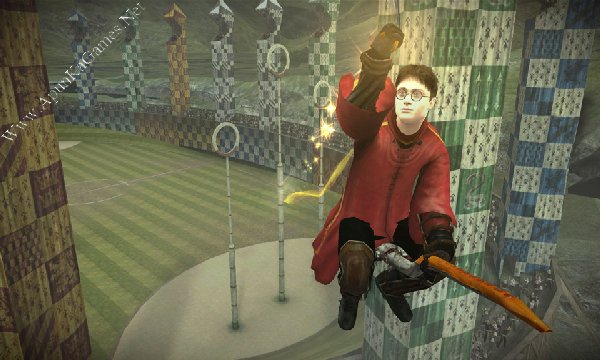
Screenshots
How to Install?
- Extract the file using Winrar. (Download Winrar)
- Open “Harry Potter and the Half-Blood Prince” folder, double click on “EASetup” and install it.
- After installation complete, go to the folder where you extract the game.
- When setup need serial key, type this: TJK3-XVQG-G3O2-76N6-1911
- Open “Razor1911” folder, copy all files and paste it where you install the game.
- Then open “PC” folder, double click on “hp6” icon to play the game. Done!
Watch Installation Video
How to Download?
If your don’t know how to Download this game, just Click Here!
Harry Potter and the Half-Blood Prince Free Download
Download in Single Link
Click Here
–
Download in 600MB Parts
Click Here
Game Size: 3.3 GB
Password: www.apunkagames.net or apunkagames

Sorry about my earlier comment this game works perfectly
I downloaded all parts of this game,and then I extracted it and when I downloaded ea setup file and after doing all procedures shown in the vedio , a icon of Harry potter and the half blood Prince came on my desktop and when I open that ,then it is asking for setup file ,I had downloaded all six parts of the game then also it is asking for game setup file, why is there any extraction problem ,but when I extracted the game it got extract smoothly,so what is wrong with the game??? please reply!!!!?
HOGWARTS LEGACY PLEASE .
The setup can’t run on windows 11. how do i get past this?
Try to run in Compatibility Mode, Select Windows XP or 95, then click ok and run!
I INSTALL THE GAME MANY TIMES BUT IT ASKED ME TO INSERT CD DVD SOMETHING ????
After installation 100% complete, you have to crack the game first and then play. Must follow these steps:
01. After installation complete, go to the folder where you extract the game.
02. Open “Razor1911” folder, copy all files and paste it where you install the game.
03. Then open “PC” folder, double click on “hp6.exe” to play the game. Done!
can you update the game download i cant download it
Brother, Single download link is working. We will update the game in 600 MB parts within 2 hours. Please check back soon!
i mean can you make the files a little easier to download they are like so old
Brother, we understand! We’re working on recovering the old files and adding better download options with resume support, so downloading will be easier and you can pause and resume whenever needed. Please give us some time to recover the files and restore the other servers. Thanks for your patience and support!
can you guys other server options for this game its my request i know you will add for the popular games but i need it here
Brother, all our previous files on the other servers were deleted. We have uploaded this game again in 600 MB parts on TheFileLocker. You can download it from there; downloading smaller parts one by one should provide a better download experience. Thanks for understanding!
please tell me the rar code
Type these passwords one by one. Make sure Caps Lock is OFF and there are no spaces. You can also copy and paste them directly.
www.apunkagames.netapunkagames
www.apunkagames.comwhat is the cd dvd code tell me quick
Brother, did you download the single file or the 600 MB parts?